Your Profile
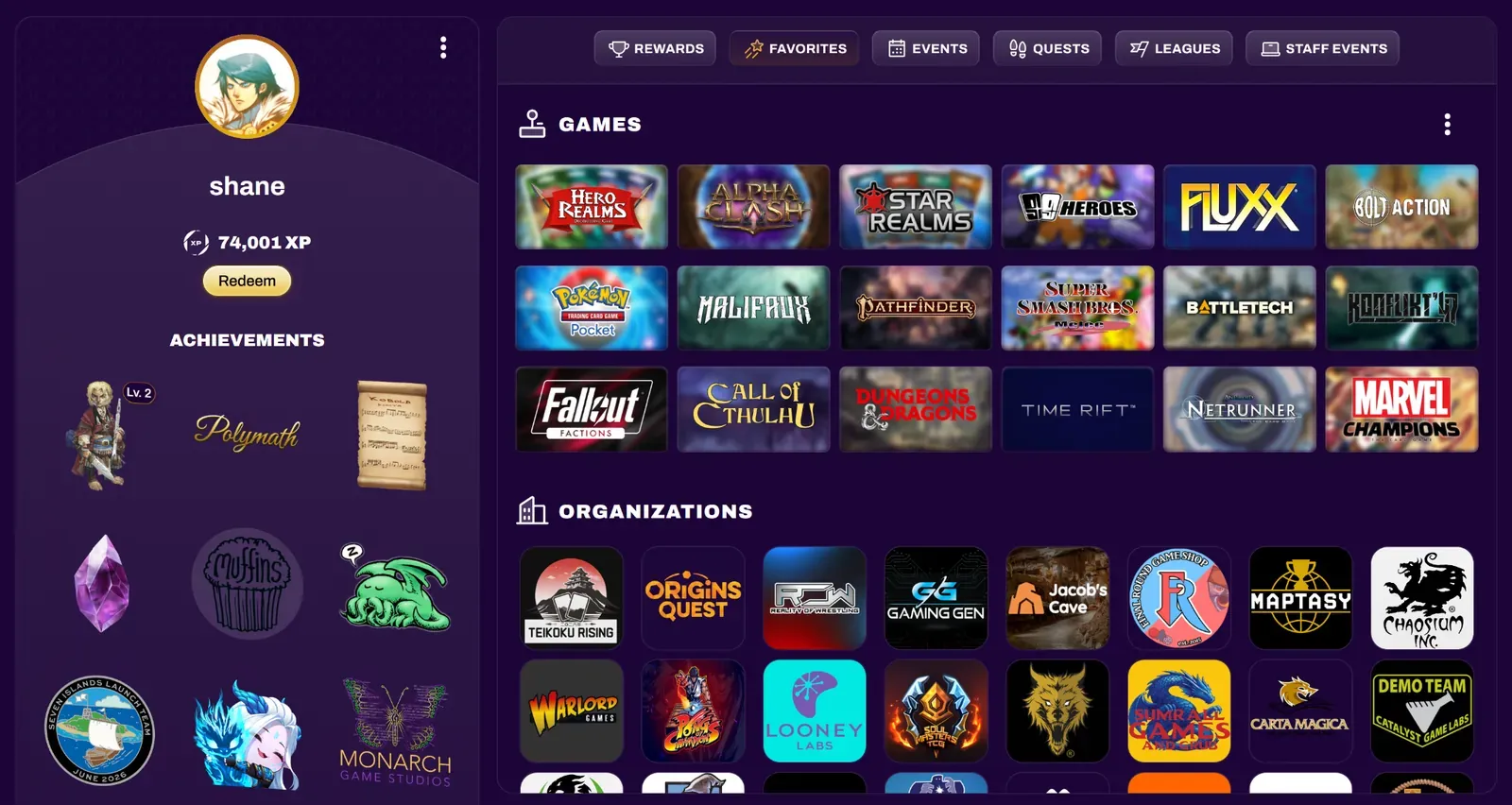
Your profile contains relevant information about your XP Network account. You’ll find your username, total XP earned, achievements, favorite games, favorite organizations, upcoming and past events and more.
Editing Your Profile
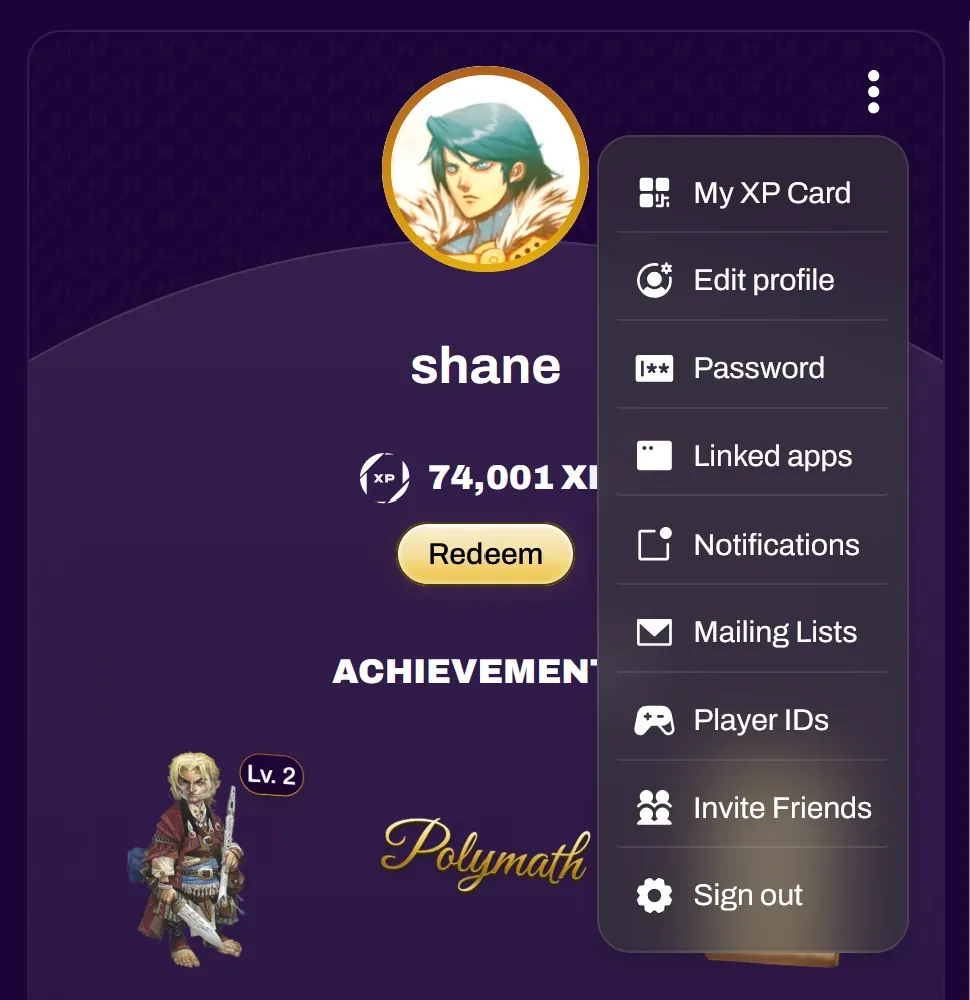
Section titled “Editing Your Profile”You can edit your profile by selecting the 3 dot dropdown at the top of your profile.
| My XP Card | Opens your XP Card, which event organizers, ticket scanners, and quest scanners may need to scan. On mobile, you can also open it by tapping the Scan tab in the bottom navigation bar |
| Edit profile | Change your avatar, name, email, country, default time zone, phone number, and other profile details |
| Password | Change your password |
| Linked apps | View the applications your XP Network account is linked to, such as video games or XP Stores |
| Notifications | Change your notification settings |
| Mailing Lists | Manage or unsubscribe from organization mailing lists |
| Player IDs | Save your IDs for tournament platforms (see Player IDs below) |
| Invite Friends | Share your referral link to earn XP (see Invite Friends below) |
| Sign out | Sign out of your account |
Player IDs
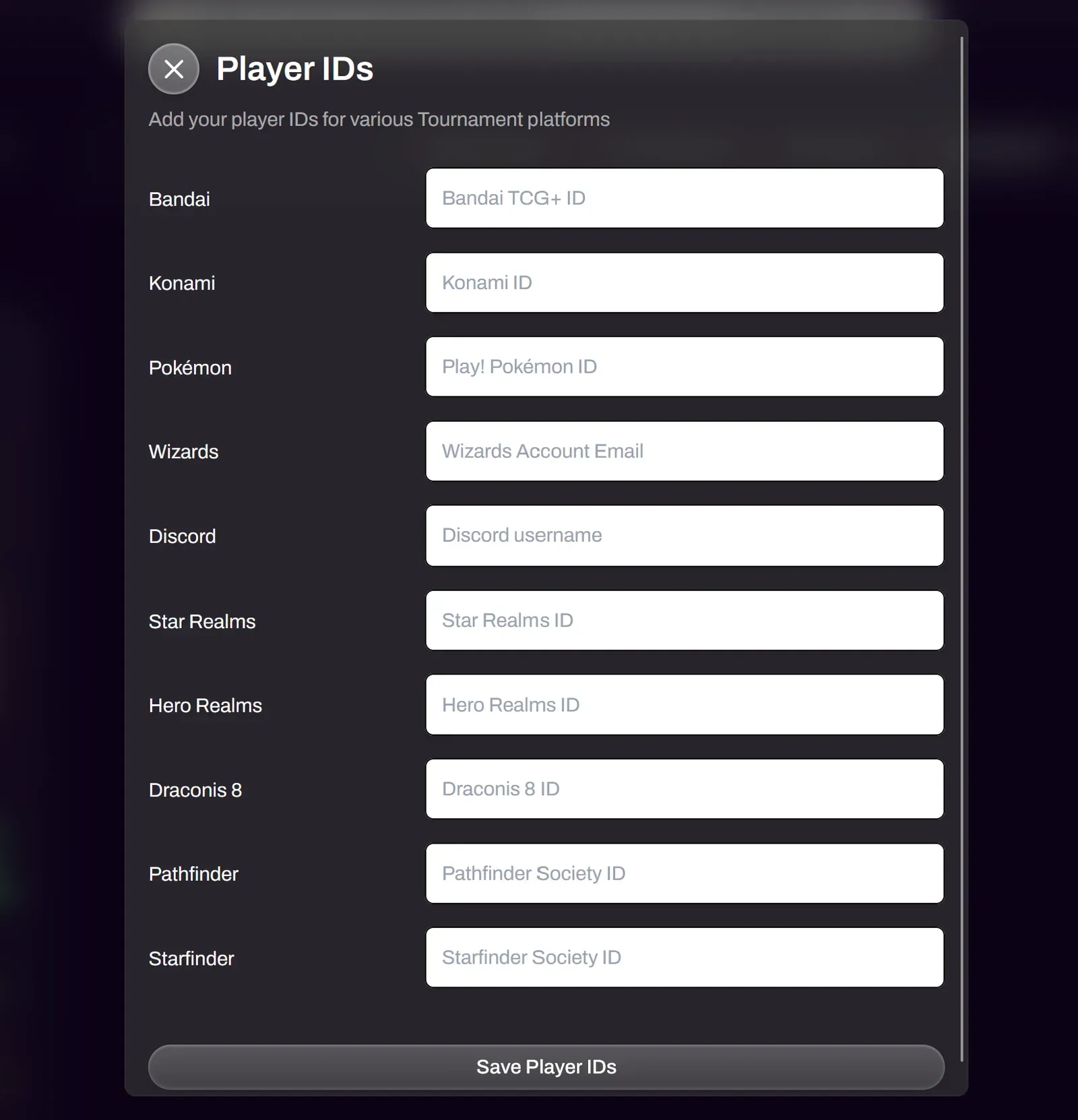
Section titled “Player IDs”Select Player IDs from the profile menu to save your IDs for tournament platforms, so you don’t have to enter them at each registration.
XP Network allows event organizers to export an attendee CSV for easy importing into other platforms. If the event organizer has Require Player ID toggled on, attendees will be prompted to add their respective Player ID during registration, if it isn’t already saved in their profile.
Invite Friends
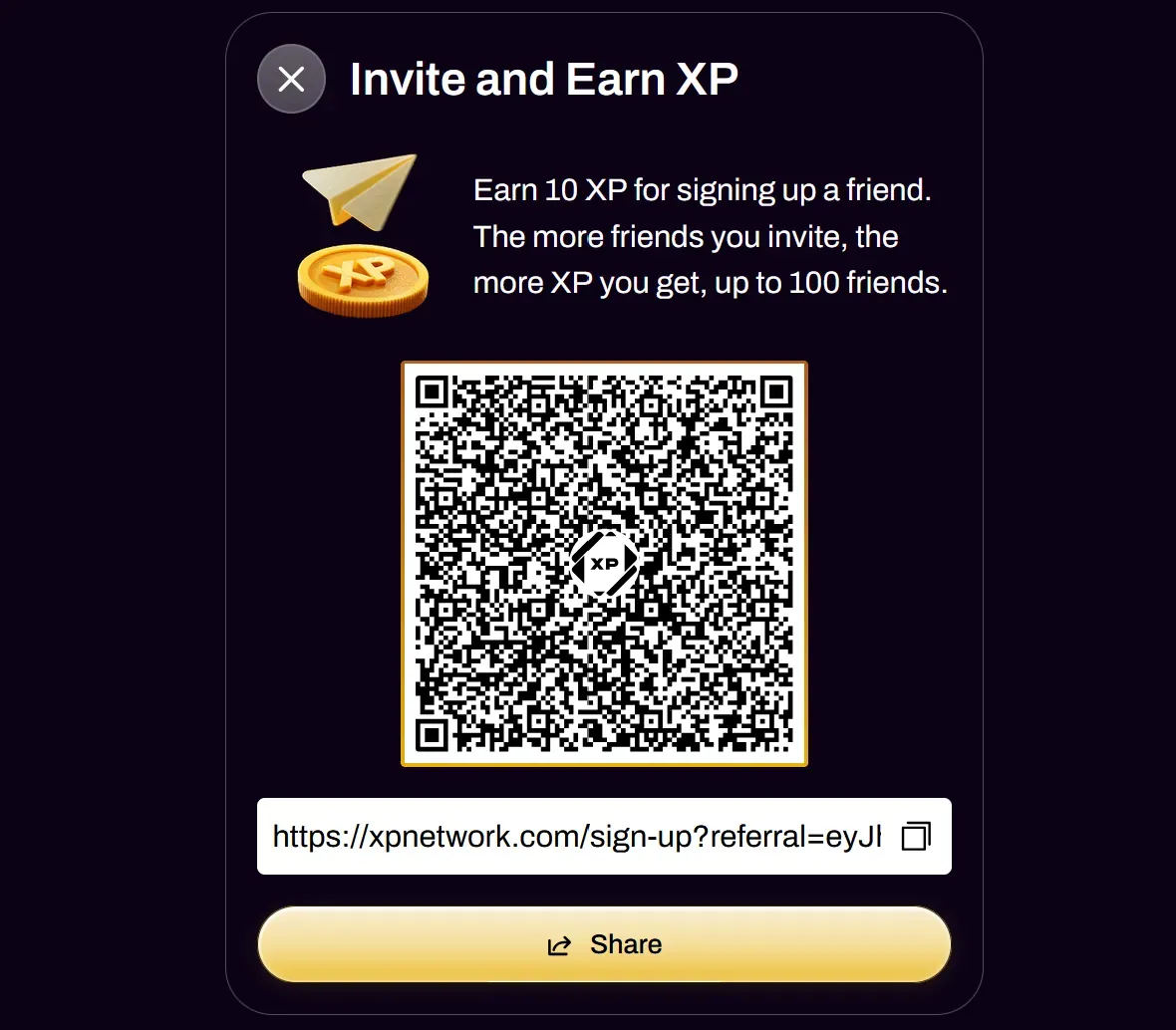
Section titled “Invite Friends”You can invite others to XP Network by sharing your referral link or QR code. You earn 10 XP for each friend who signs up, and milestone achievements are awarded at specific invite counts, up to 100 friends total.
Achievements and Items
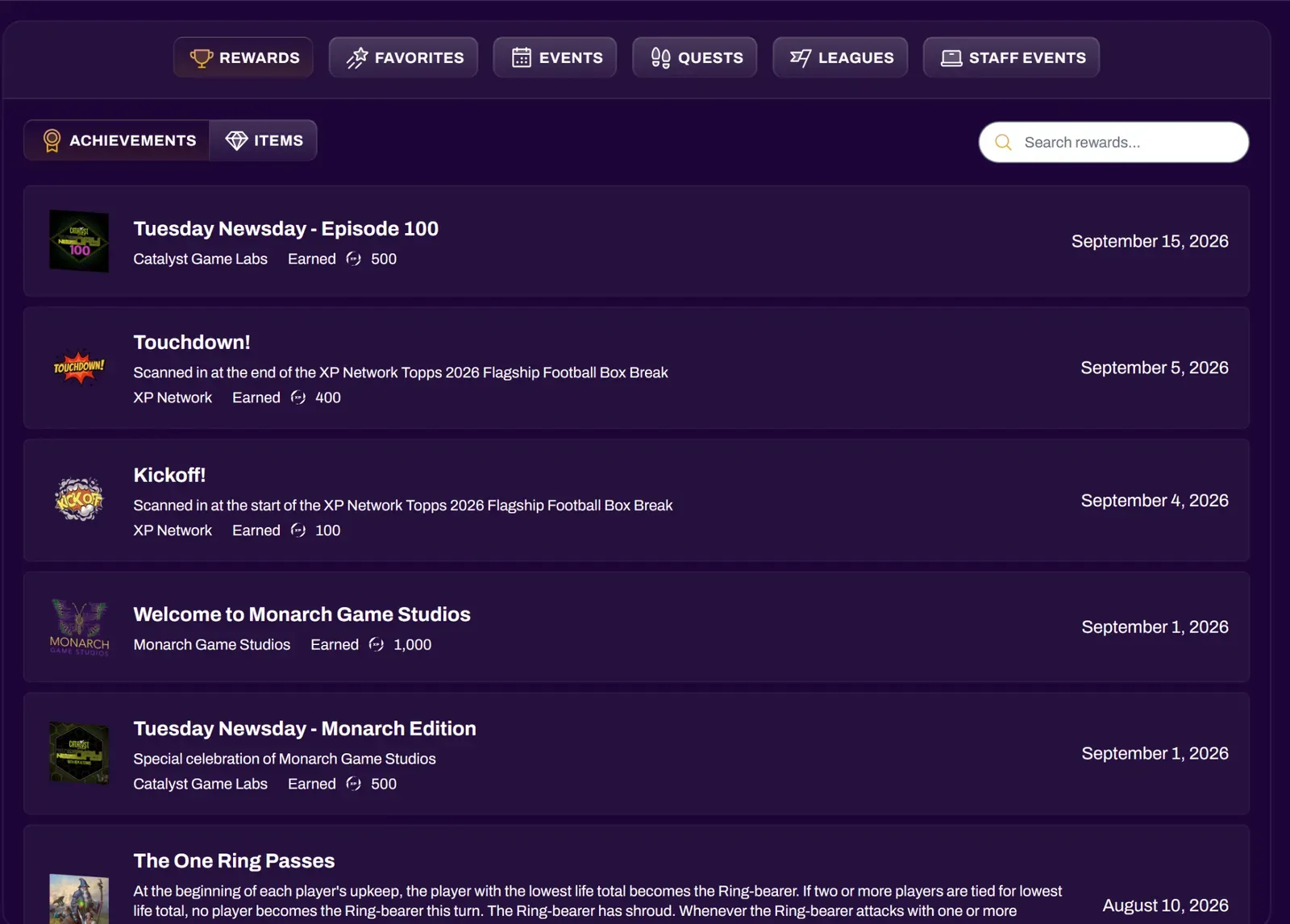
Section titled “Achievements and Items”You can earn rewards by participating in events on XP Network. Organizations create and award achievements and items based on their own criteria, which could be something as simple as joining the event, to something more involved like playing in a tournament for one of their games.
Achievements can have multiple tiers associated with it depending on if the organization has tiered achievements enabled. There is also a built-in share button where you can share your achievement on socials.
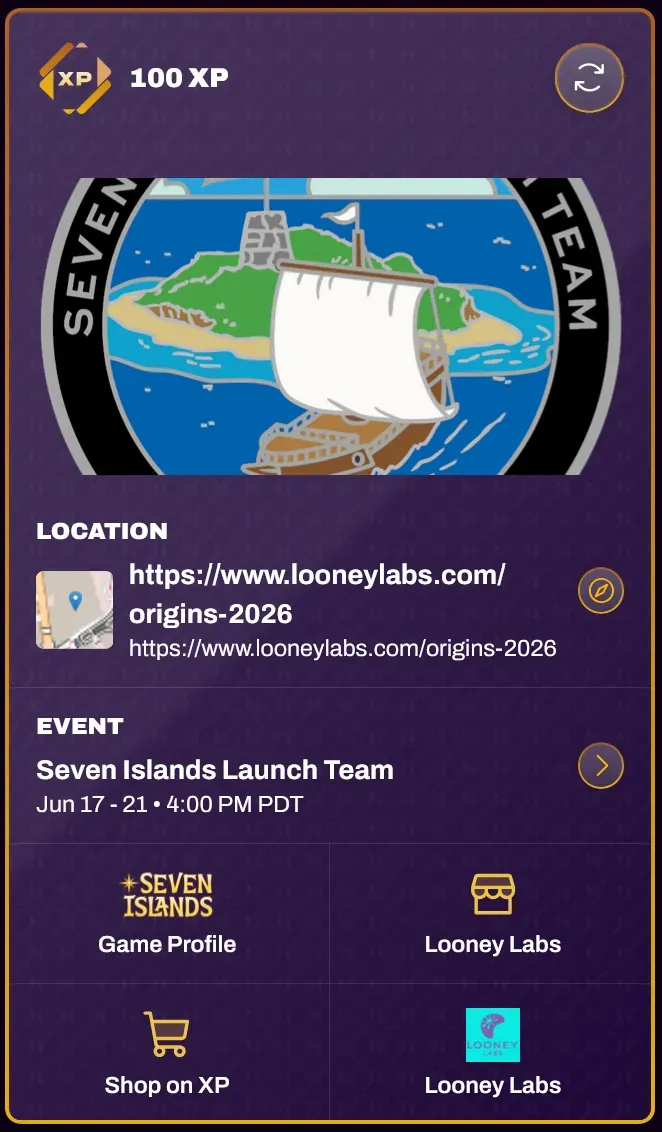
Achievements have a reverse side you can flip to that contains more information about the achievement. The reverse side shows the event and location where you earned it, along with links to the game profile and the awarding organization.
Organizations can choose for rewards to have 0 XP.
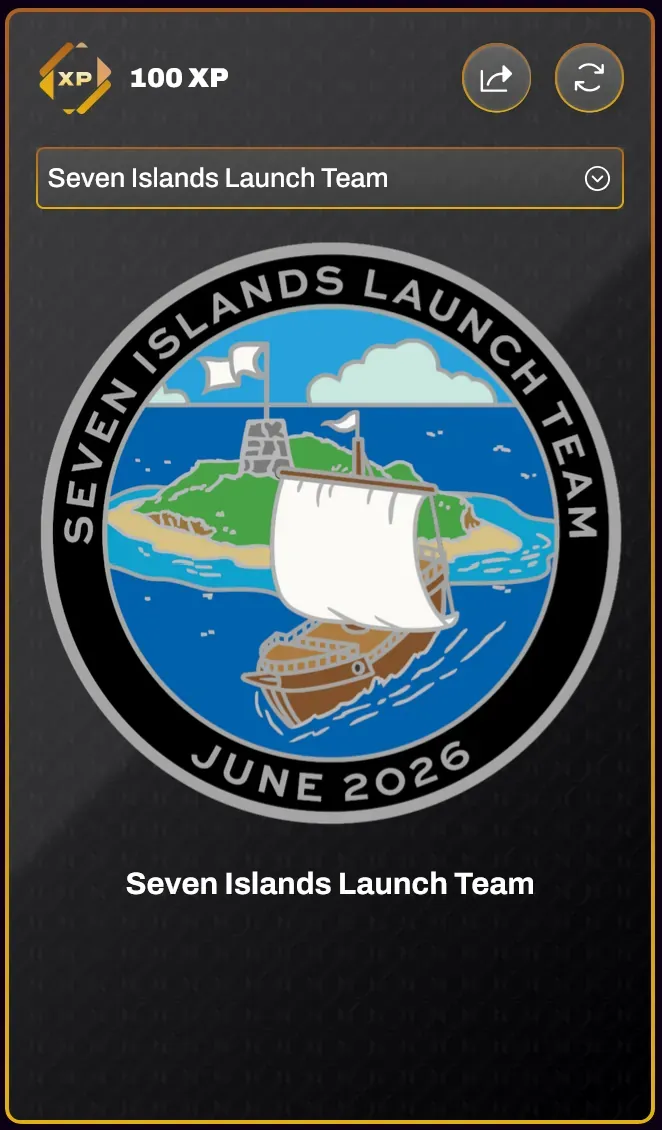
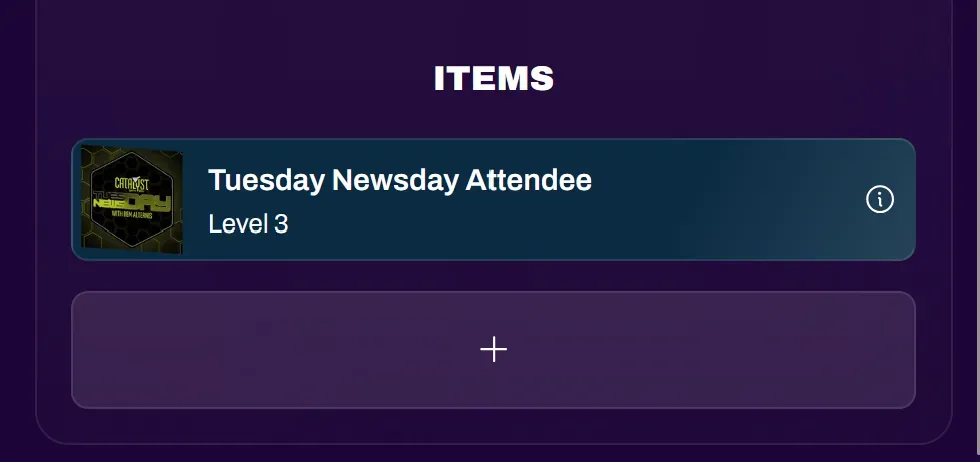
Items are dynamic rewards that can level up or down depending on conditions set by the organization awarding them. Each item shows its current level, and the info icon opens its details.
You can view your rewards history through the Rewards tab on your profile.
Trophy Case
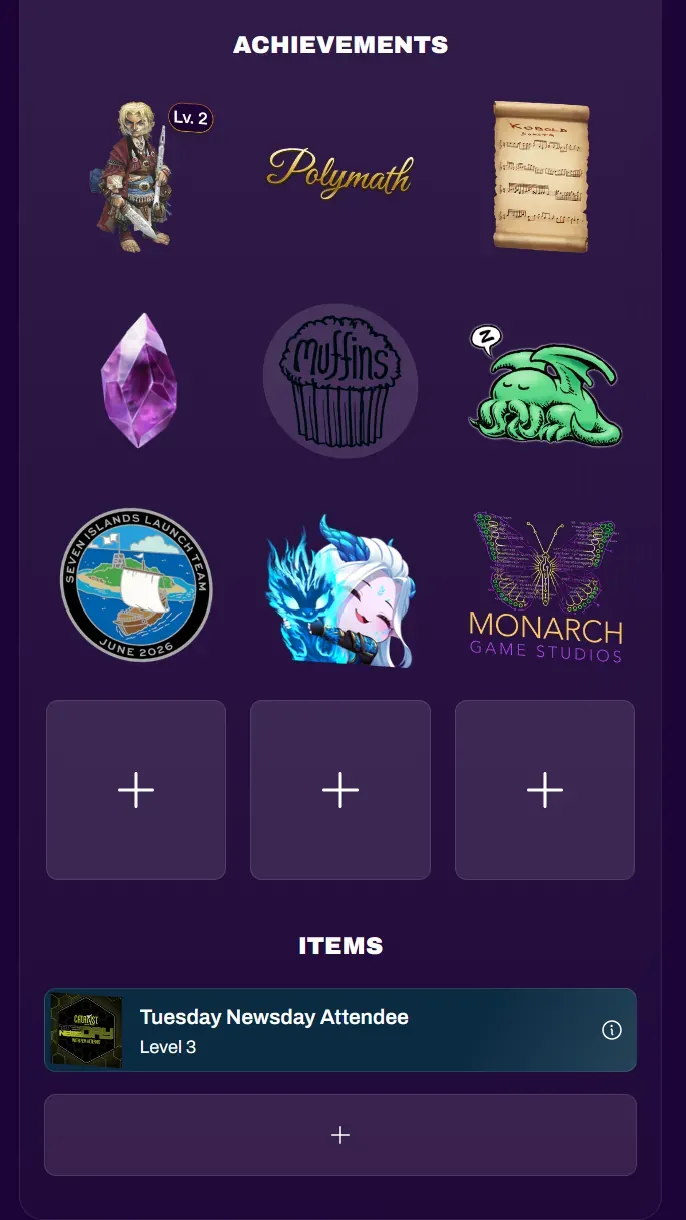
Section titled “Trophy Case”The trophy case lets you arrange and pin your achievements and items for easy viewing. Use it to showcase your favorites, or pin specific ones for quick access. For example, an organization may require a particular achievement as proof of entry or qualification for a tournament or VIP area.
Select an empty slot to choose an achievement or item to pin. Selecting a pinned reward allows you to View, Change, or Remove it from your trophy case.
Favorite Games
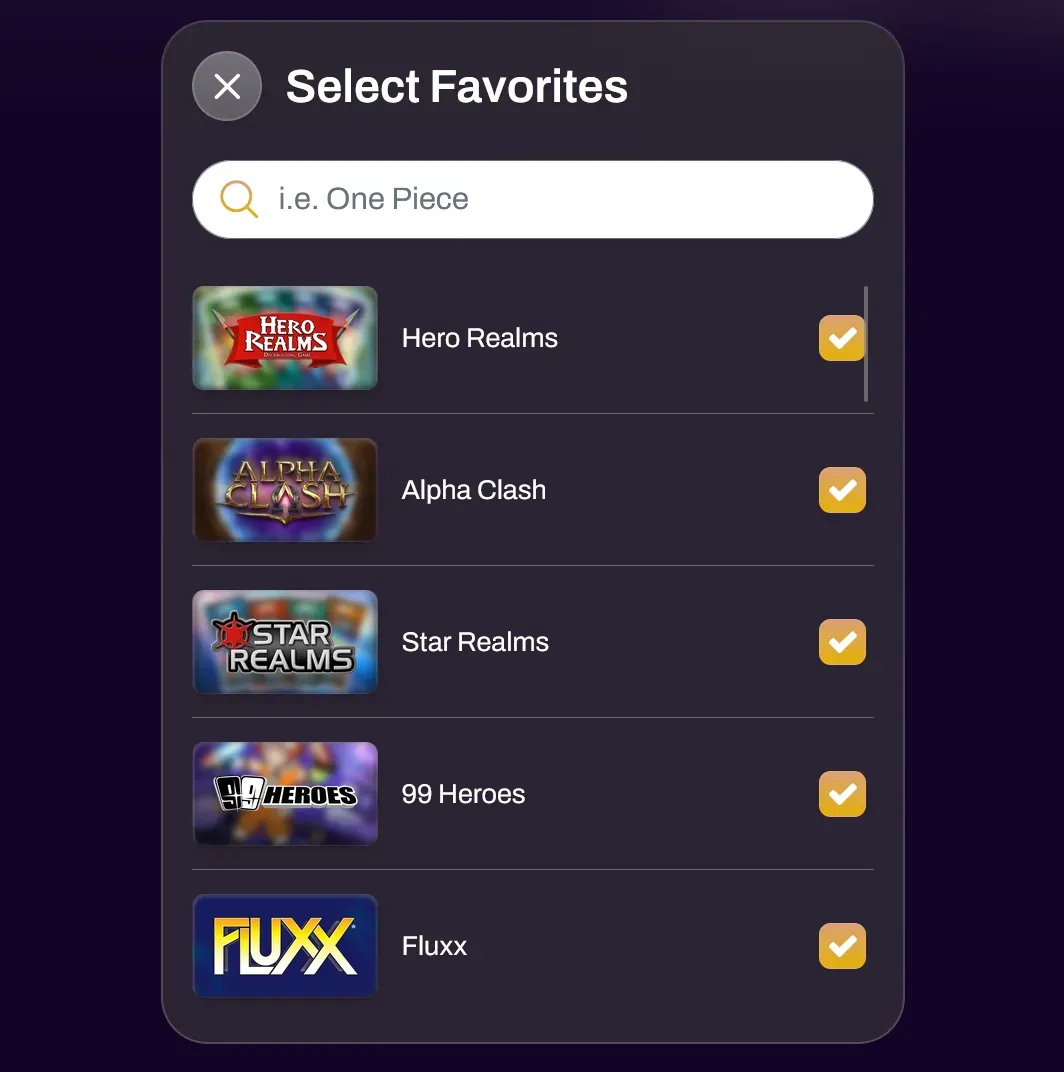
Section titled “Favorite Games”You can edit your Favorite Games by selecting the 3 dot kebab icon in the Favorites tab. You can search for games on the platform and select them with the checkmark. You can also unfavorite games by unchecking them. If one of your favorite games does not show up, you can request it via support.
Favoriting games gives you quick access to the activity pages for those games, allowing you to easily search for events for those games.
Favorite Organizations
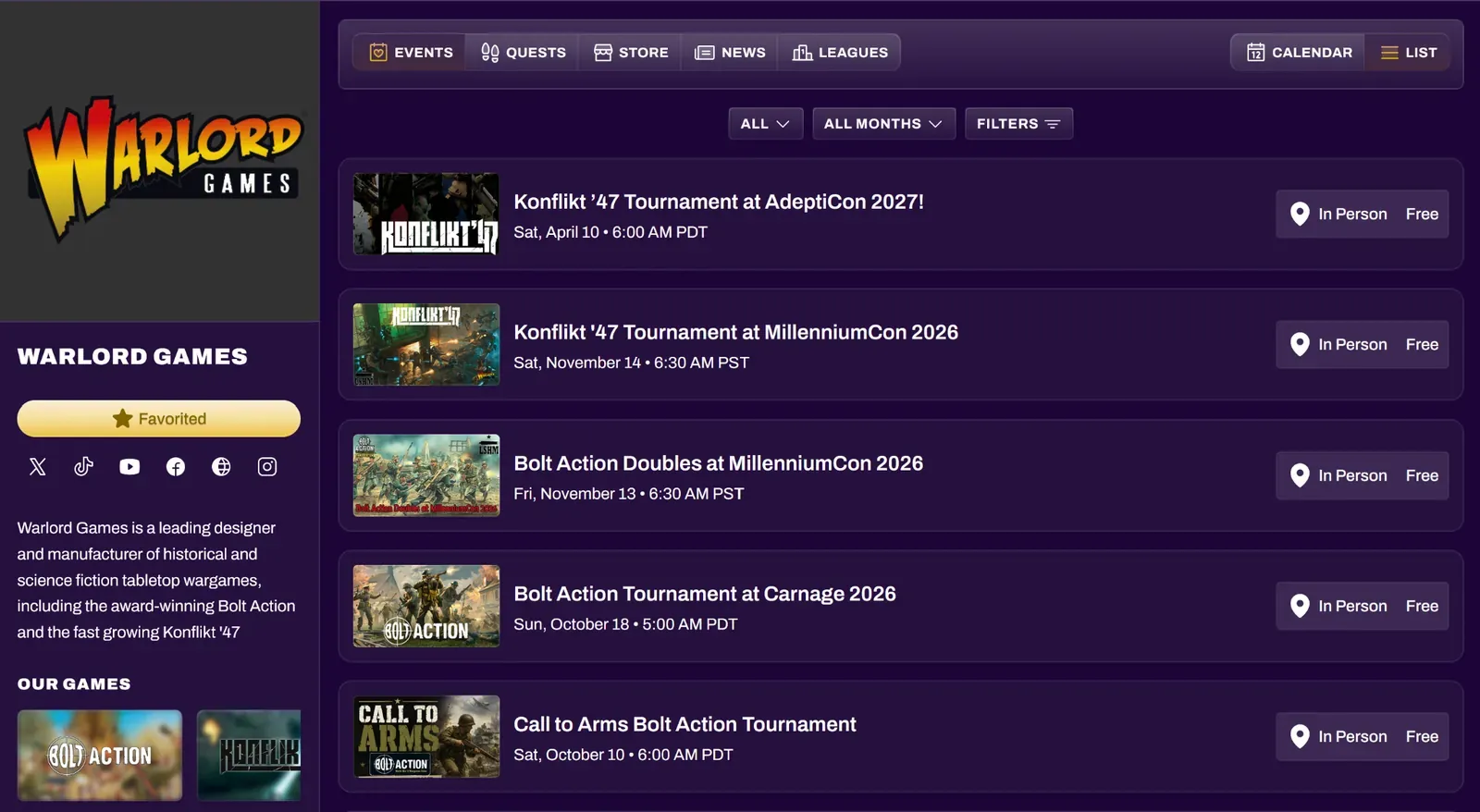
Section titled “Favorite Organizations”You can favorite the publishers for your favorite games and your local game stores (if they are on XP Network). To do this, you can search for their organization page and select the Favorite button. Favoriting an organization also gives you the option to join their mailing list. Your favorite organizations appear on your profile and also serve as a shortcut to accessing their organization page to view their news and events.
You can unfavorite organizations by accessing their organization page and selecting the Favorited button.
Events
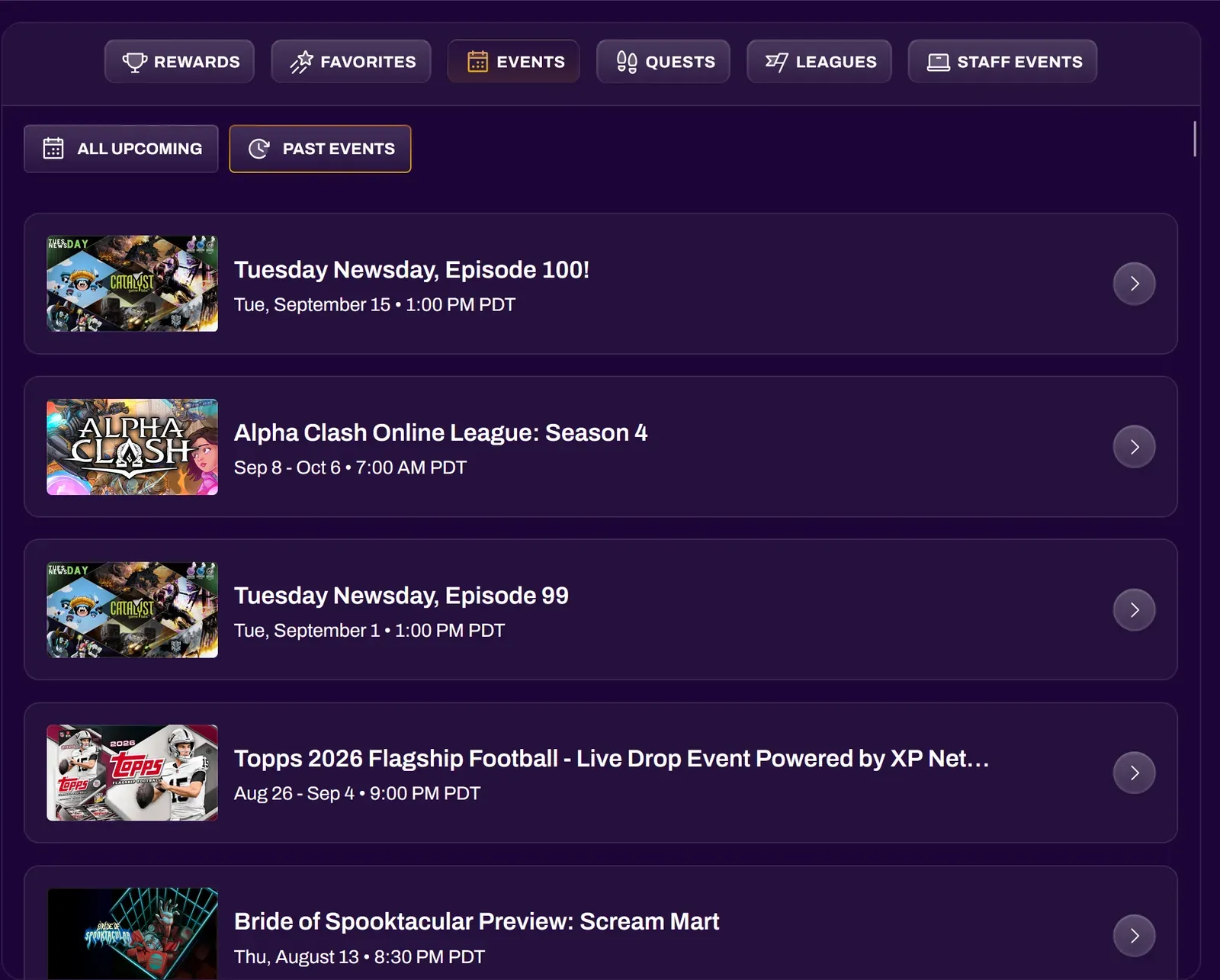
Section titled “Events”The Events tab in your profile is where you can access events you have joined on XP Network. You can view both your upcoming and past events here. See Staff Events below for events you help run.
Quests
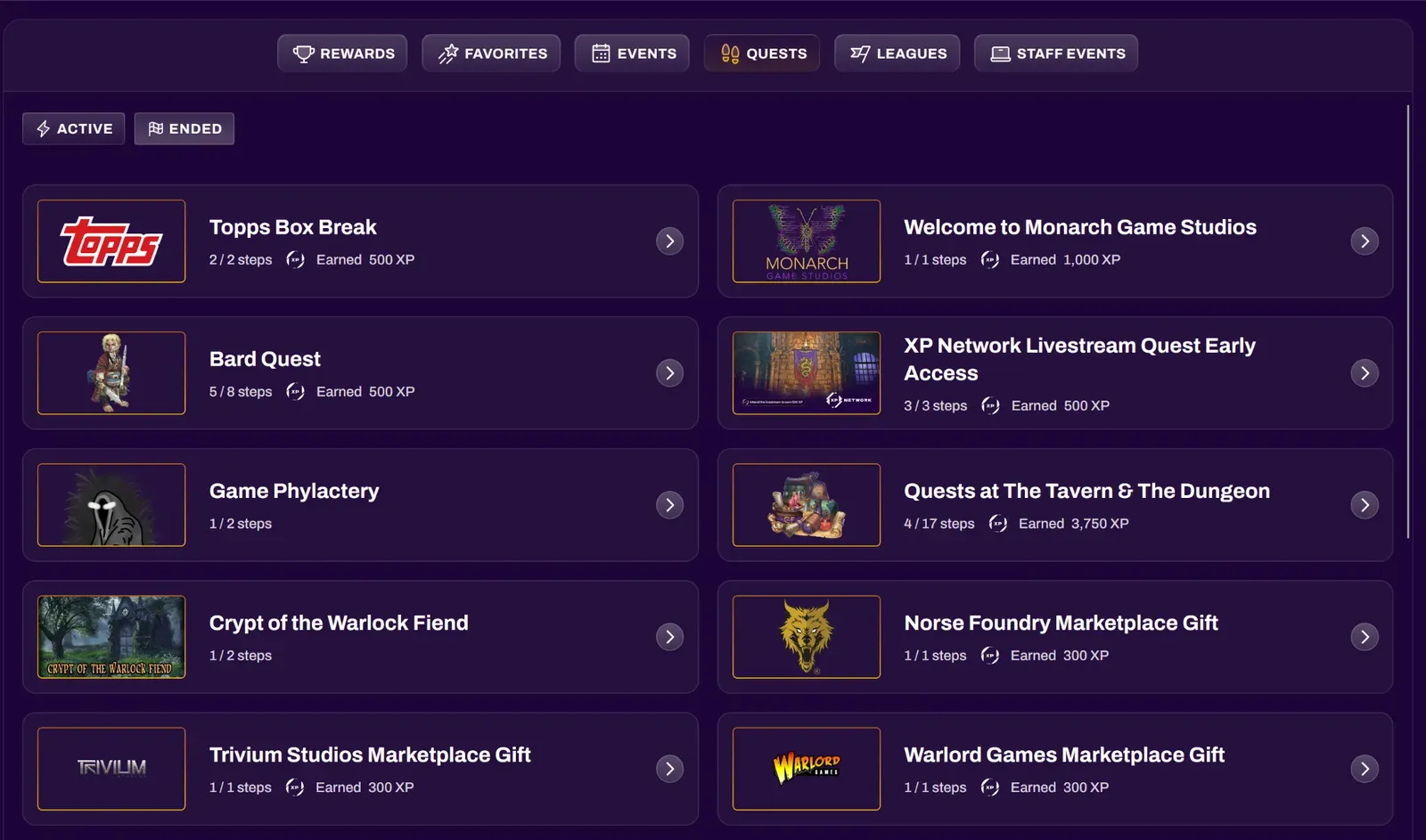
Section titled “Quests”The Quests tab lists the quests you have joined. Active shows quests still in progress, and Ended shows quests that have finished. Each quest displays the title, how many steps you have completed, and the XP you have earned from it so far. Select a quest to view its steps and review your progress.
Leagues
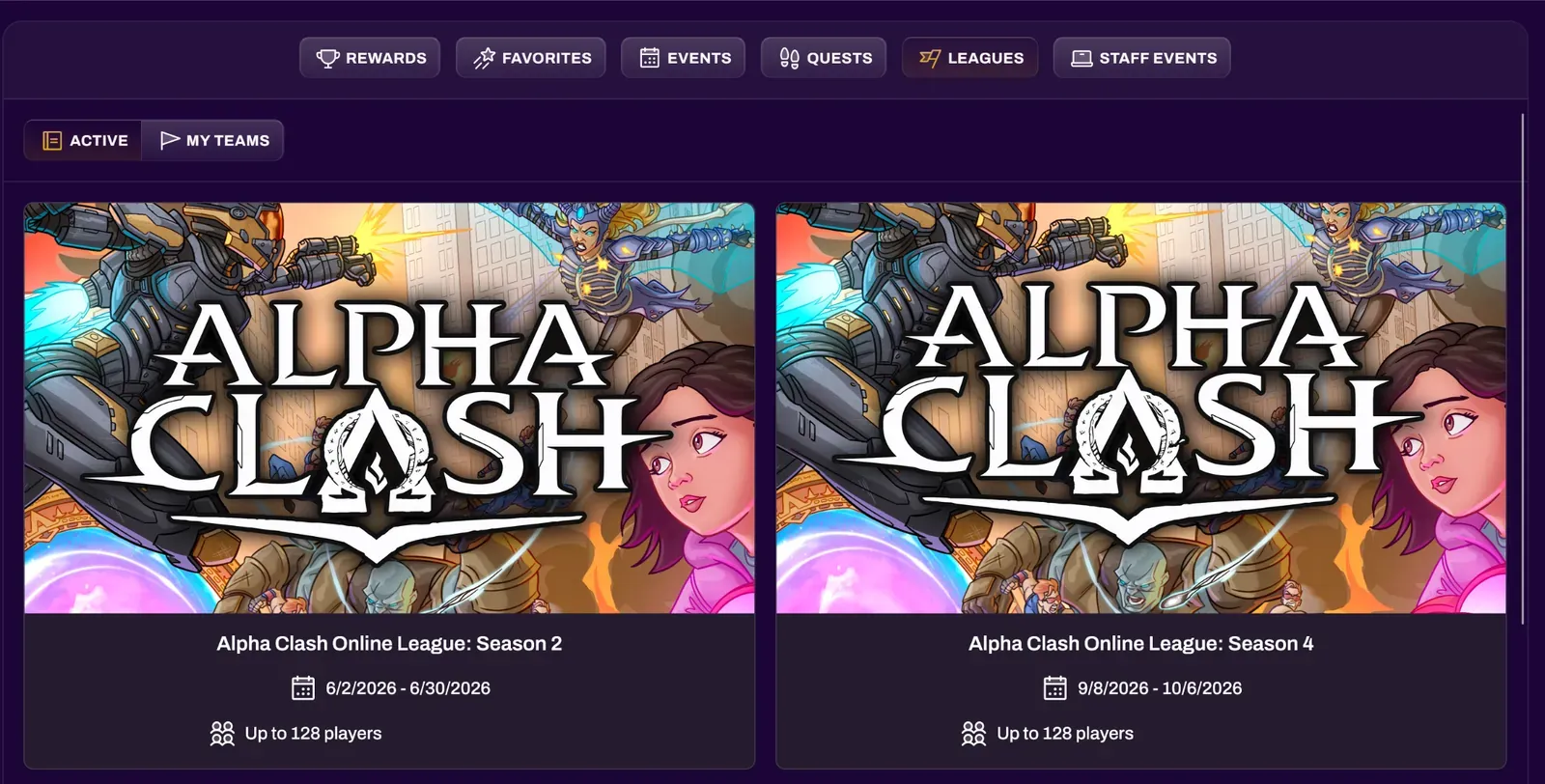
Section titled “Leagues”The Leagues tab lists the leagues you are participating in. Active shows your current leagues, along with each league’s dates and player limit, and My Teams shows the teams you belong to in team-based leagues. Selecting a league will take you to its page where you can review the event schedule, members, and leaderboard.
Staff Events
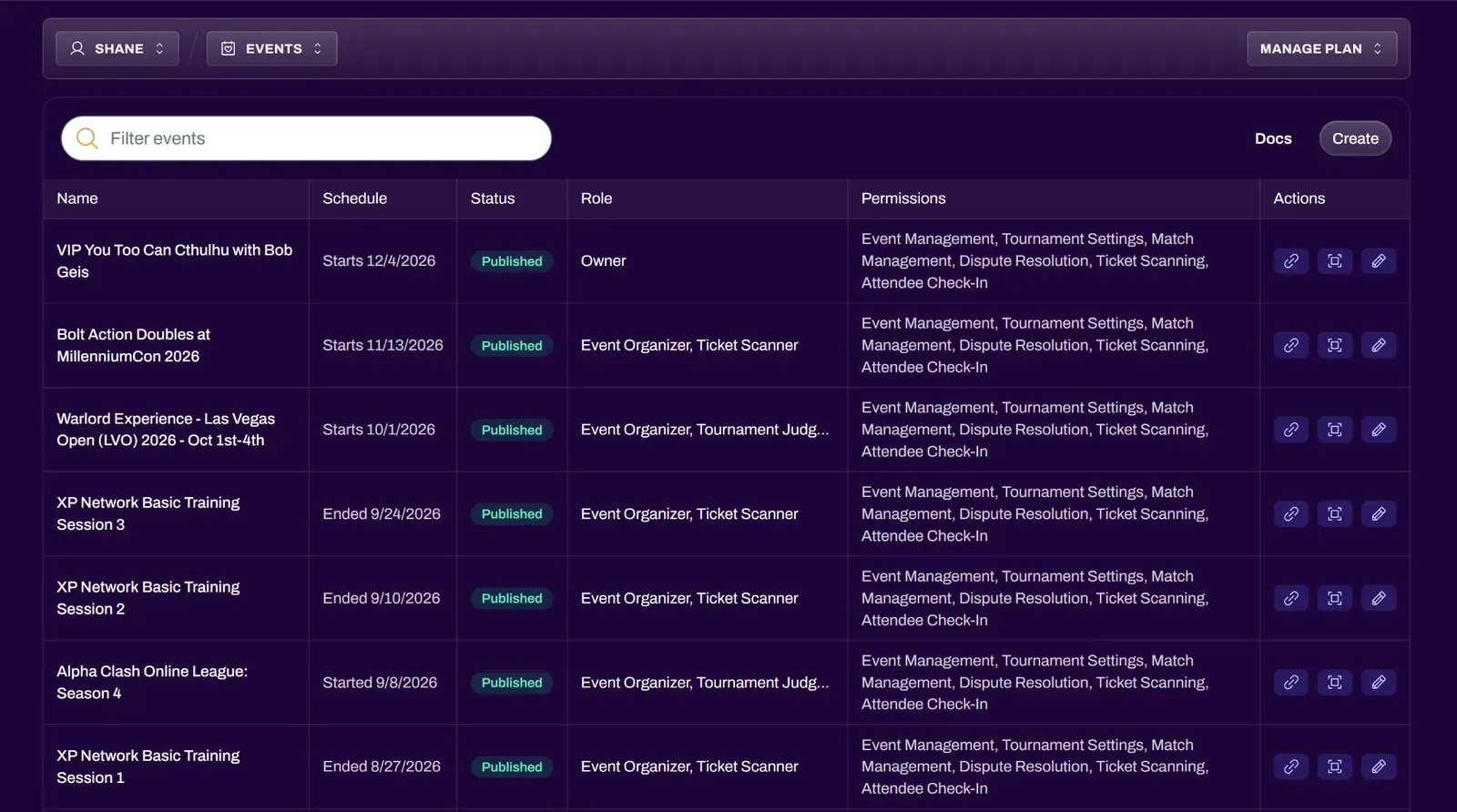
Section titled “Staff Events”If you have created events or been added as staff on someone else’s event, the Staff Events tab lists every event you help run. For each event, you can see its schedule, status, your role, and the permissions that you currently have. Depending on your event permissions, the Actions column lets you open the event page, access your ticket scanner, or edit the event.