
Becoming an Organizer
Anyone with an XP Network account can build events on the platform, but your account must be verified before you can publish one. There is no application or plan required to get started.
Verifying Your Account
Section titled “Verifying Your Account”When you create your XP Network account, you receive a verification email. Select the link in that email to verify your account.
If you haven’t verified yet, or the link has expired, a new verification link is sent to your email when you do either of the following:
| Create an event | Select Create Event in the header and build your event. When you publish, you will be prompted to verify your account if you haven’t already. |
| Log in to a partner site | Use the XP Login button on the Global XP Store or any XP Network partner site. |
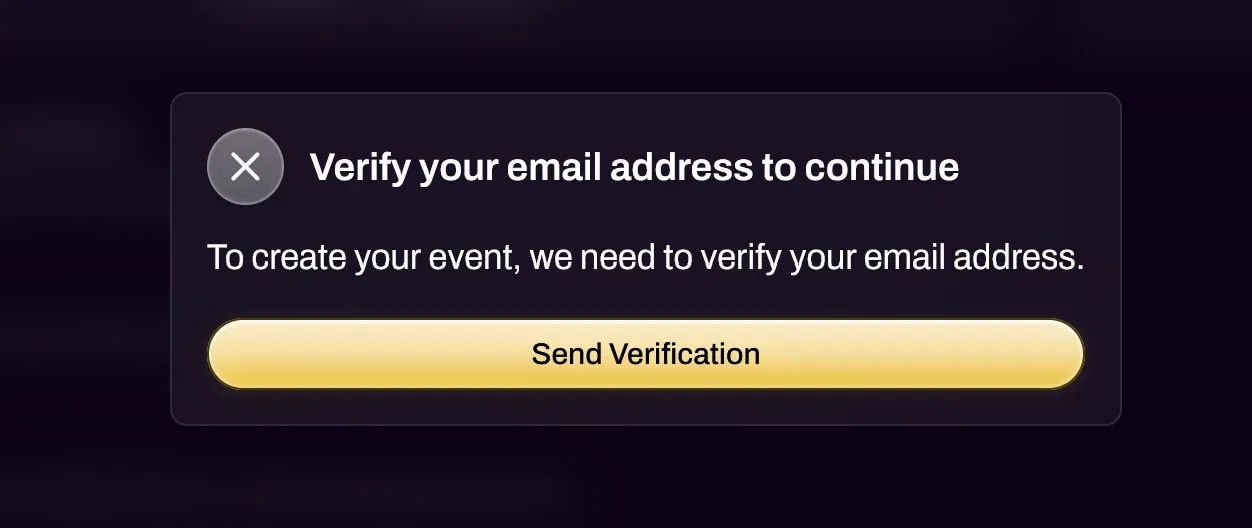
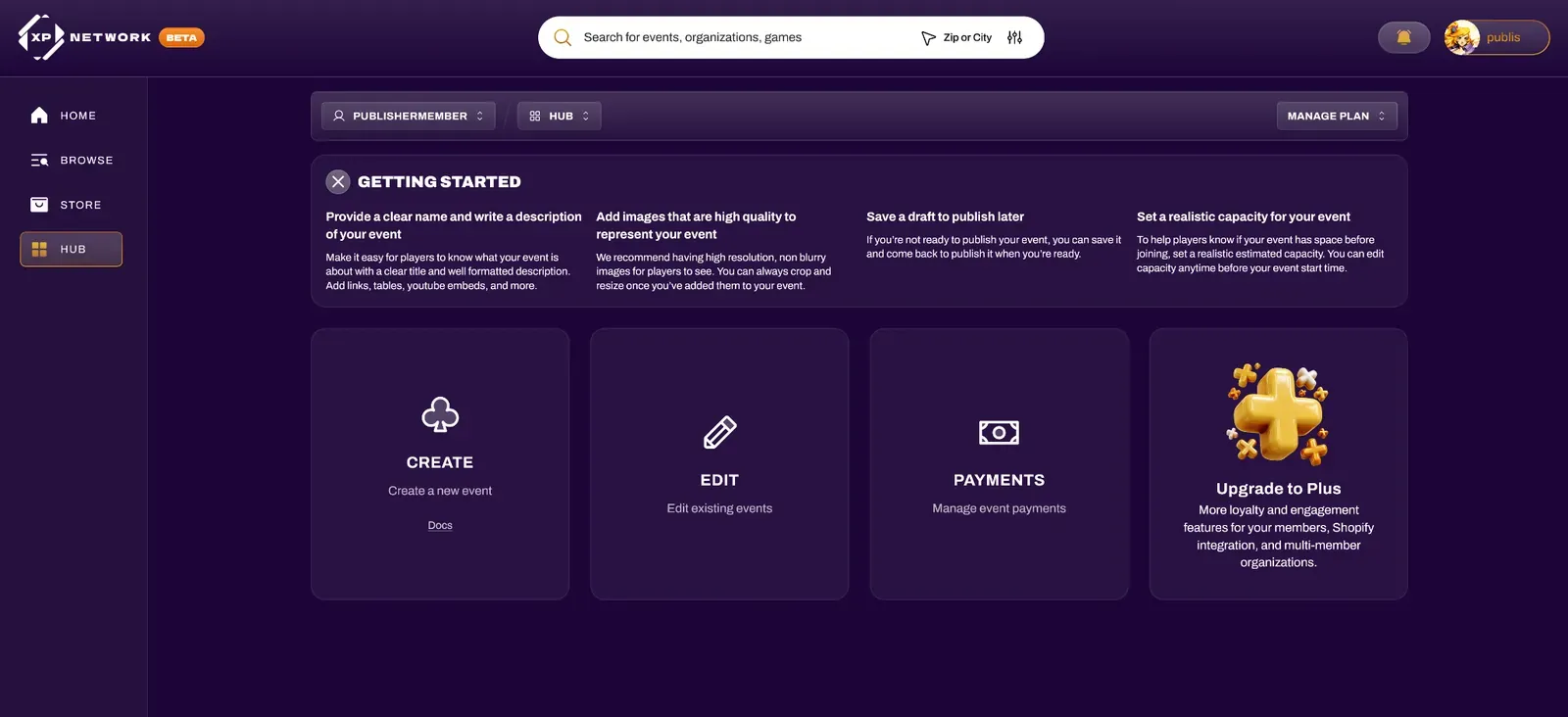
Once verified, you will be asked to sign in again. After signing in, you have access to the Hub, where you can create events for any games you like. Refer to the Creating Events doc for a full walkthrough on event creation.
Becoming an Event Organizer for Other Organizations
Section titled “Becoming an Event Organizer for Other Organizations”If you would like to host events on behalf of another organization (such as a Retail Store or a Publisher), contact them and ask to be added as a Member of their Organization with the Event Organizer role. You can then select that organization from the organization dropdown when creating events. That organization can then attach achievements and items to your events, awarding you and your event attendees with XP to redeem on their XP Store.