Mailing List
The Mailing List is everyone who has chosen to join your organization’s mailing list. Export it as a CSV to import into your email marketing platform of choice.
Only Organization Owners and Journalists can view and manage the mailing list. To open it, navigate to your Hub and select the Mailing List tab.
How Fans Join
Section titled “How Fans Join”When a fan favorites your organization, they’re asked whether they’d also like to join your mailing list. They can select Join or No, Thanks.
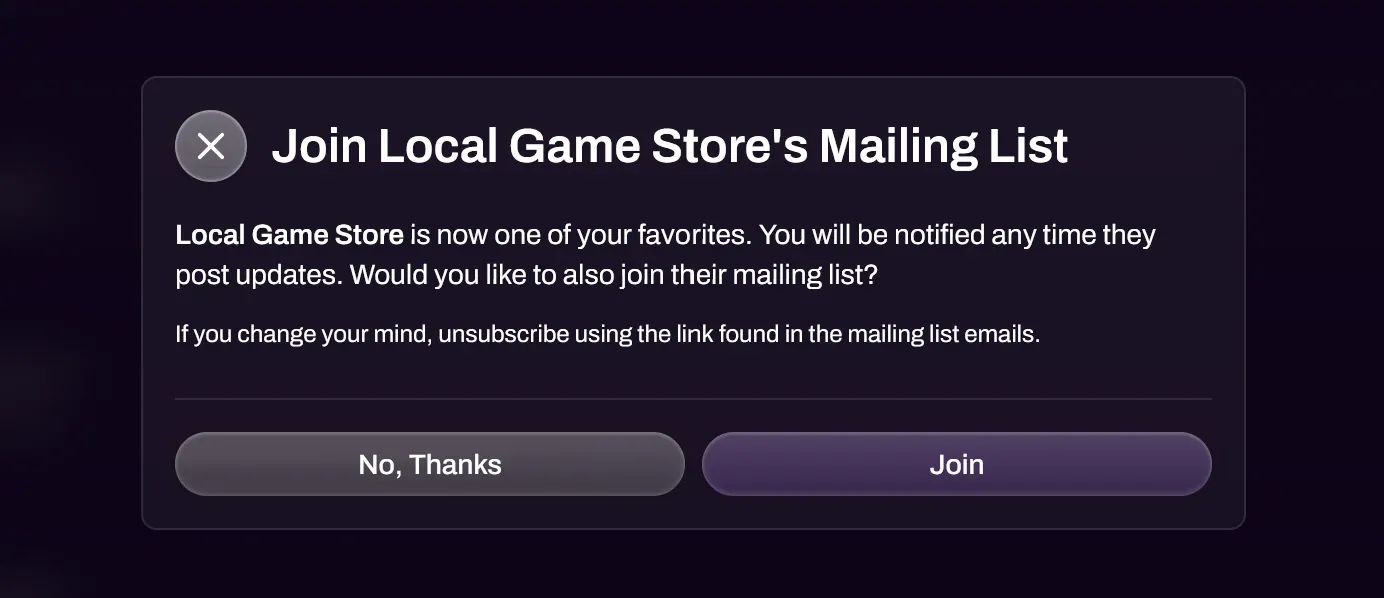
If they choose No, Thanks, they can join later by selecting Join Mailing List on your organization’s page. Once they’ve joined, the button changes to Mailing List Joined.
Managing Subscribers
Section titled “Managing Subscribers”The Mailing List tab shows each subscriber’s Email, Name, Username and Signup Date. Use the Email / Name / Username filter to find a subscriber, and Clear Filters to reset it.
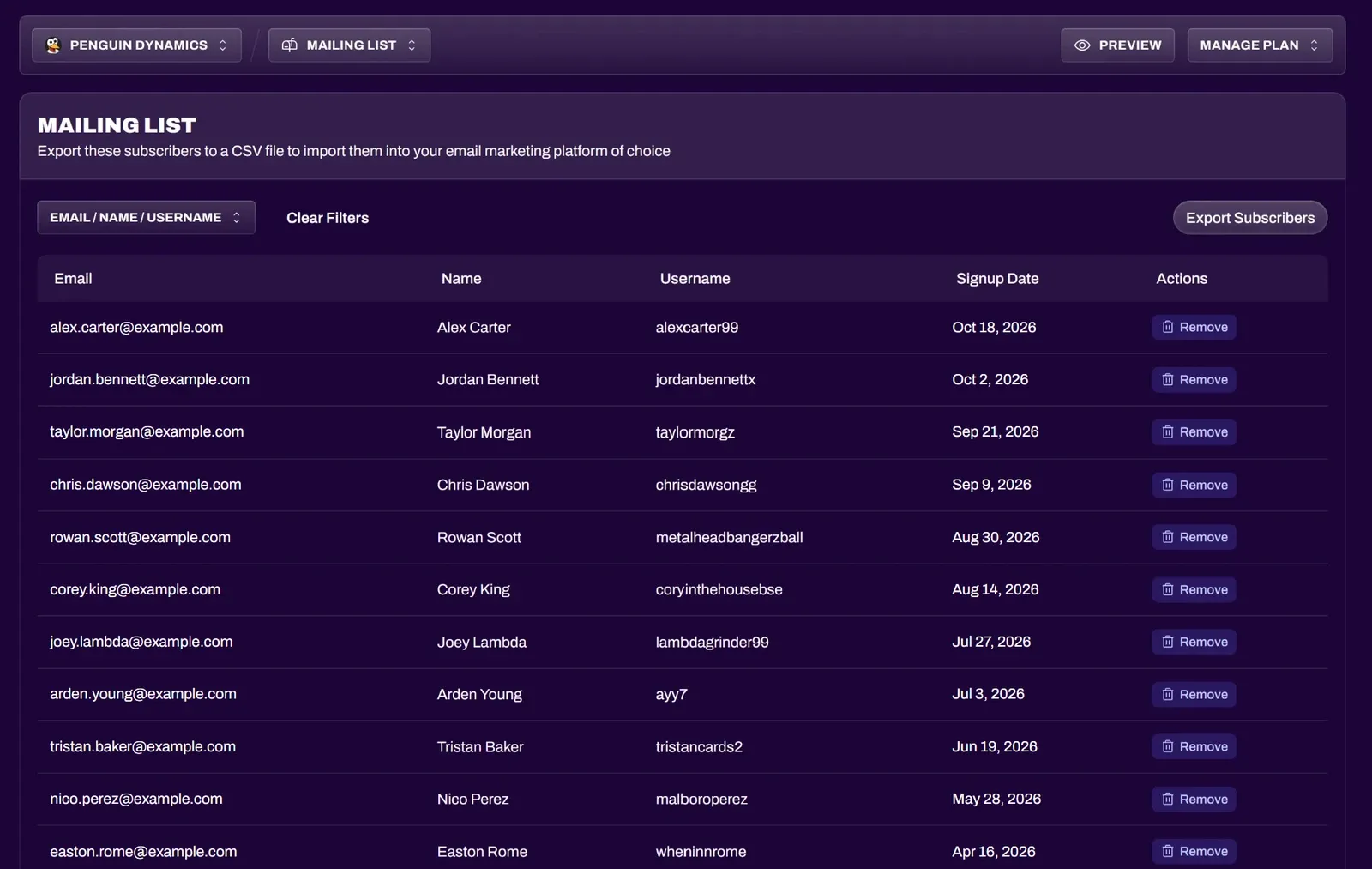
To remove a subscriber, select Remove next to them, then confirm with Remove Subscriber. If they change their mind, they’ll have to rejoin from your organization’s page themselves.
Exporting Subscribers
Section titled “Exporting Subscribers”Select Export Subscribers, then confirm. The CSV file is emailed to your account’s email address rather than downloaded, and it can take a few minutes to arrive.
Unsubscribing
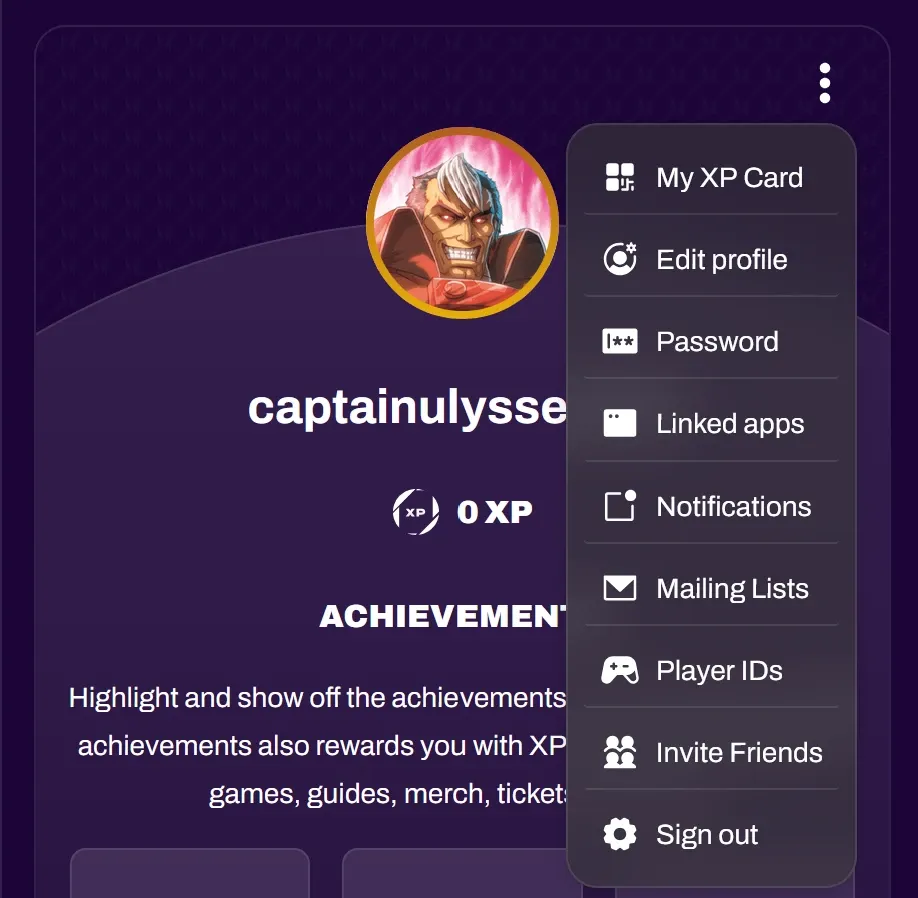
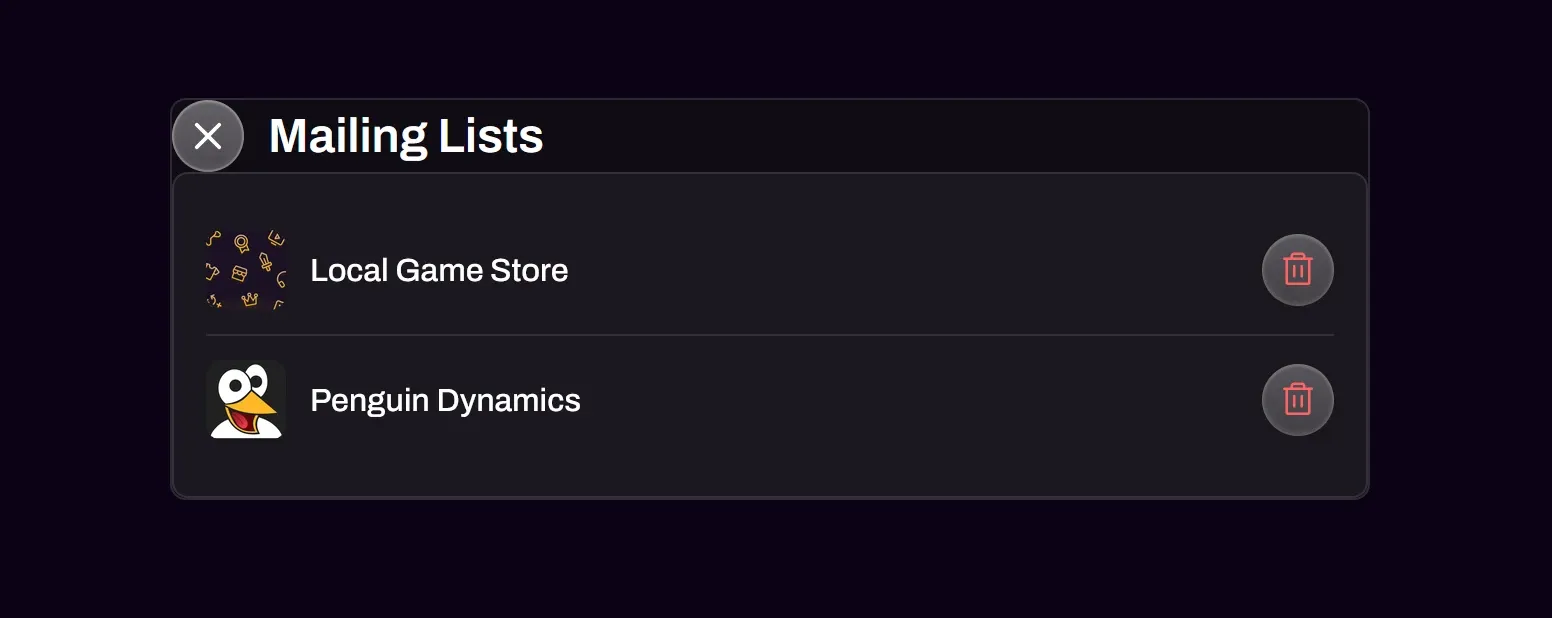
Section titled “Unsubscribing”Fans can leave your mailing list at any time. They open the ⋮ menu on their profile, select Mailing Lists, then select the trash icon next to your organization. They can also use the unsubscribe link in your mailing list emails.