XP Ledger
The XP Ledger provides a complete history of all XP distributed by your organization.
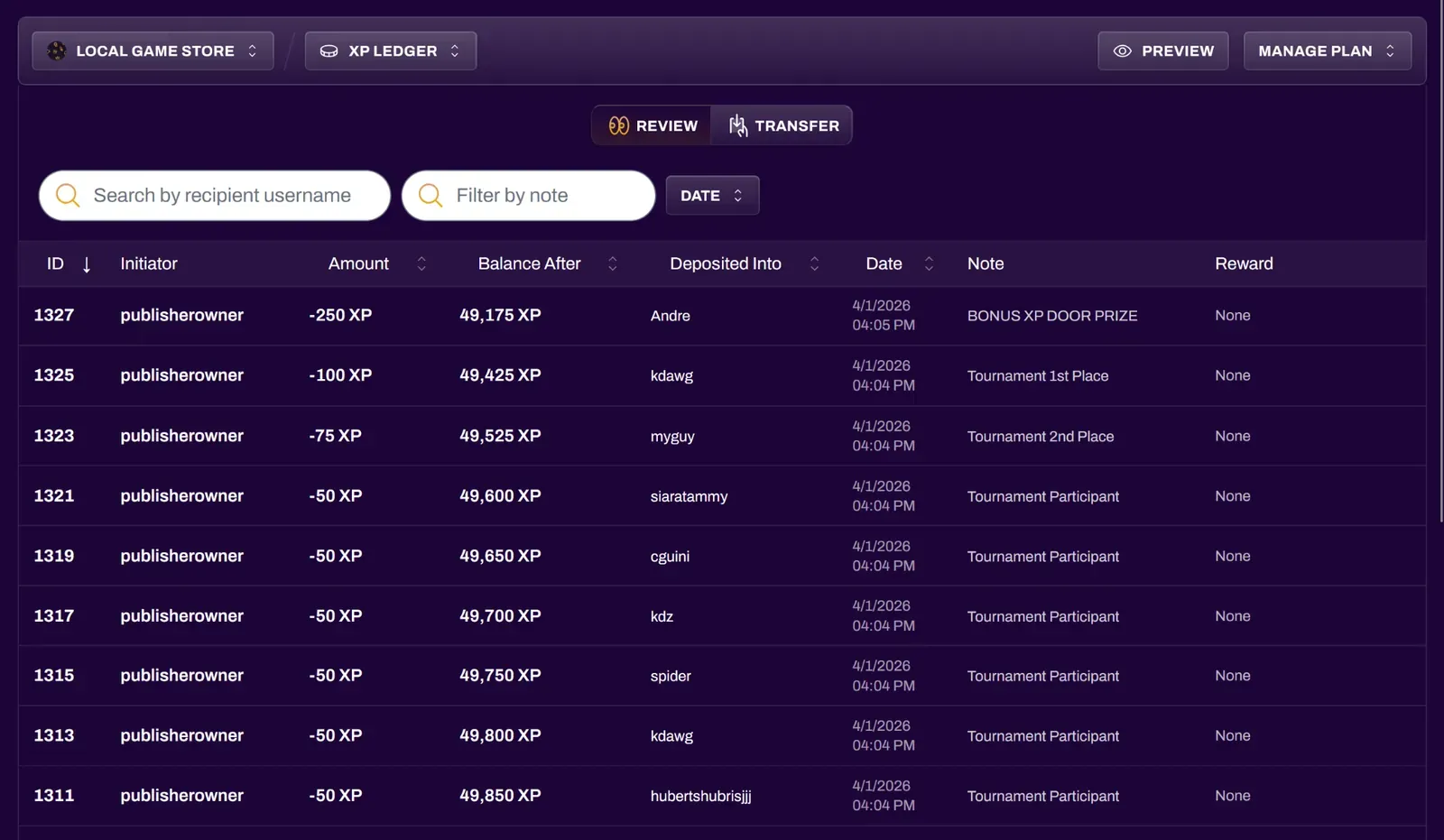
Review
Section titled “Review”The Review tab lets you browse and navigate through pages of your XP history. It shows who awarded XP, how much was given, the timestamp, and why, giving you full visibility and accountability.
You can filter by recipient username and also by note. This is useful if a user disputes their balance, or if you want to review how much XP was given away for certain achievements or promotions. If you want to see a specific user’s current XP balance with your organization, you can do so in the Analytics section of your Hub, under the XP tab.
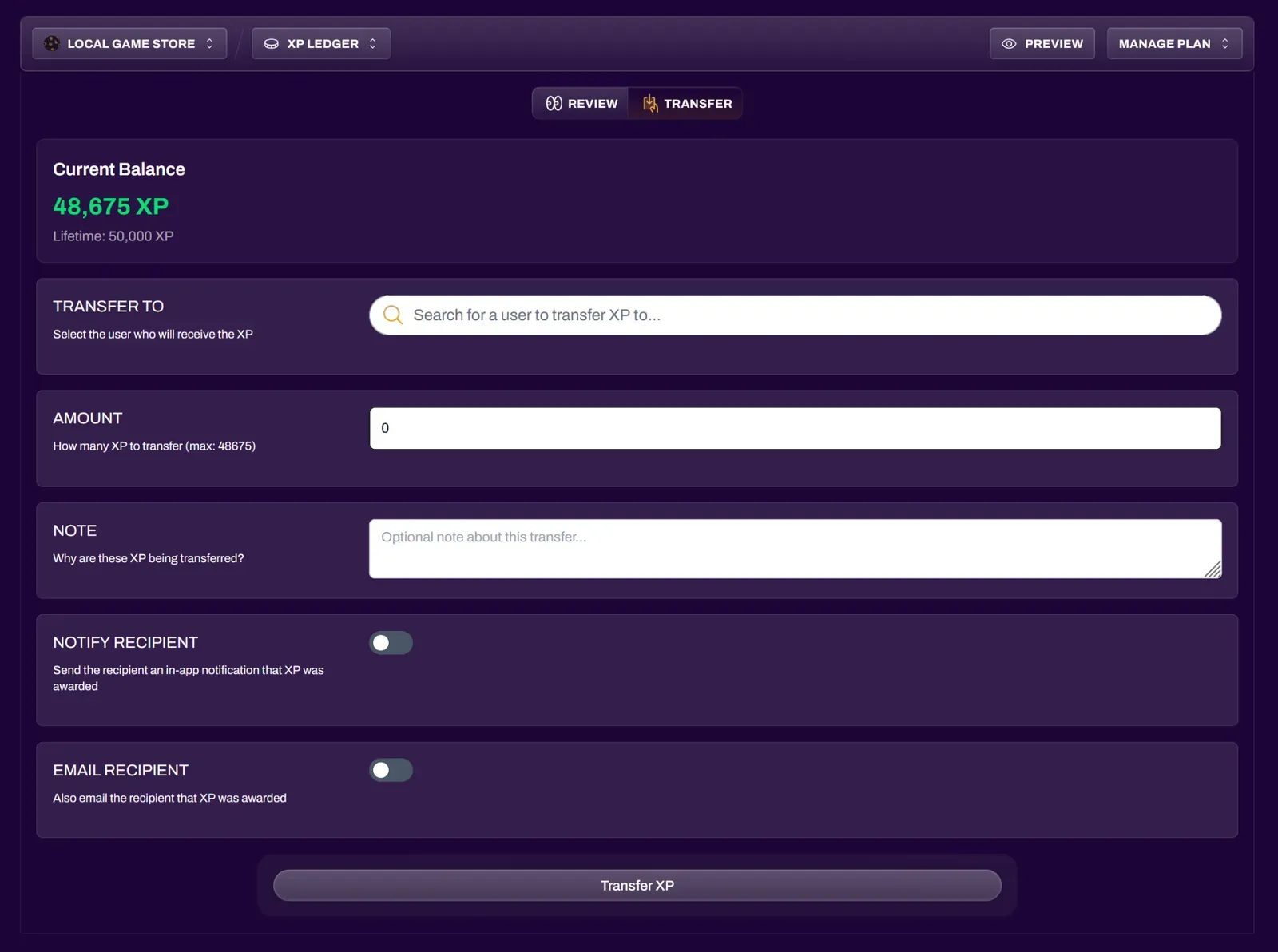
Transfer
Section titled “Transfer”The Transfer tab lets you award a custom amount of XP for any reason. While XP is typically earned through Items and Achievements, the Ledger is useful for one-off awards and balance adjustments.
You can notify recipients via platform notification and/or email.