Add Event Staff
You can add additional staff members to help you manage your events, and assign them roles which give them permissions for that event.
Adding Event Staff
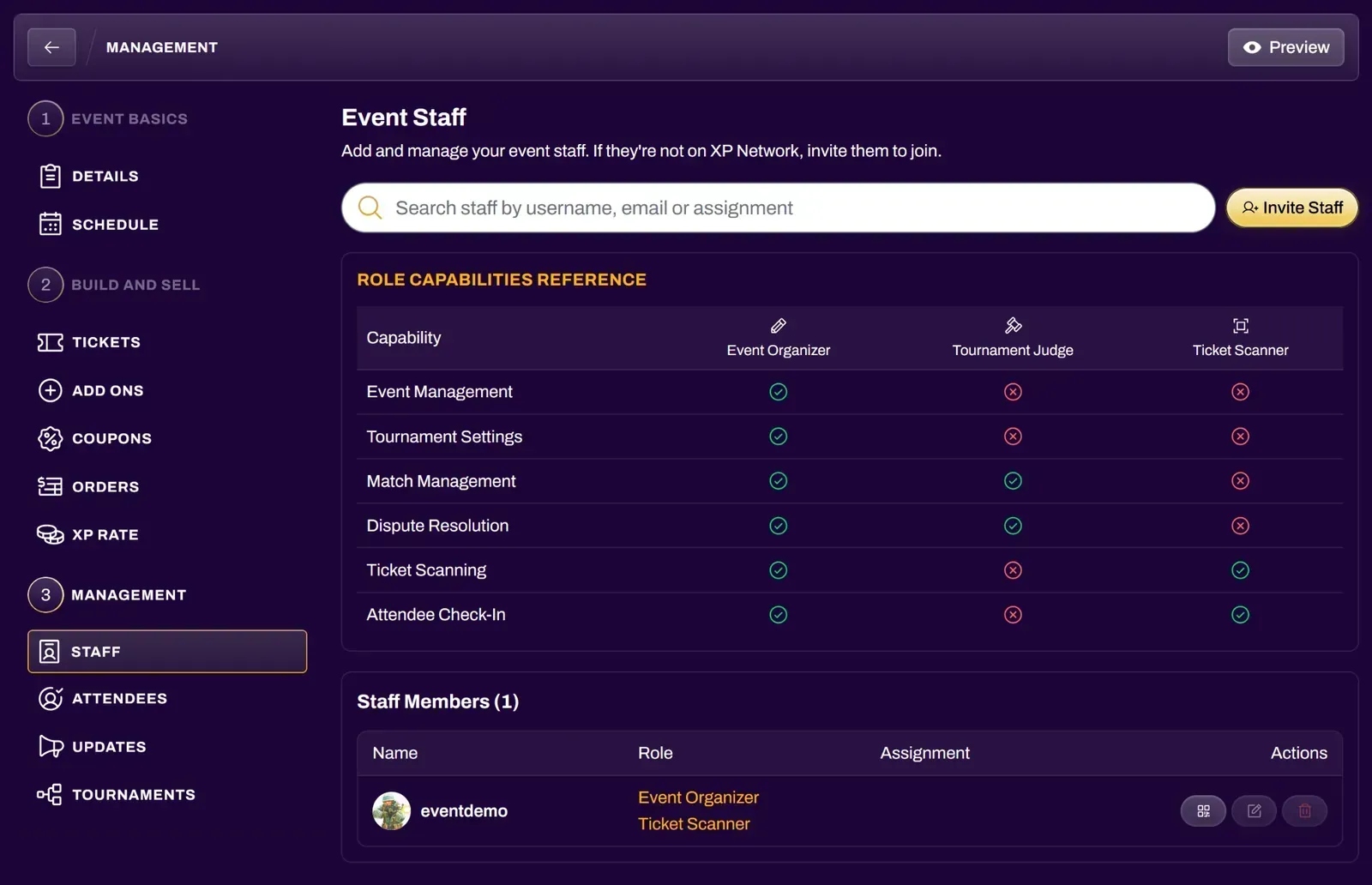
Section titled “Adding Event Staff”Navigate to your event and select the Staff tab from the Management section.
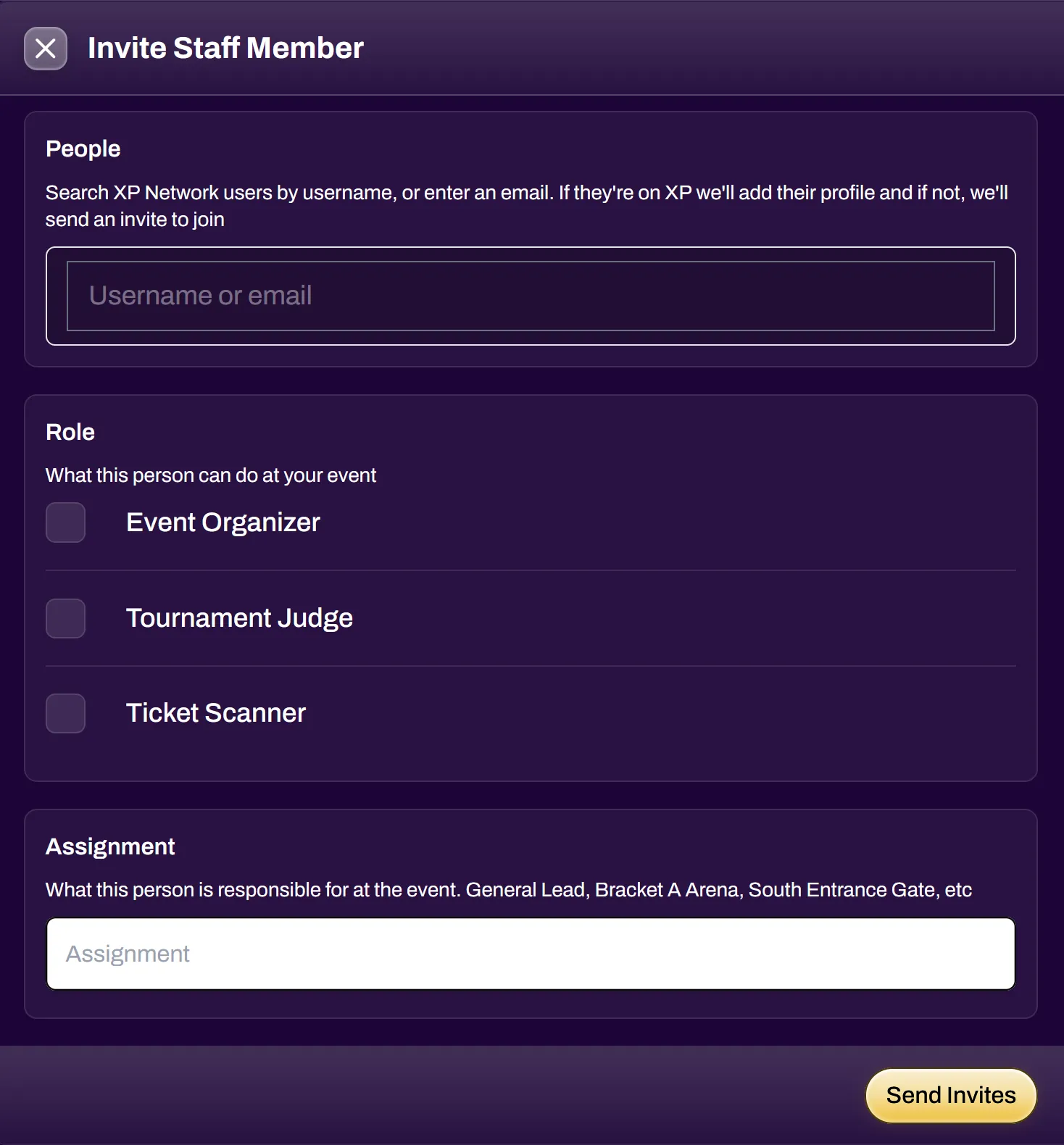
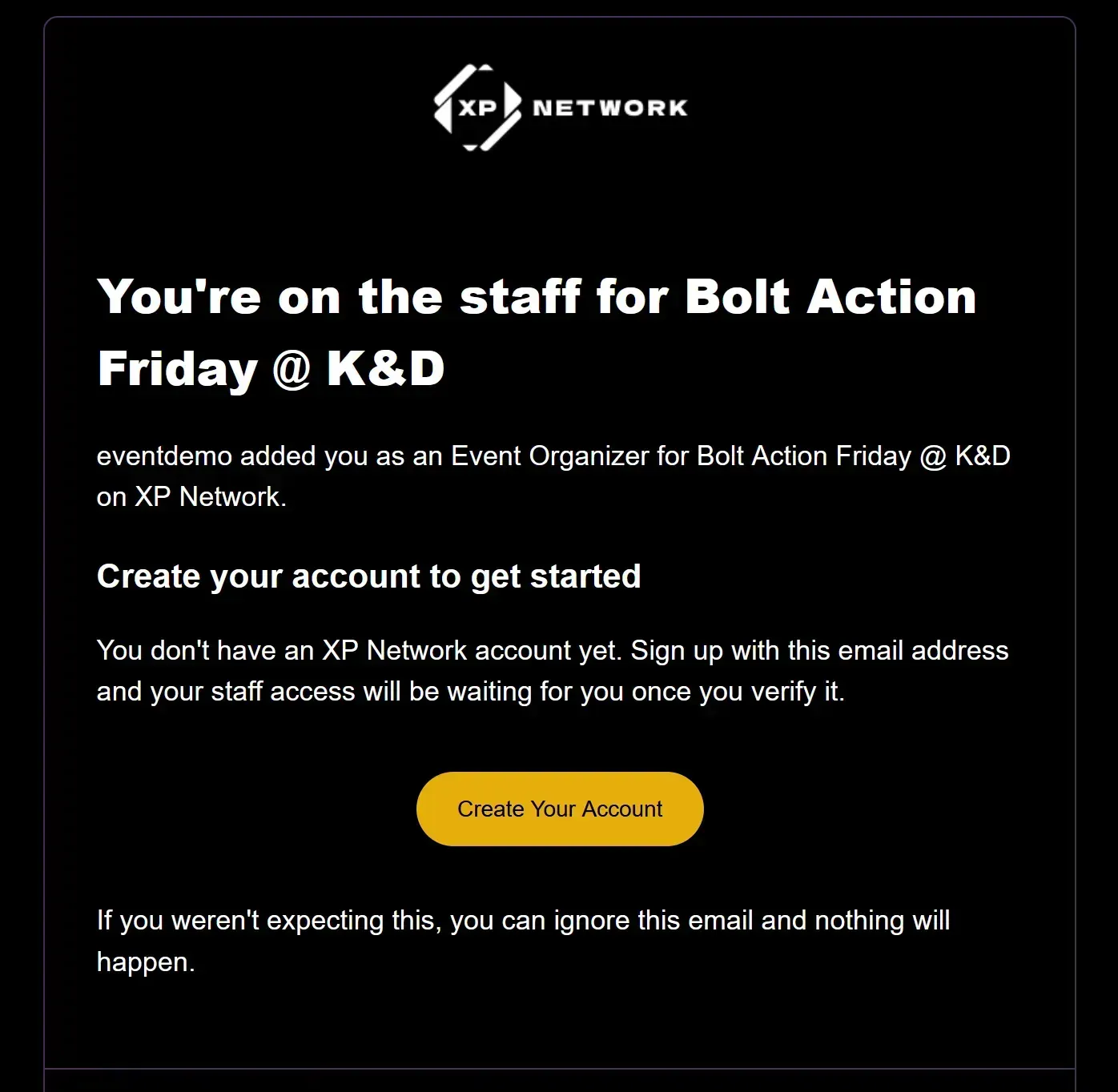
Select the Invite Staff button to add more staff to your event. Search for XP Network users by username, or enter one or more email addresses, and select the roles you wish to grant them. You can also enter an assignment, which is a description of their responsibilities at the event. Upon selecting Send Invites, users on XP Network will be added with their respective roles. If an email address is not linked to an account on XP Network, that person will receive an email inviting them to join.
| Event Organizer | has full event management access and can add or remove other staff members (the original event organizer cannot be removed). |
| Tournament Judge | receives tournament-related notifications, has the ability to enter match results, add judge notes, and resolve match disputes. When granting this role, you can select which of the event’s tournaments the judge can assist with. |
| Ticket Scanner | has the ability to scan and redeem tickets. When granting this role, you can toggle Automatically open a scanner session to let the staff member start redeeming any of the event’s existing tickets as soon as they join. Refer to the Ticket Scanner doc for a full guide on how to set up Ticket Scanner sessions. The Ticket Scanner can also be used to quickly add players to a tournament. |
Managing Event Staff
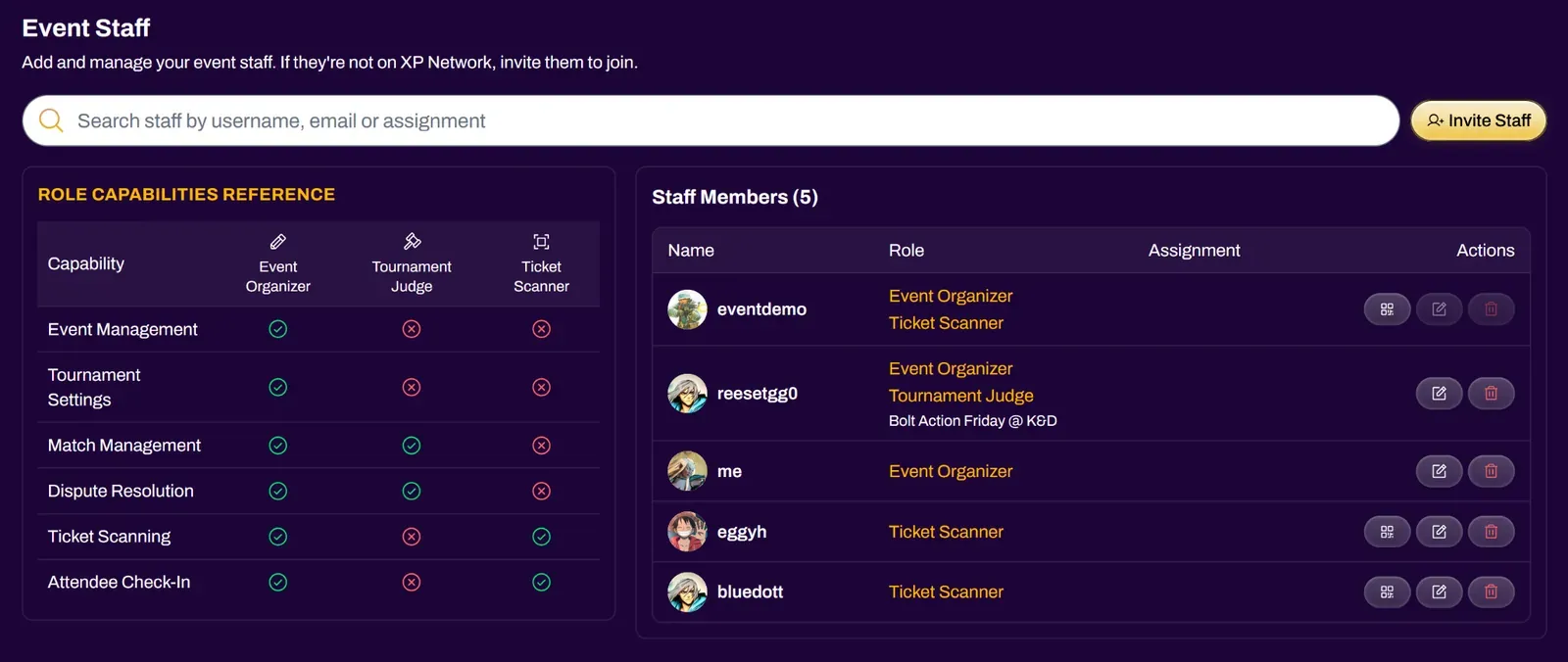
Section titled “Managing Event Staff”Existing staff can be managed from the Staff Members list. You can use the search bar to find staff by username, email, or assignment.
Each staff member’s row shows their roles and assignment, along with actions:
| Edit | Change the staff member’s roles or assignment |
| Remove | Remove the staff member and their permissions from the event |
| Scanner Session | Create new or end existing scan sessions for staff with the Ticket Scanner role |