News and Updates
News and Updates is your direct line to your community, keeping players, customers, and followers informed, engaged, and coming back. Whether you’re a publisher sharing organized play announcements and product releases, or a retail store posting new inventory, event changes, or weather-related cancellations, this is where your voice lives. Users who have favorited your organization or joined your mailing list will receive notifications, ensuring your most important updates never go unnoticed.
Posting a News Update
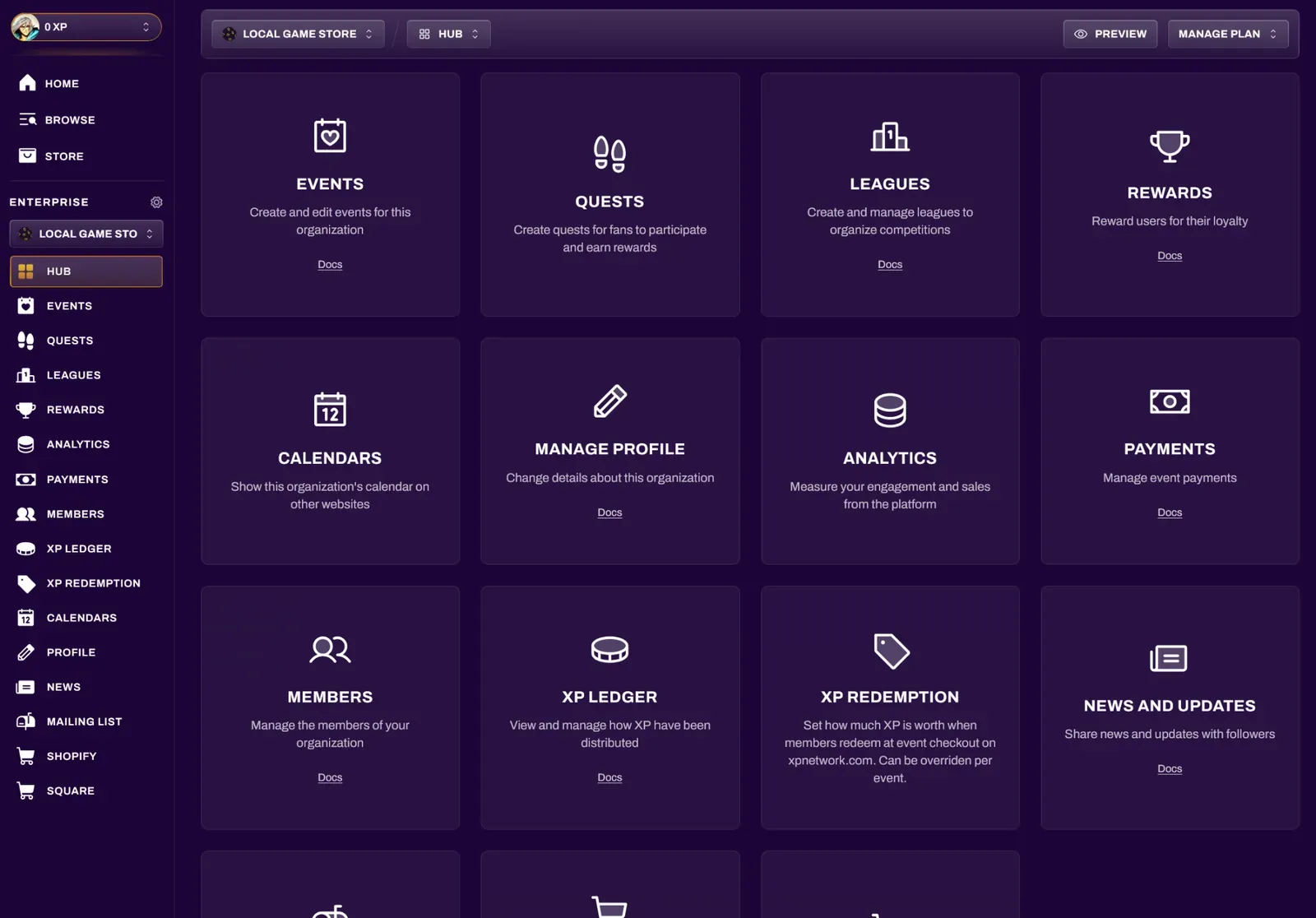
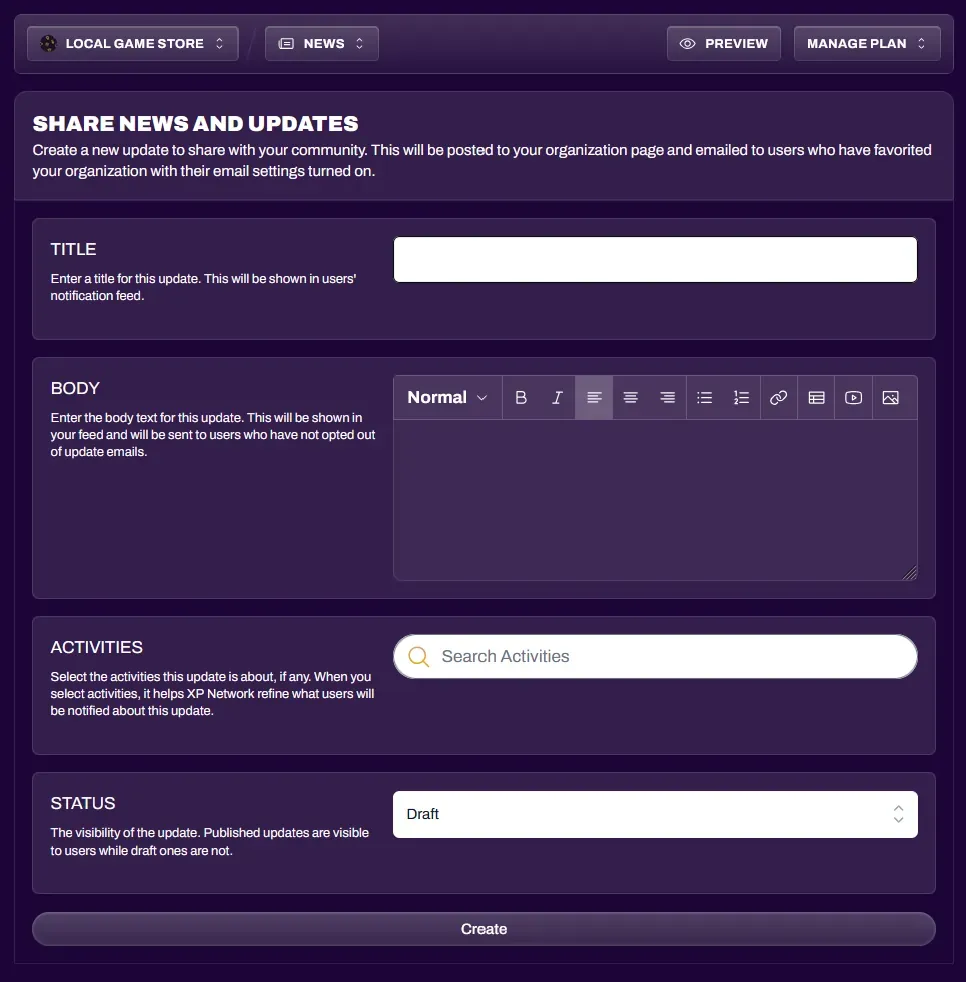
Section titled “Posting a News Update”Navigate to the News and Updates section of your organization dashboard.
Select “Share Update” to begin composing a new post. You can also filter existing updates via Publication Status (Draft or Published).
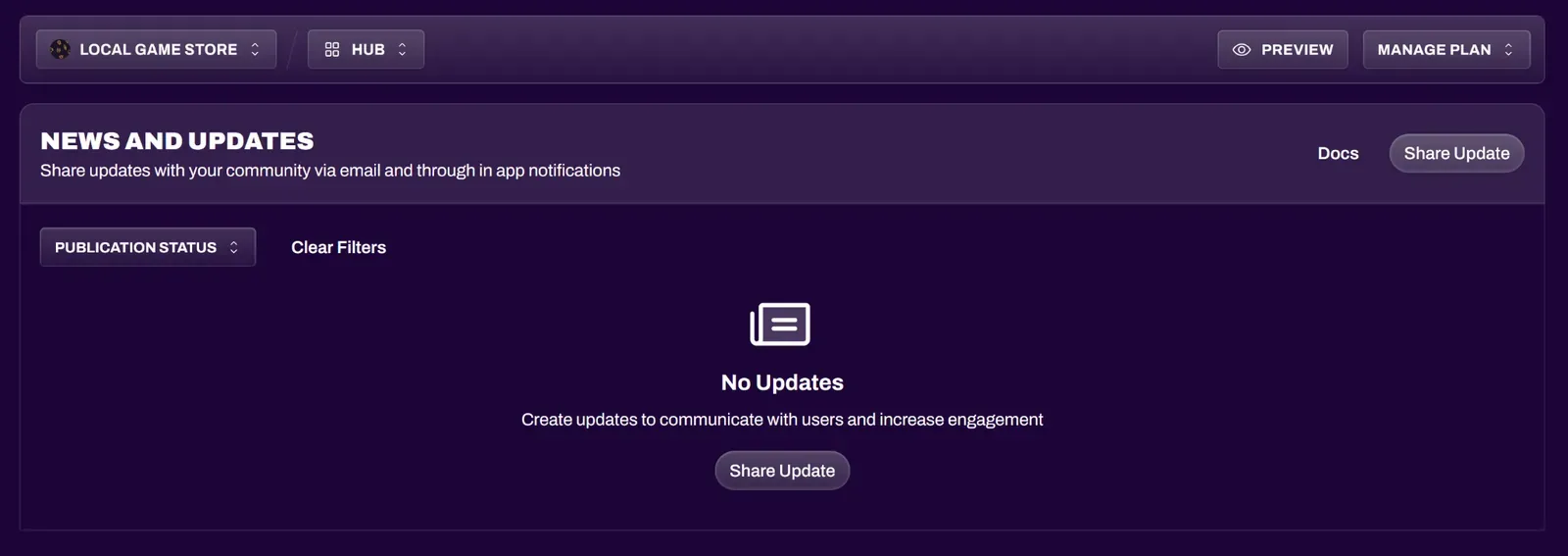
The following fields can be customized:
| Title | Title of the news update, and will be shown in notification feeds. |
| Body | Details of your news update. This field is customizable with the rich-text editor, just like the event details description editor. |
| Activities | Any related games to your news update should be added here. |
| Status | You can publish updates immediately, or save them as a draft and then publish them later. |
Notifications
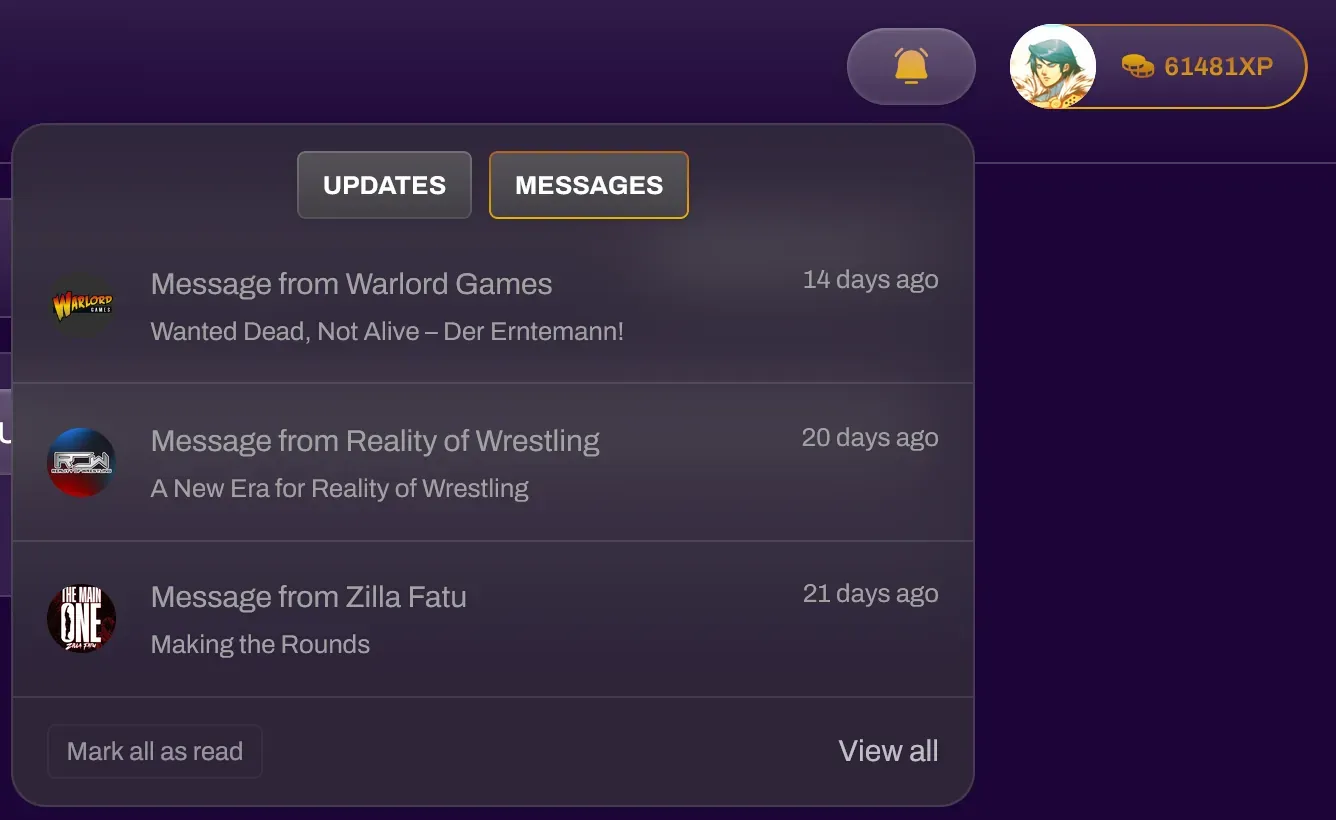
Section titled “Notifications”After publishing a News Update, users who follow and favorite your organization will receive notification bell updates under their Messages section. They will also receive email notifications if they have opted in when favoriting your organization.
Building Your Audience
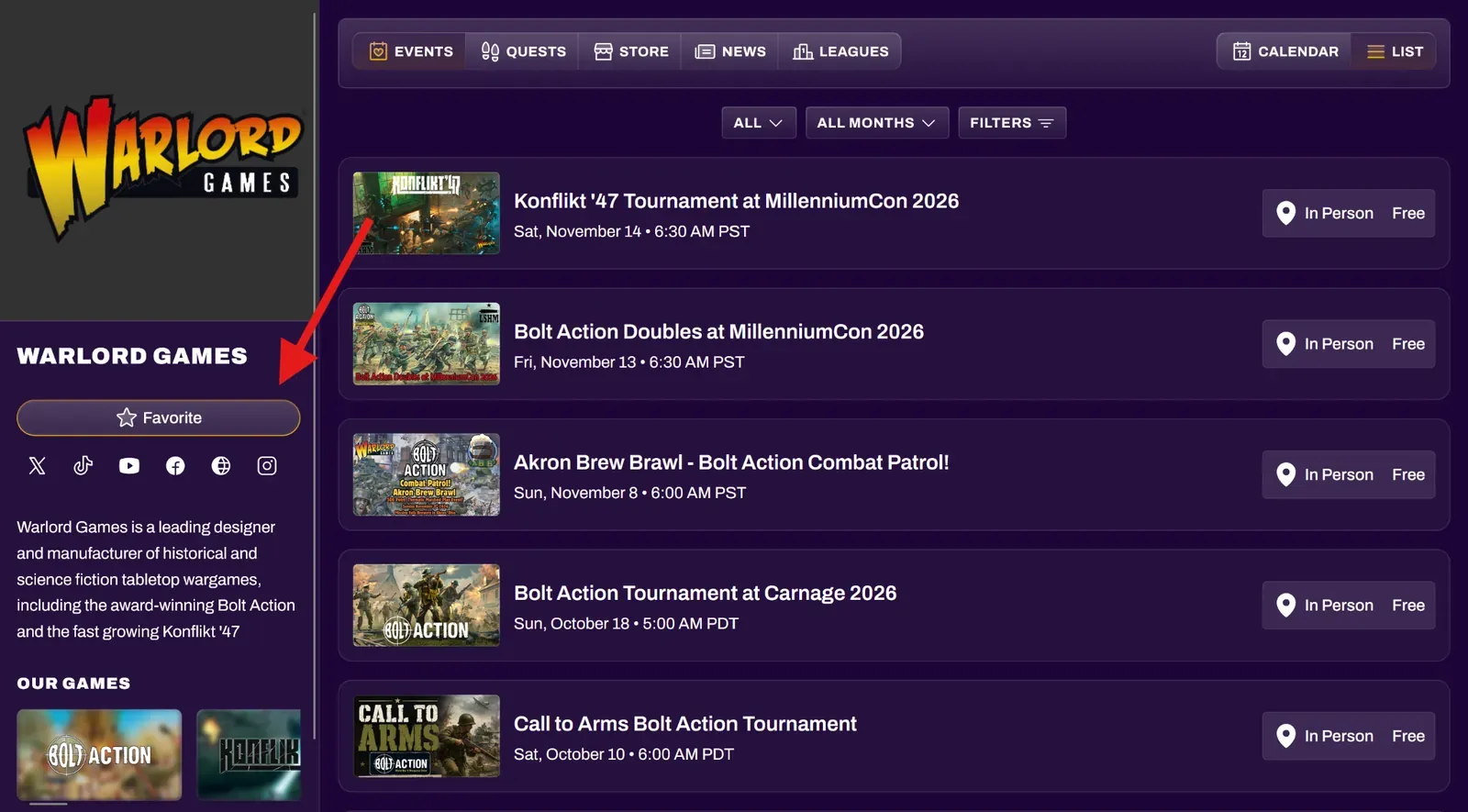
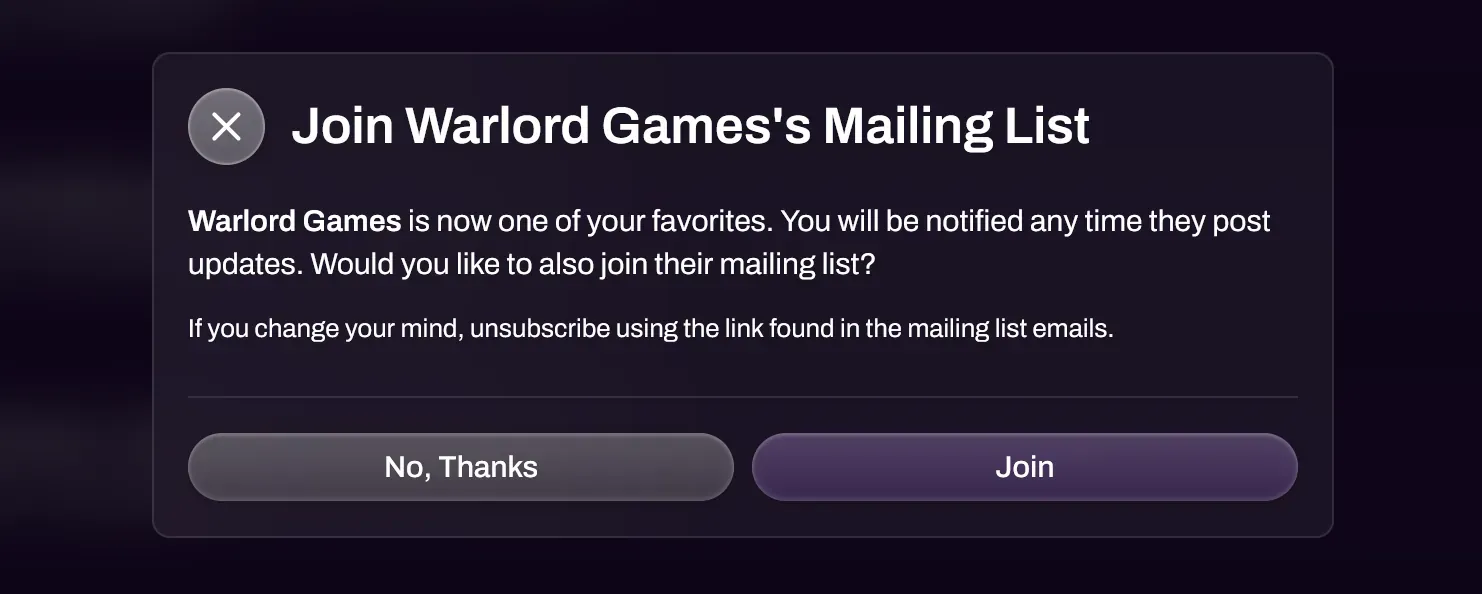
Section titled “Building Your Audience”You can have your community follow your organization by directing them to your organization page, and selecting the Favorite button (or the Star button on mobile). They will also be prompted to join your mailing list as well.