
Shopify Integration
Follow the steps below to connect your Shopify store with XP Network.
-
Install the XP Network Shopify App
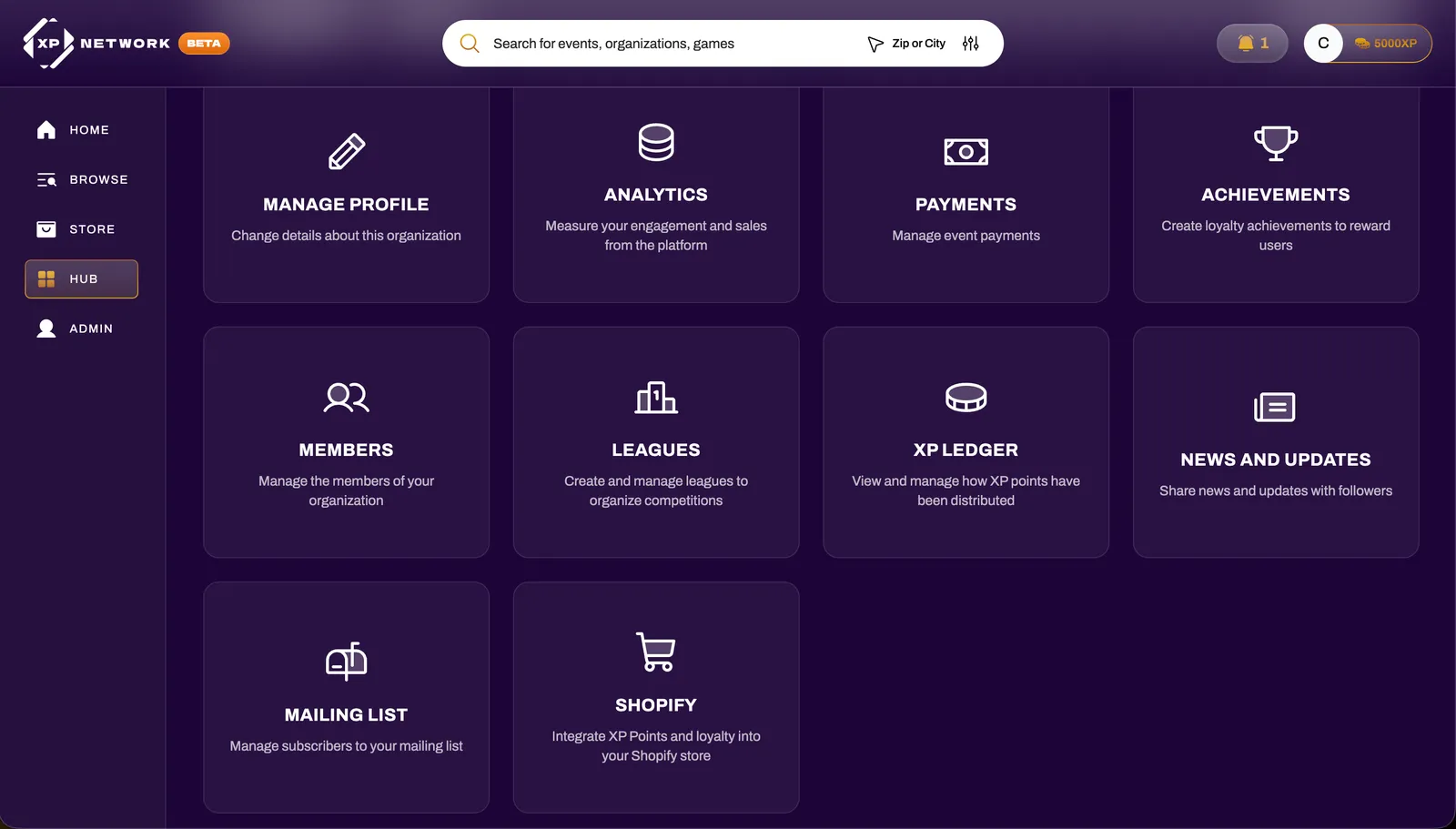
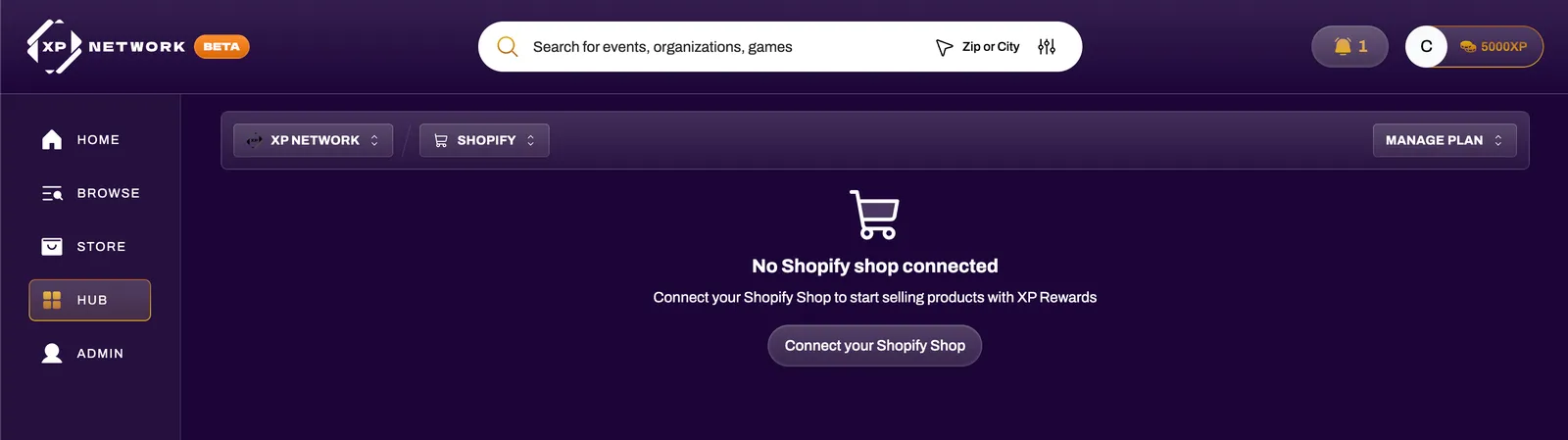
Section titled “Install the XP Network Shopify App”Open your XP Network Hub and select Shopify. This will direct you to the XP Network Rewards app in the Shopify App Store.
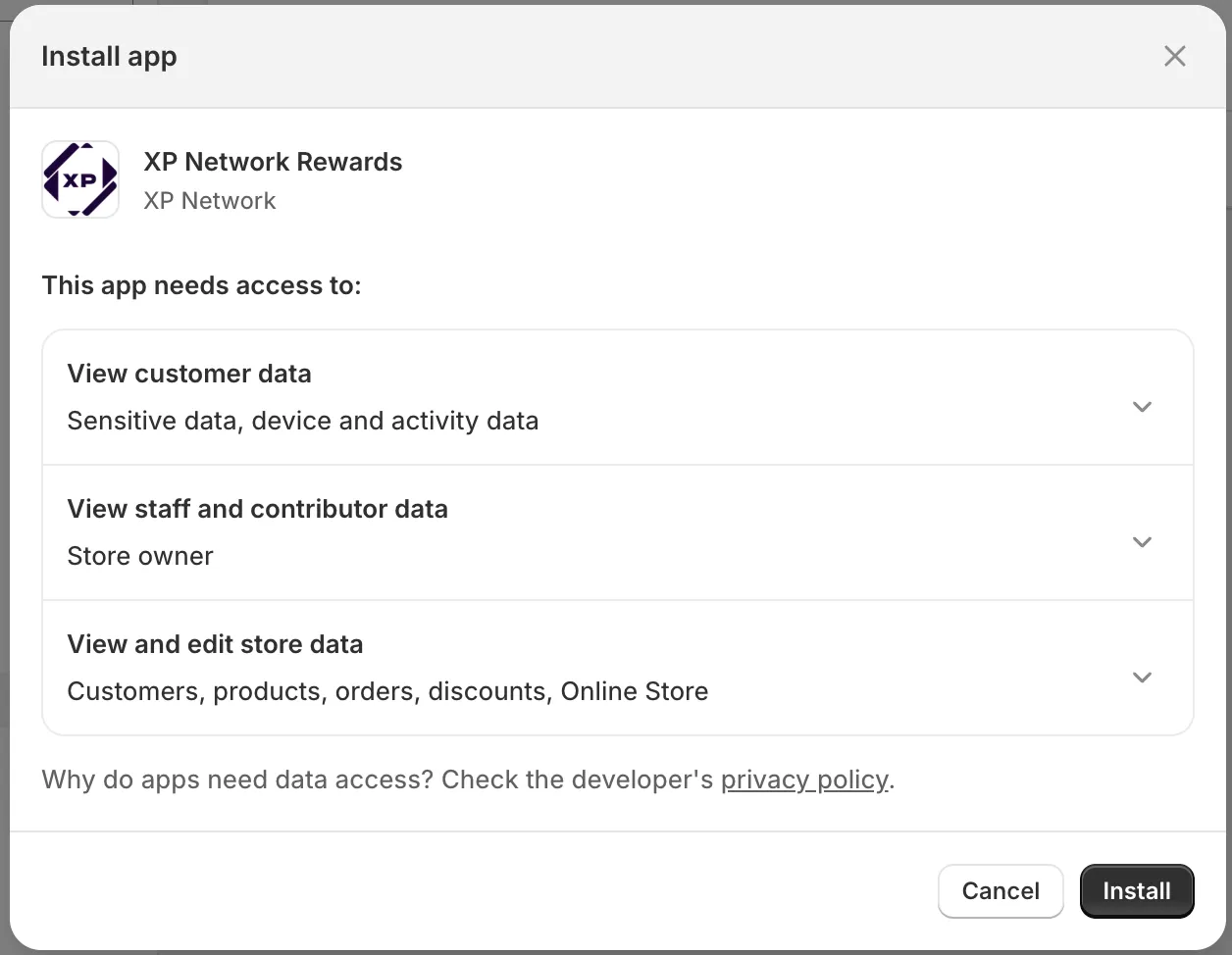
Install the app and accept the permissions presented in the dialog.
-
Request Your API Keys
Section titled “Request Your API Keys”Before proceeding with any further configuration, you must obtain your XP Network API keys for Shopify.
Reach out to us through one of the following channels:
- Email: support@xpnetwork.com
- Discord: discord.com/invite/PUeAm89EN4
-
Display Your Products on XPNetwork.com
Section titled “Display Your Products on XPNetwork.com”Create a collection in your Shopify store named “XPN” and add all products you want to surface on your XPNetwork.com Organization page. Consider starting with your bestsellers to maximize customer engagement.
You can customize how XP is applied to purchases through your Discount configuration in the following step.
-
Set Up Discount Configuration
Section titled “Set Up Discount Configuration”Navigate to your store’s Discounts section to define how XP points convert to cart discounts. This controls the customer reward experience.
- Select Redeem XP Rewards
- Set the type to Automatic
- Give it a name that includes “XP” in the title
- Customize the remaining settings as you see fit
-
Set Up Your Theme
Section titled “Set Up Your Theme”Once you have received your XP Network API keys and setup your Discount configuration, proceed with integrating the XP Network theme elements into your store. Follow the instructions provided within the Shopify app to complete your theme setup.
-
Connect Your Organization
Section titled “Connect Your Organization”Once your full configuration is complete, including your theme, discounts, and any optional product settings, hit the Connect button to link your XPN Organization to your Shopify store.
After a successful connection, your integration will look like the following:

Next Steps
Section titled “Next Steps”Once your store is connected, you can configure advanced features:
- Minimum XP Spend - Gate products behind XP requirements
- Featured Drops - Create limited-time product releases with countdown timers