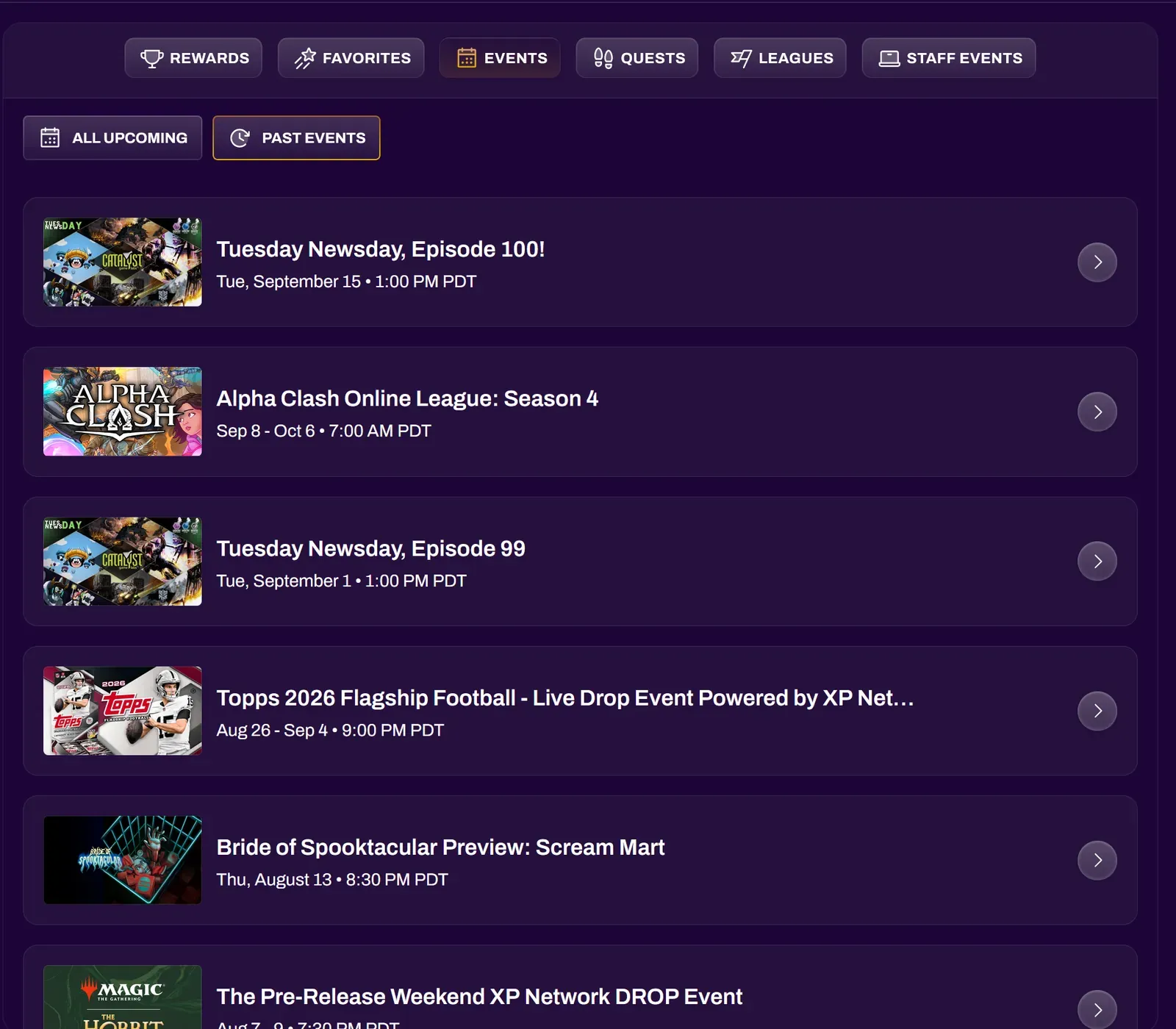
Events
Events on XP Network can be anything the organizer can imagine. These can be local or online meetups, tournaments, demos, raffles, watch parties, quests, contests or challenges, and more.
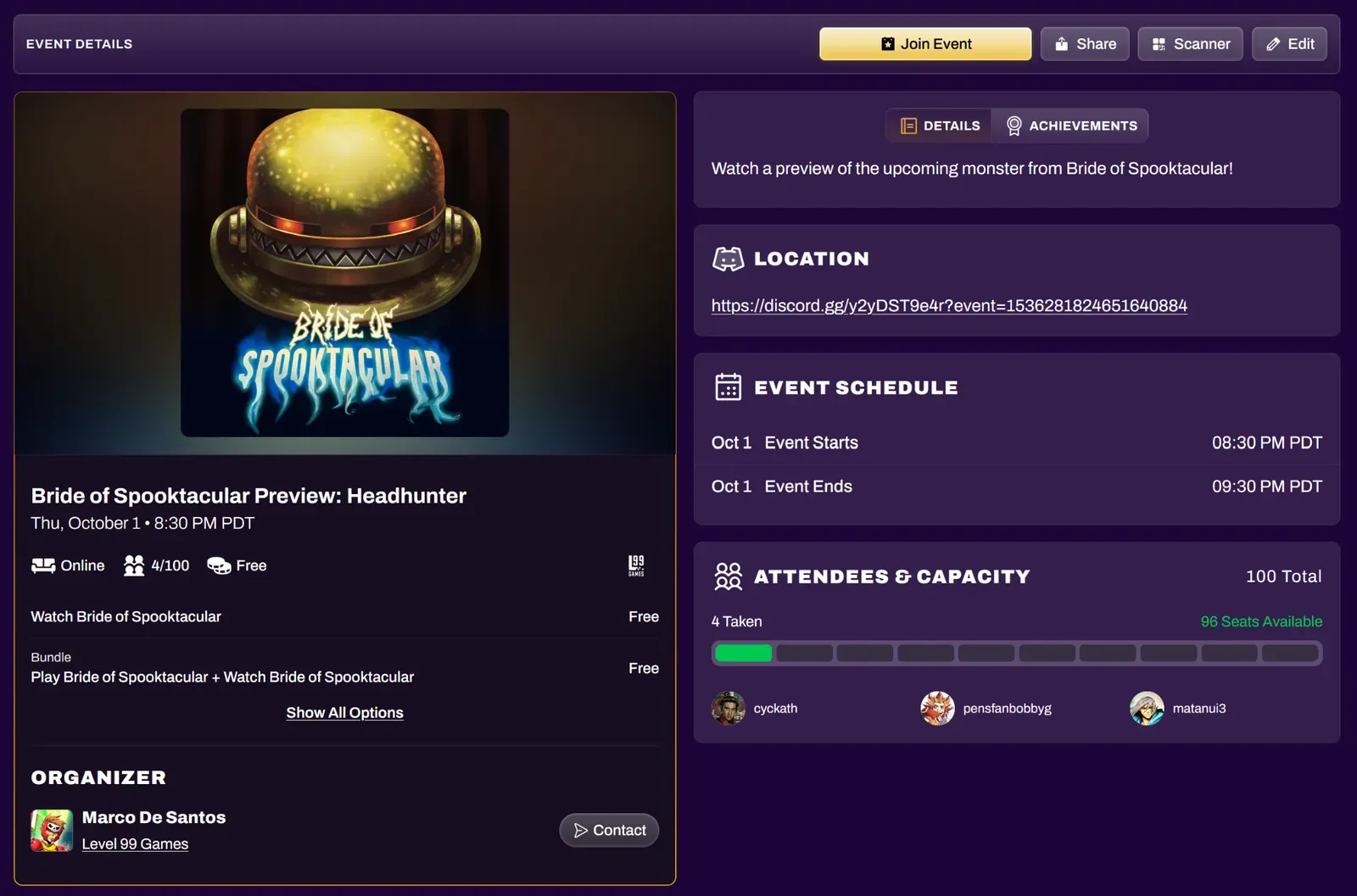
Event pages show many details, such as:
- Event Description
- Achievements and/or Items you can get by participating
- Physical or Virtual location
- Event Start and End times
- Attendee List and Capacity
- Organizer and Organization (if any)
- Ticket options and prices
- Share and Contact buttons
Joining Events
Section titled “Joining Events”You can sign up for an event by selecting the Join Event button and obtaining a ticket. The button changes to show the event’s availability:
| Almost Full | tickets are running low |
| Sold Out | no tickets remain |
| On sale date | tickets aren’t available yet; the button shows when they go on sale |
| Not Available | the event has ended |
For free tickets, you won’t be asked for payment details, even though you are technically “purchasing” a $0 ticket.
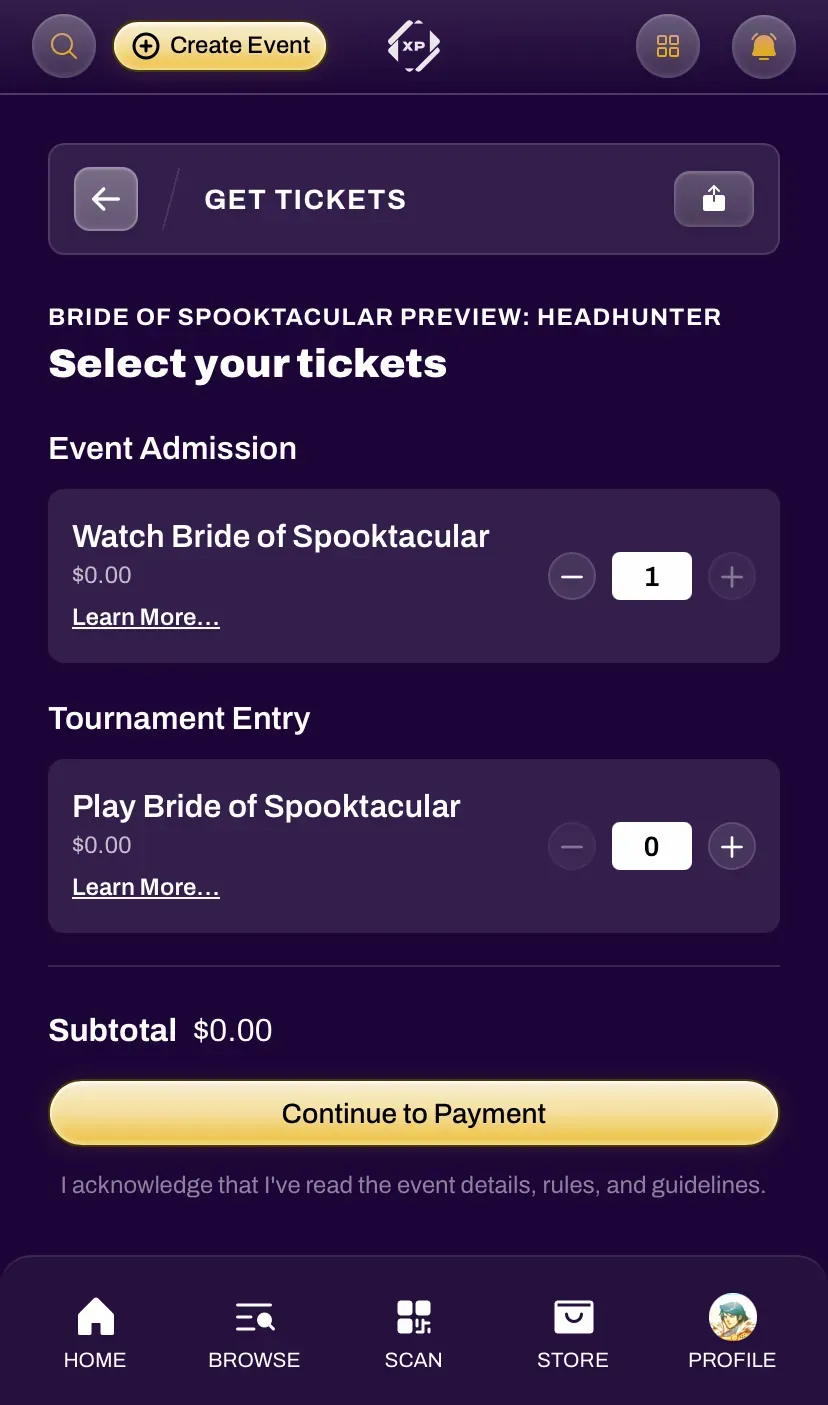
Tickets are grouped by type. Event Admission tickets get you into the event, and Tournament Entry tickets register you for a specific tournament. Some events also offer bundles that combine both. Select Learn More… on any ticket for its full description.
Tickets are tied to your account and cannot be transferred to another user. Most tickets are limited to one per person, though organizers may allow higher quantities for items like add-ons or raffle entries.
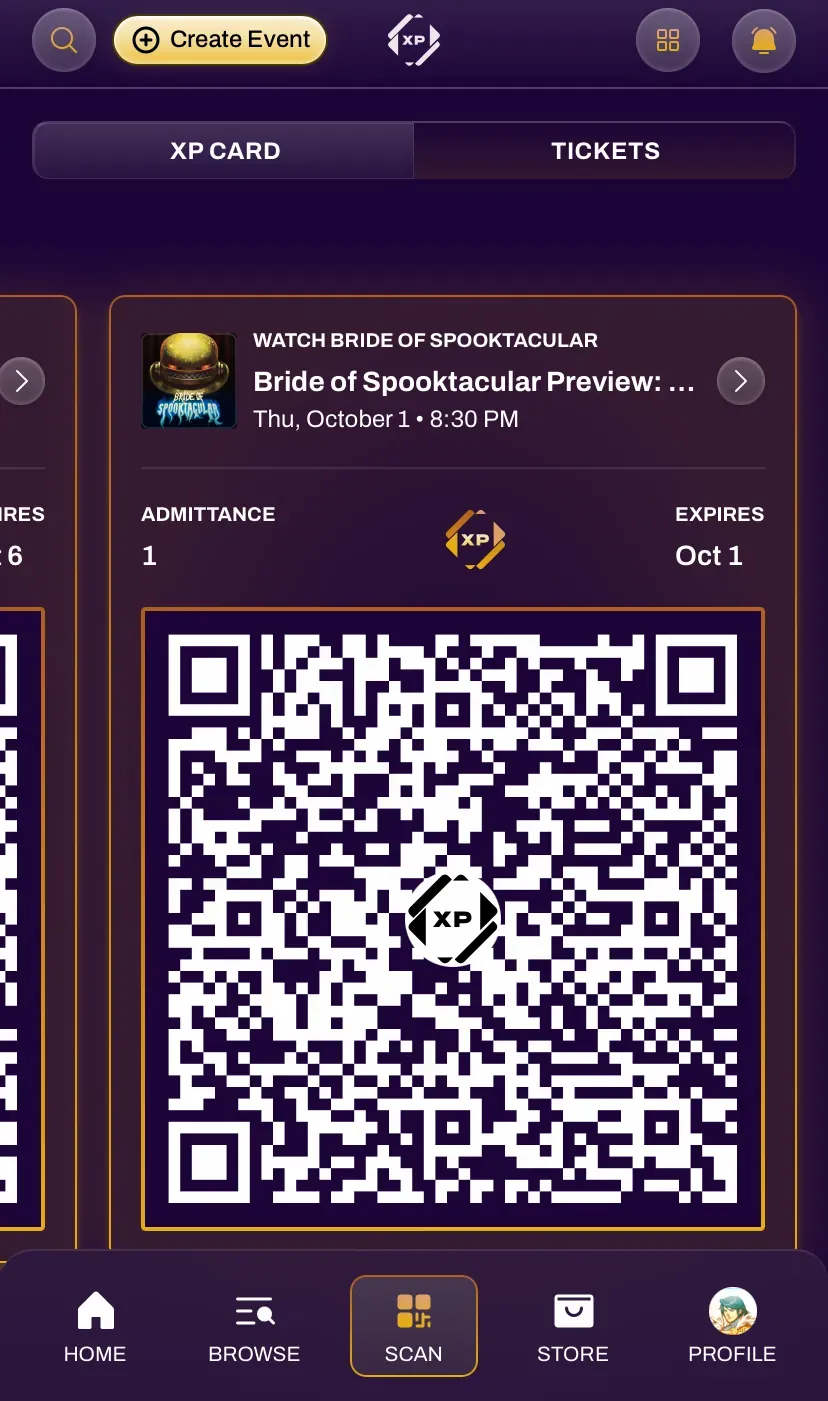
Your ticket will have a QR code that may need to be scanned by an event organizer in the case of a physical event. Your tickets can be found on the event page that you registered for, or under the Tickets section in the Scan tab of your navigation bar.
Paid Events
Section titled “Paid Events”XP Network uses Stripe as the payment processor. Stripe supports a plethora of common payment methods such as cards, wallets, bank transfers, buy now pay later, and more. You can view supported payment methods on their documentation page here.
Organizers may give out coupon codes for discounted or free tickets. If you have a valid Discount Code or Coupon, enter it on the ticket selection screen before continuing to payment. If a ticket allows XP redemption, you can spend XP at checkout.
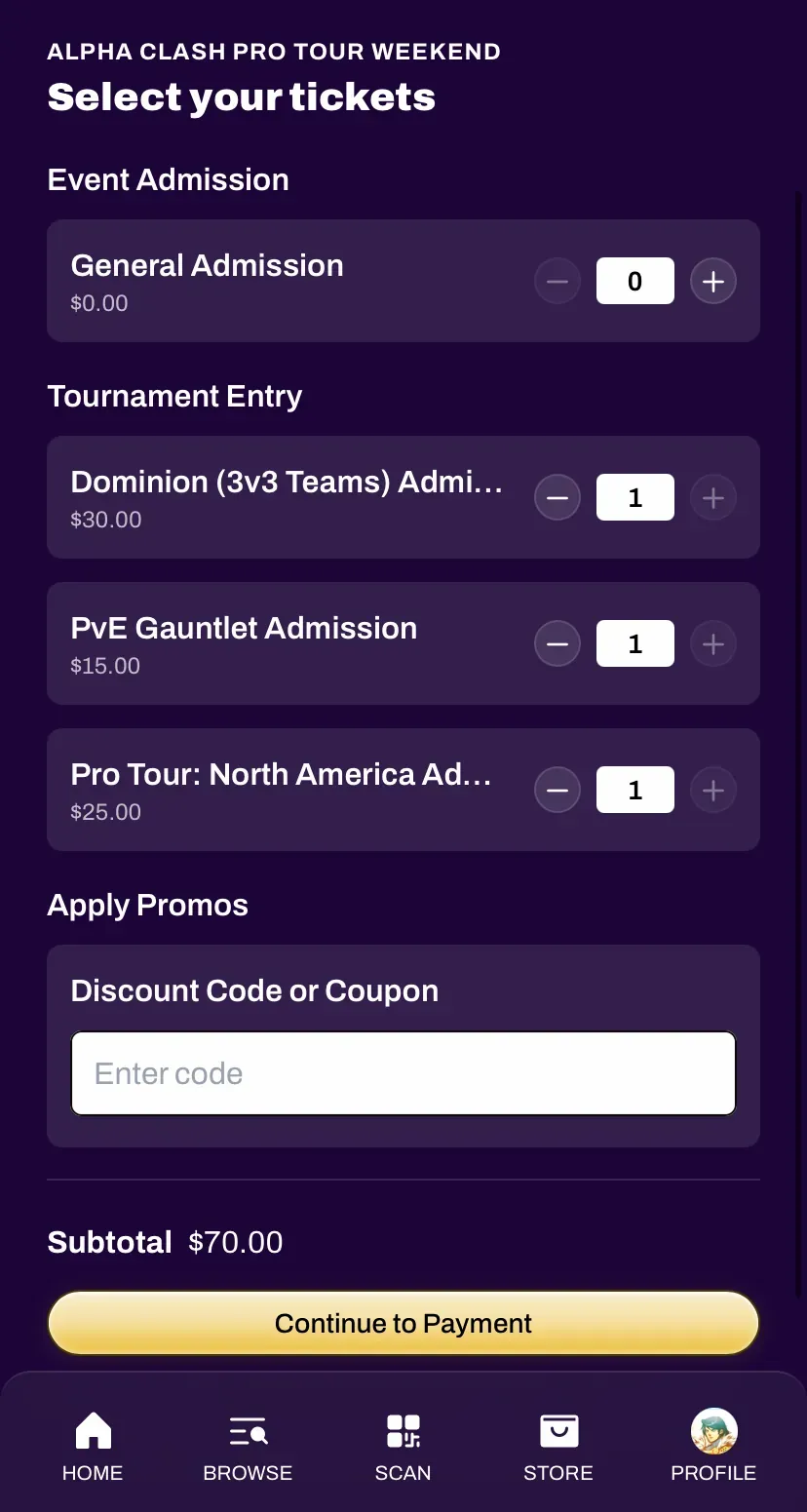
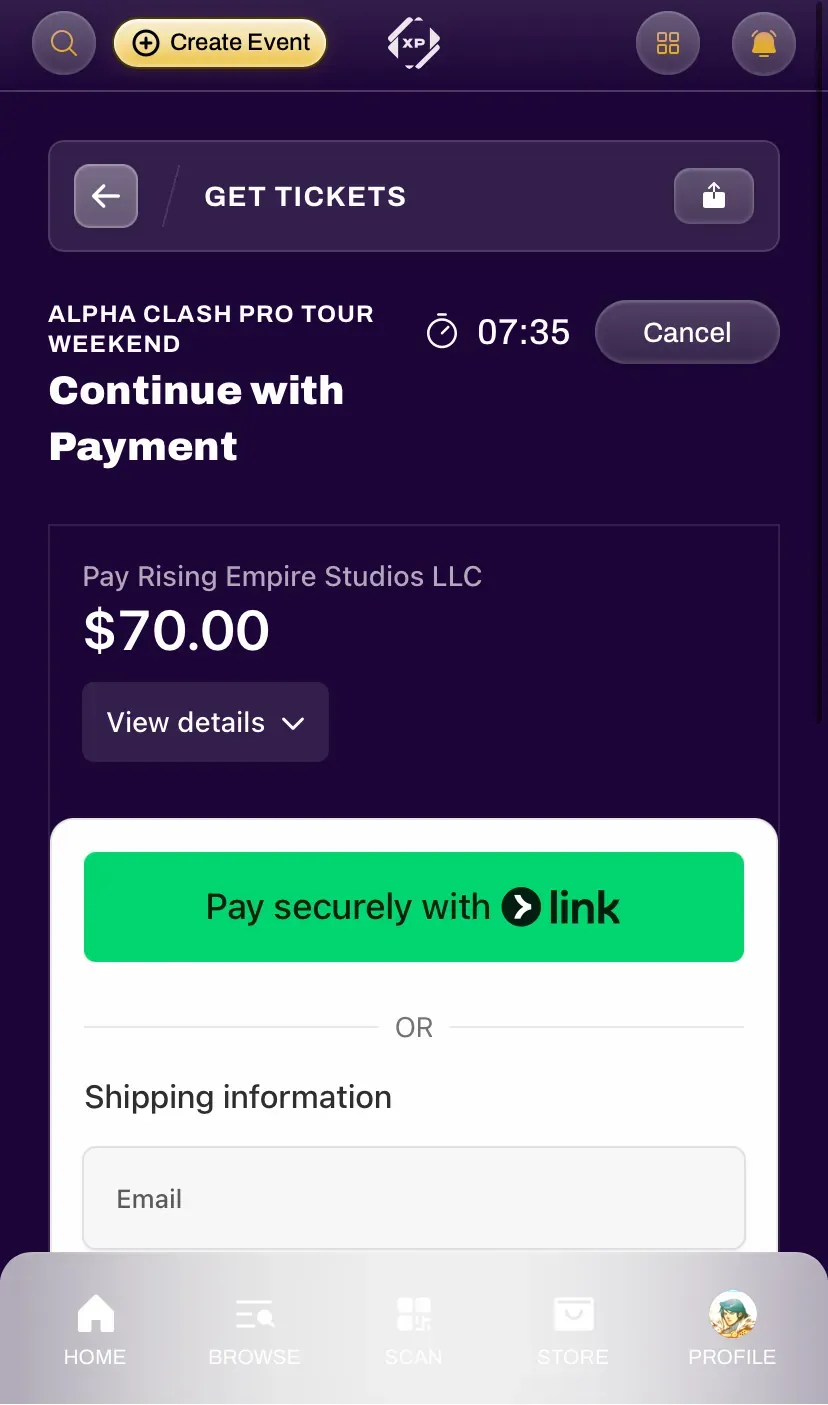
When joining an event with a paid ticket, that ticket will be held for you for 8 minutes. A countdown at the top of the payment screen shows how much time remains, and you can select Cancel to abandon the checkout and release the ticket.
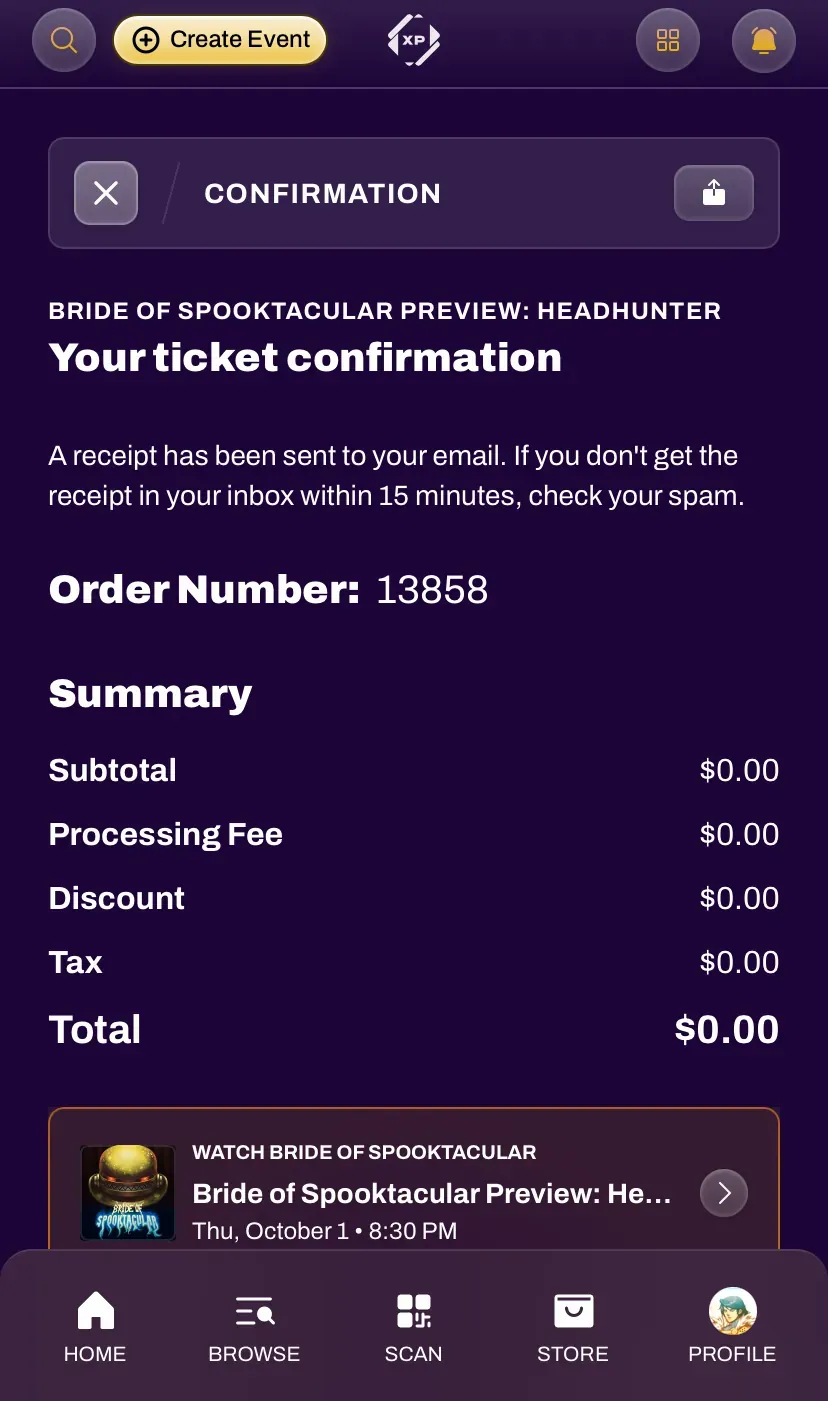
After checkout, a receipt is sent to your email. If it doesn’t arrive within 15 minutes, check your spam folder.
To request a refund, contact the event organizer using the Contact button on the event page. Refunds are issued by the organizer, not by XP Network.
Event History
Section titled “Event History”You can view events you have attended in the past and/or your upcoming events through the Events tab in your Profile.