Tournament Experience
Joining a Tournament
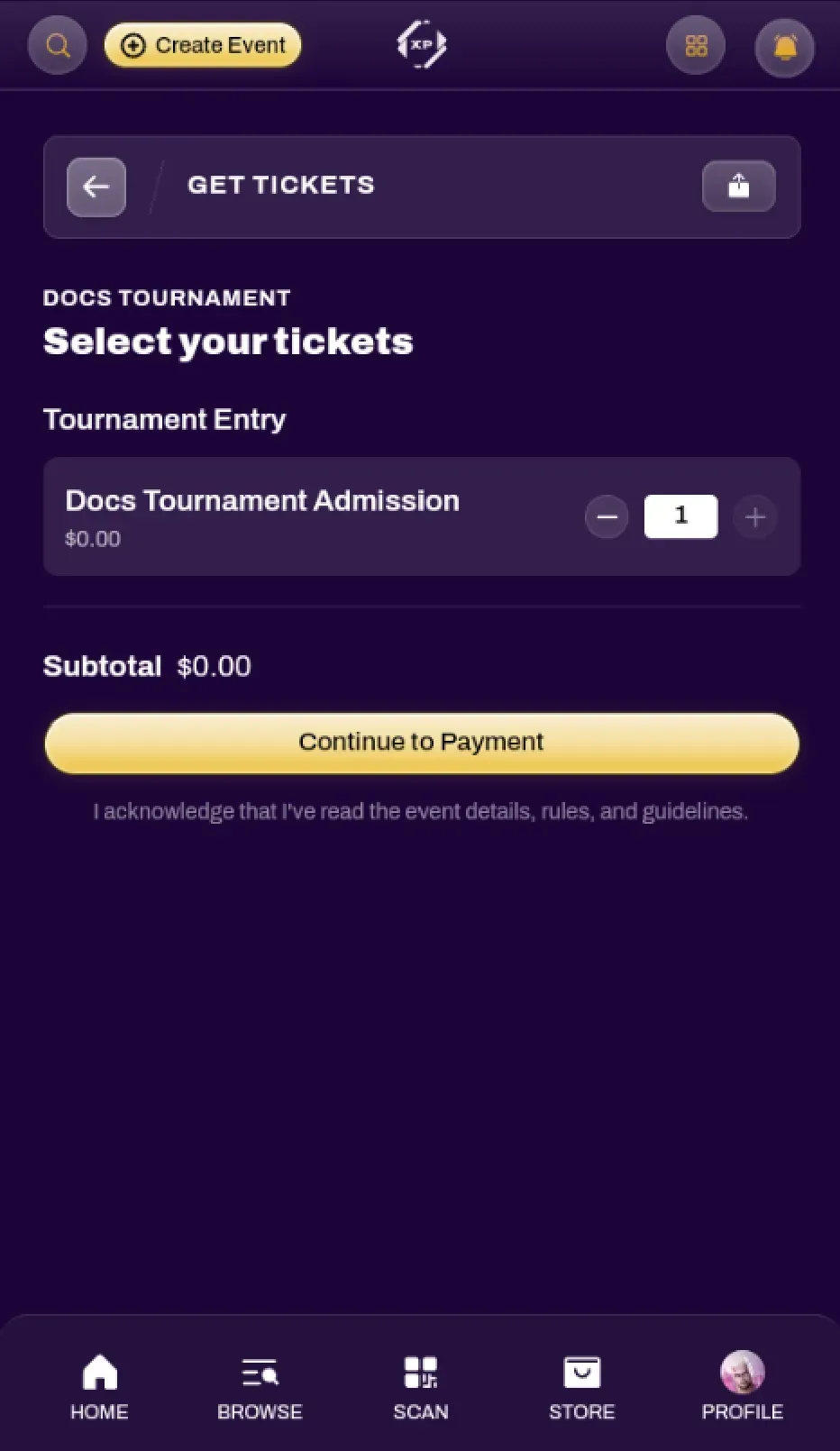
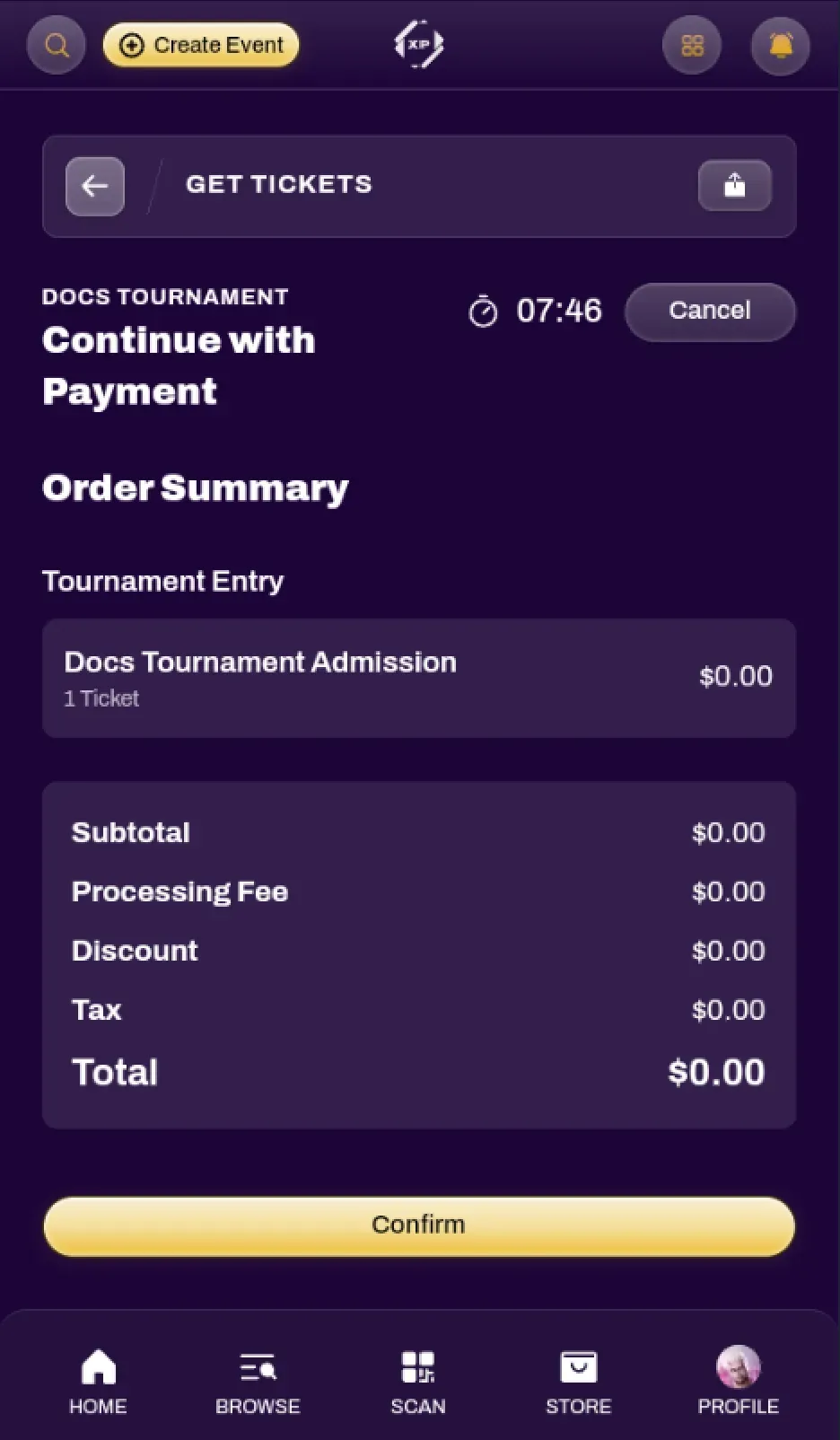
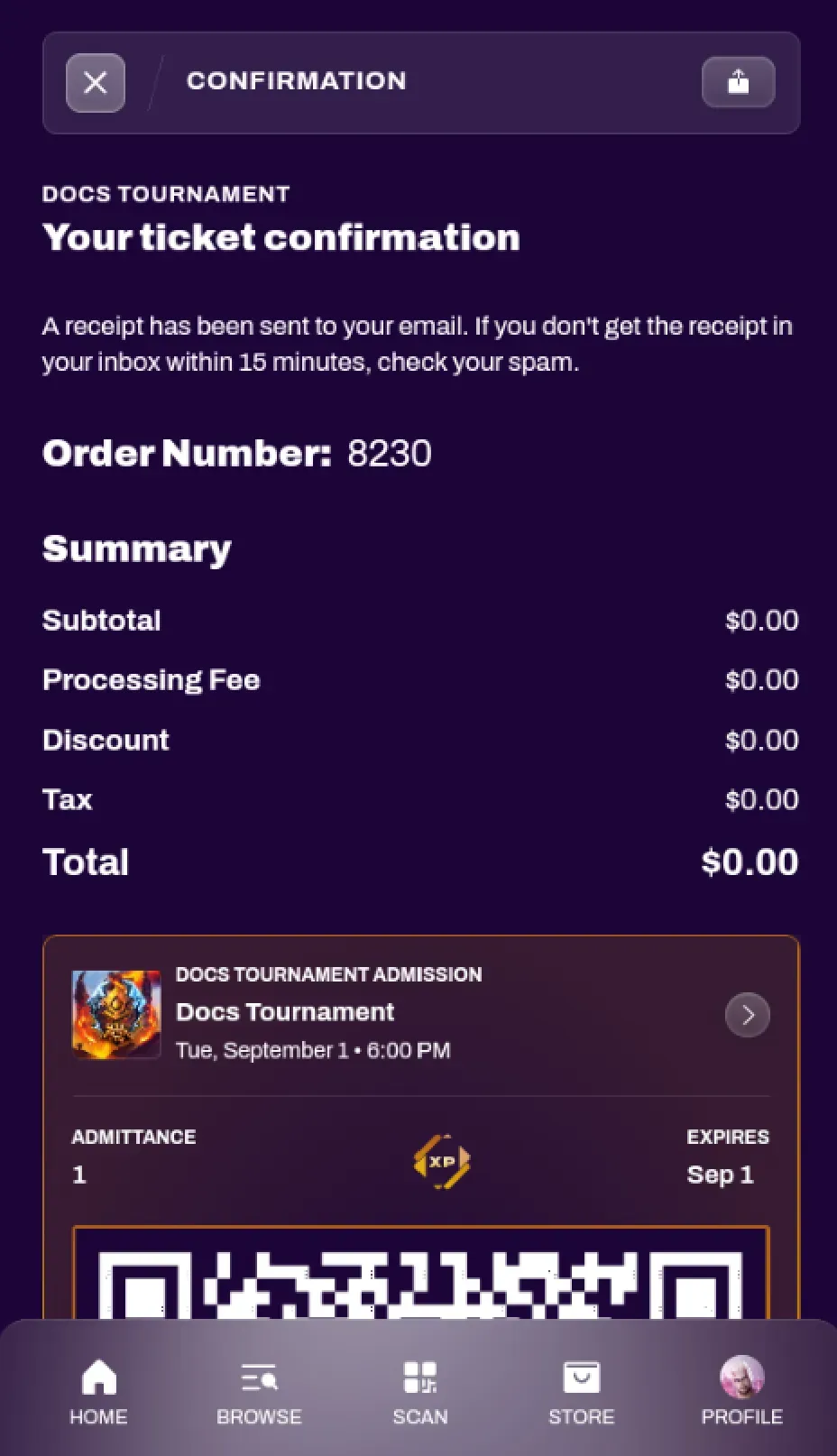
Section titled “Joining a Tournament”You can participate in a tournament on XP Network by navigating to an event with a tournament, and obtaining a Tournament ticket to that event.

If a tournament organizer set up an Auto-Add Scan Session for their event, you can also join a tournament by having them scan your XP Card. More information can be found in the Ticket Scanner doc.
Viewing Your Ticket
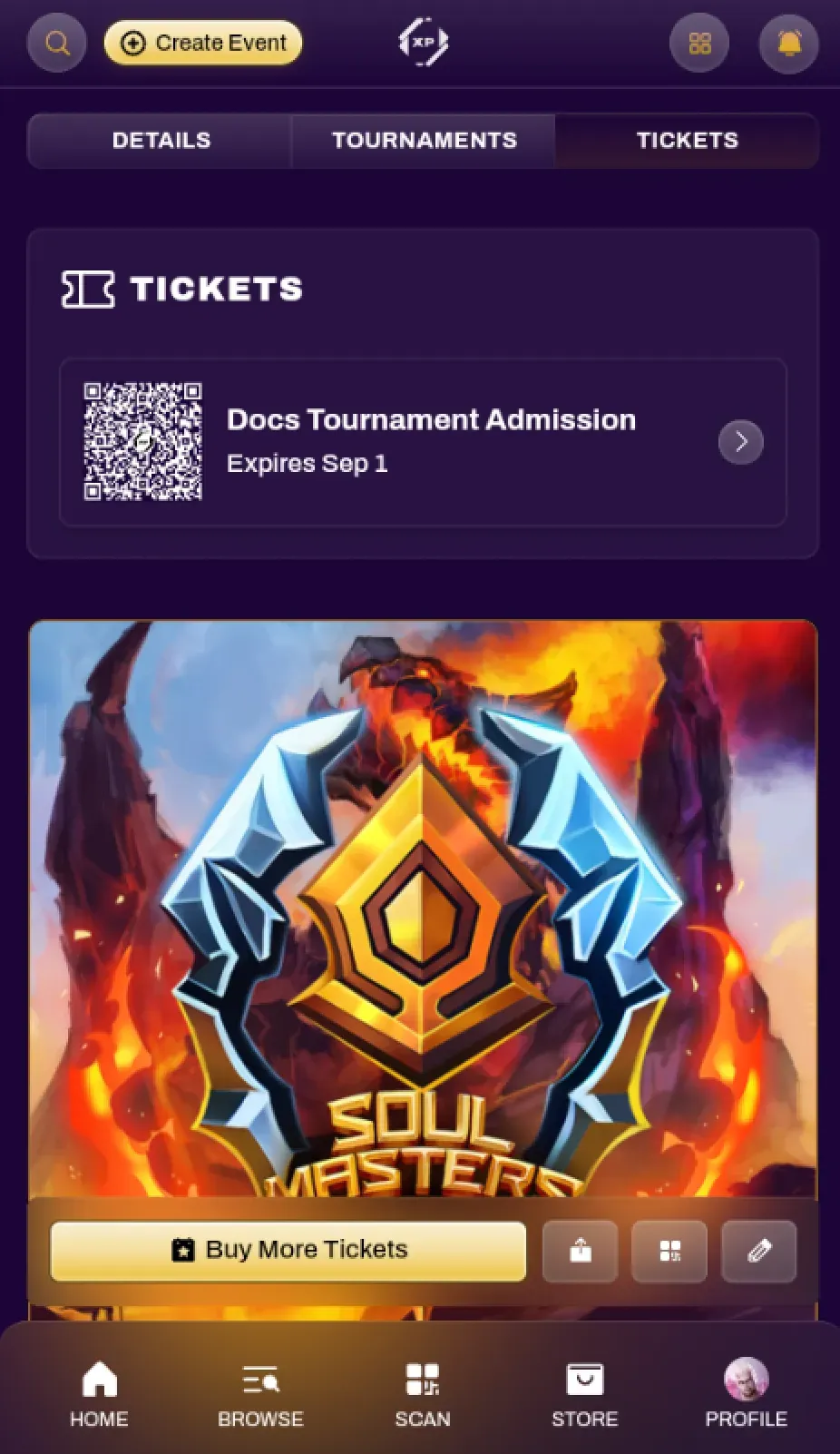
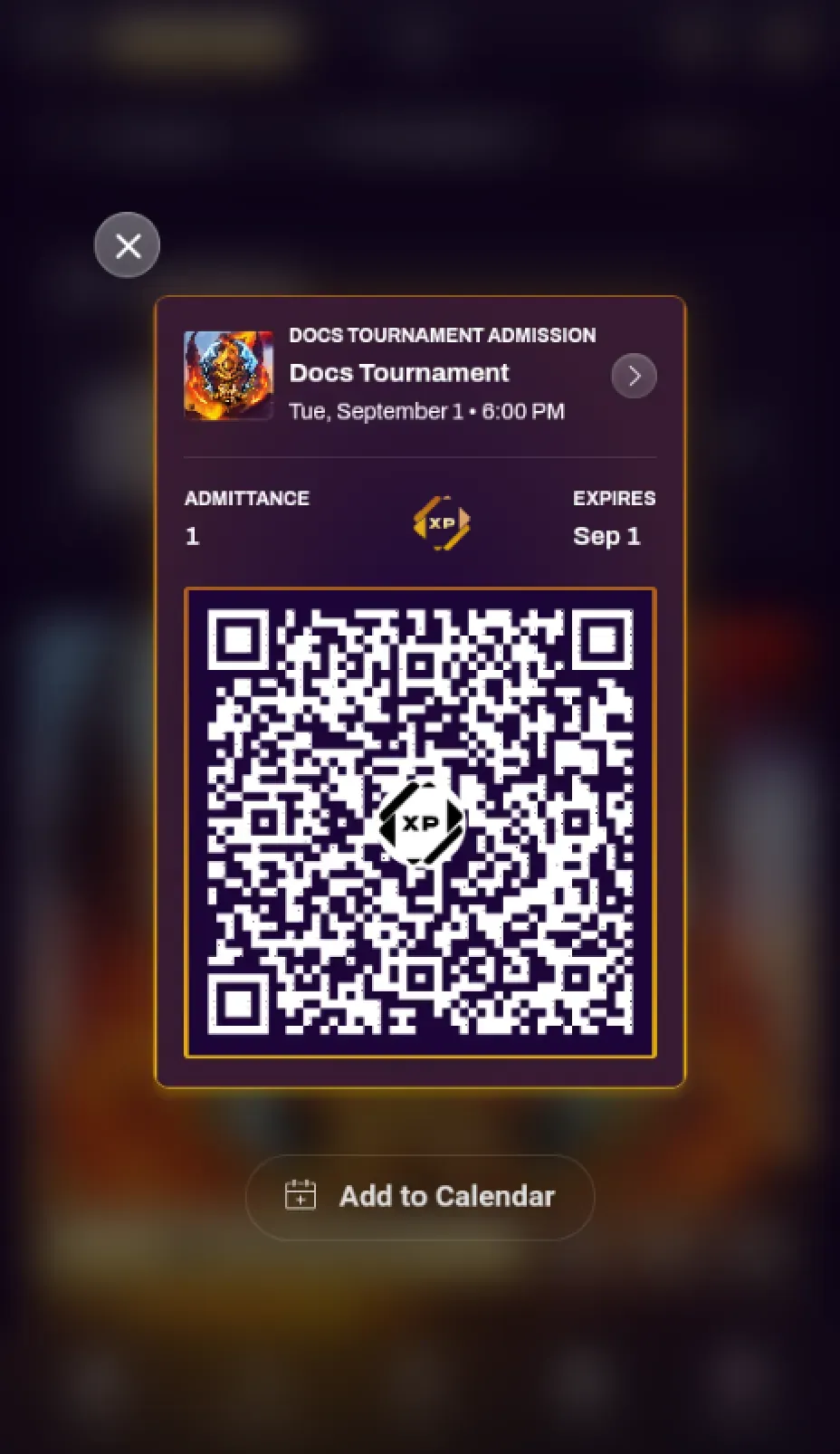
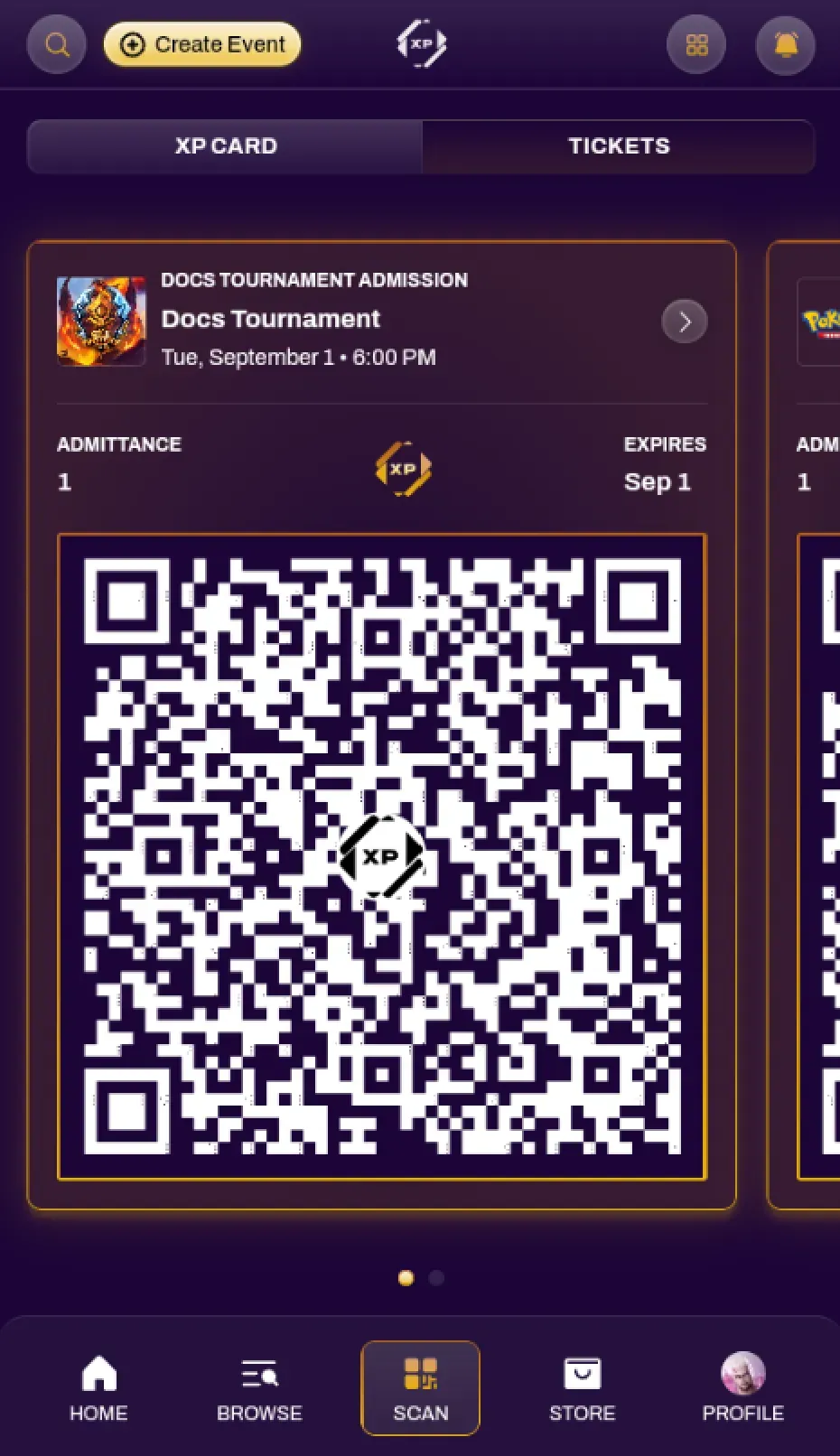
Section titled “Viewing Your Ticket”You are able to view your ticket at any time by navigating to the event page and selecting the Tickets tab. You can also quickly access any of your event tickets by navigating to the Scan tab on your bottom navbar and selecting the Tickets tab.
An event organizer may request to scan this ticket for a variety of reasons, such as confirming attendance or prize pickups.
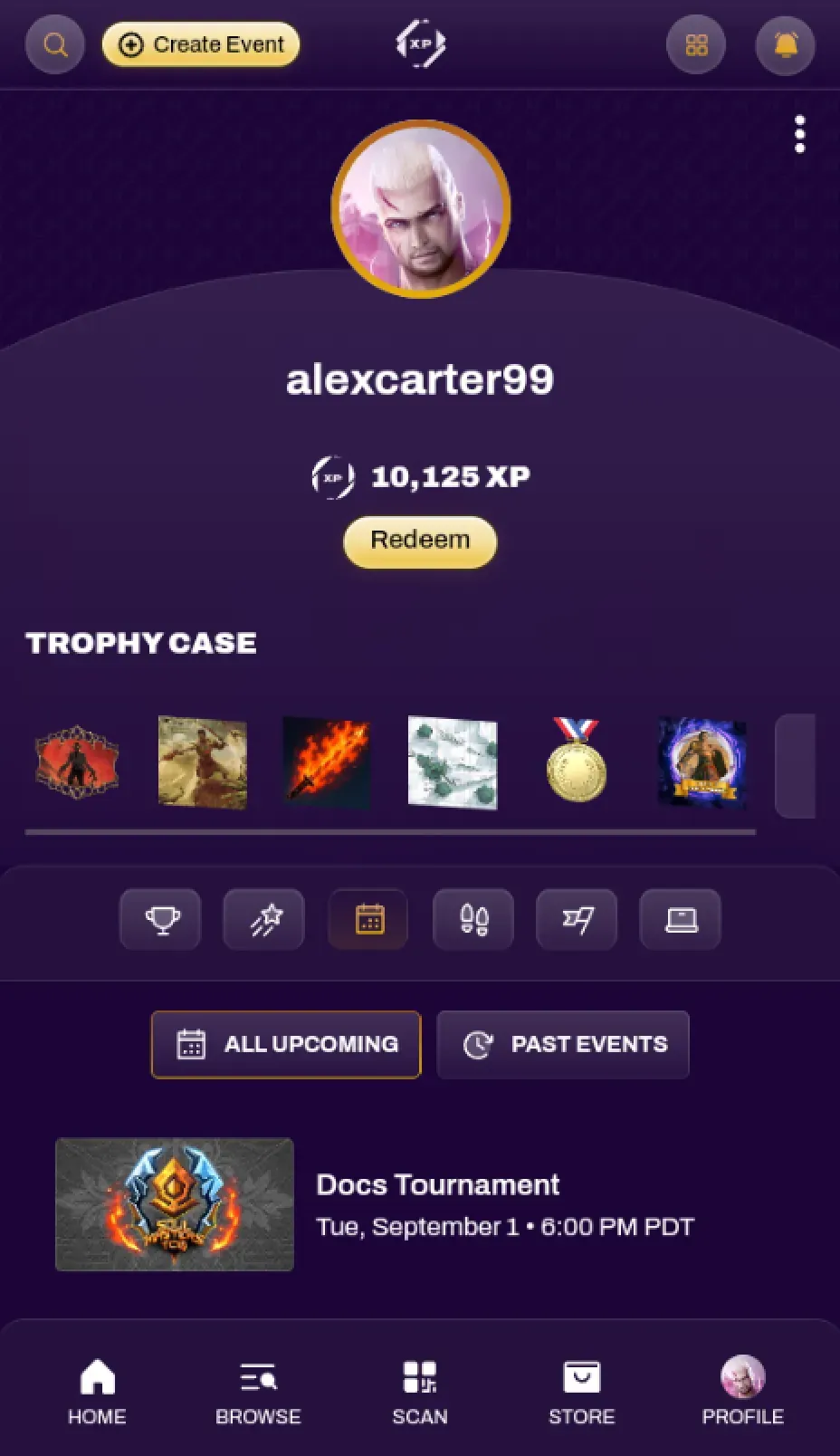
You can find Events you registered for through your Events tab in your Profile.
Tournaments Tab
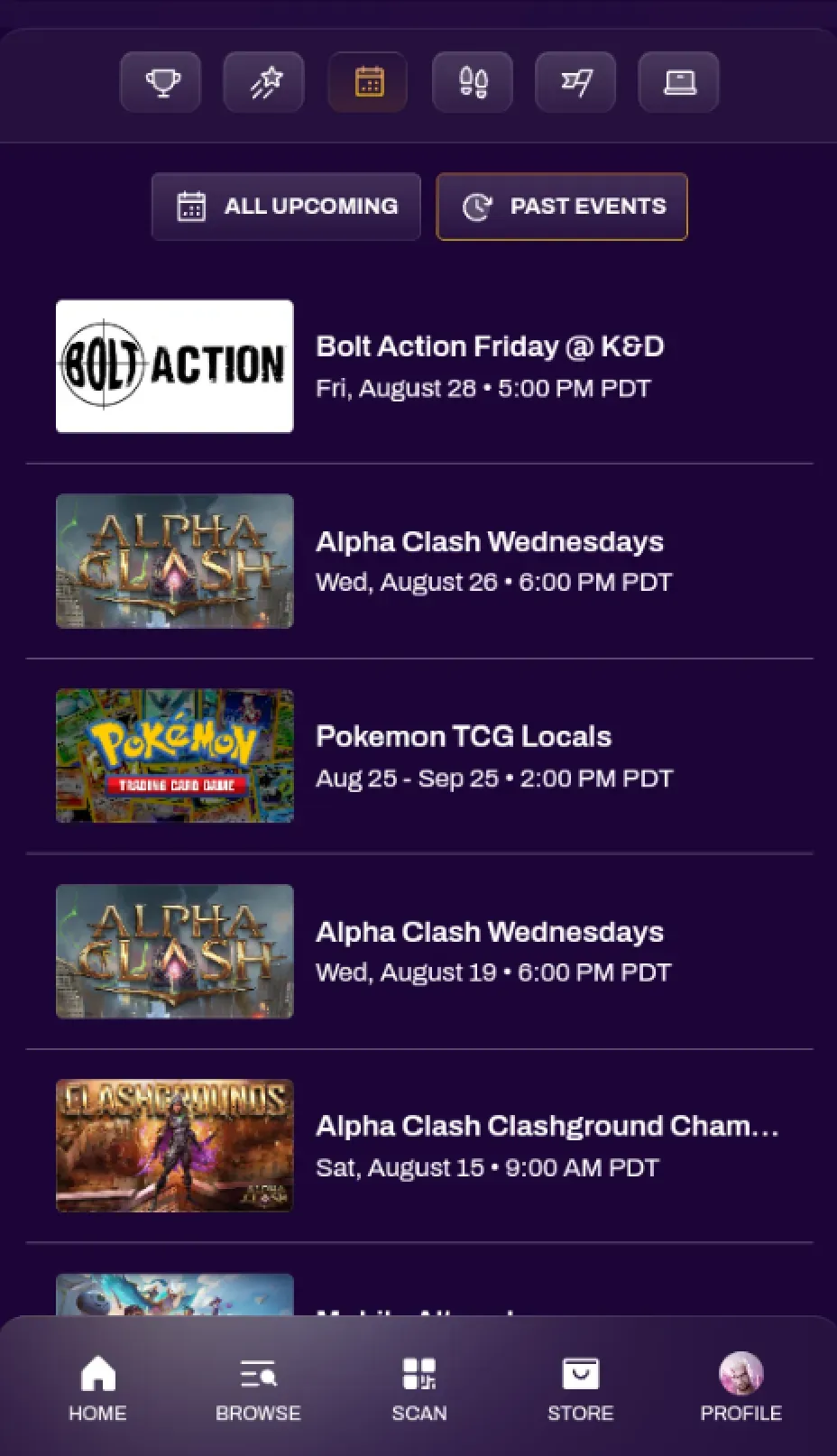
Section titled “Tournaments Tab”Events with Tournaments will have a Tournaments tab. This is where all tournament-related actions take place, such as checking into a tournament, reporting scores, viewing standings, and more.
Checking In
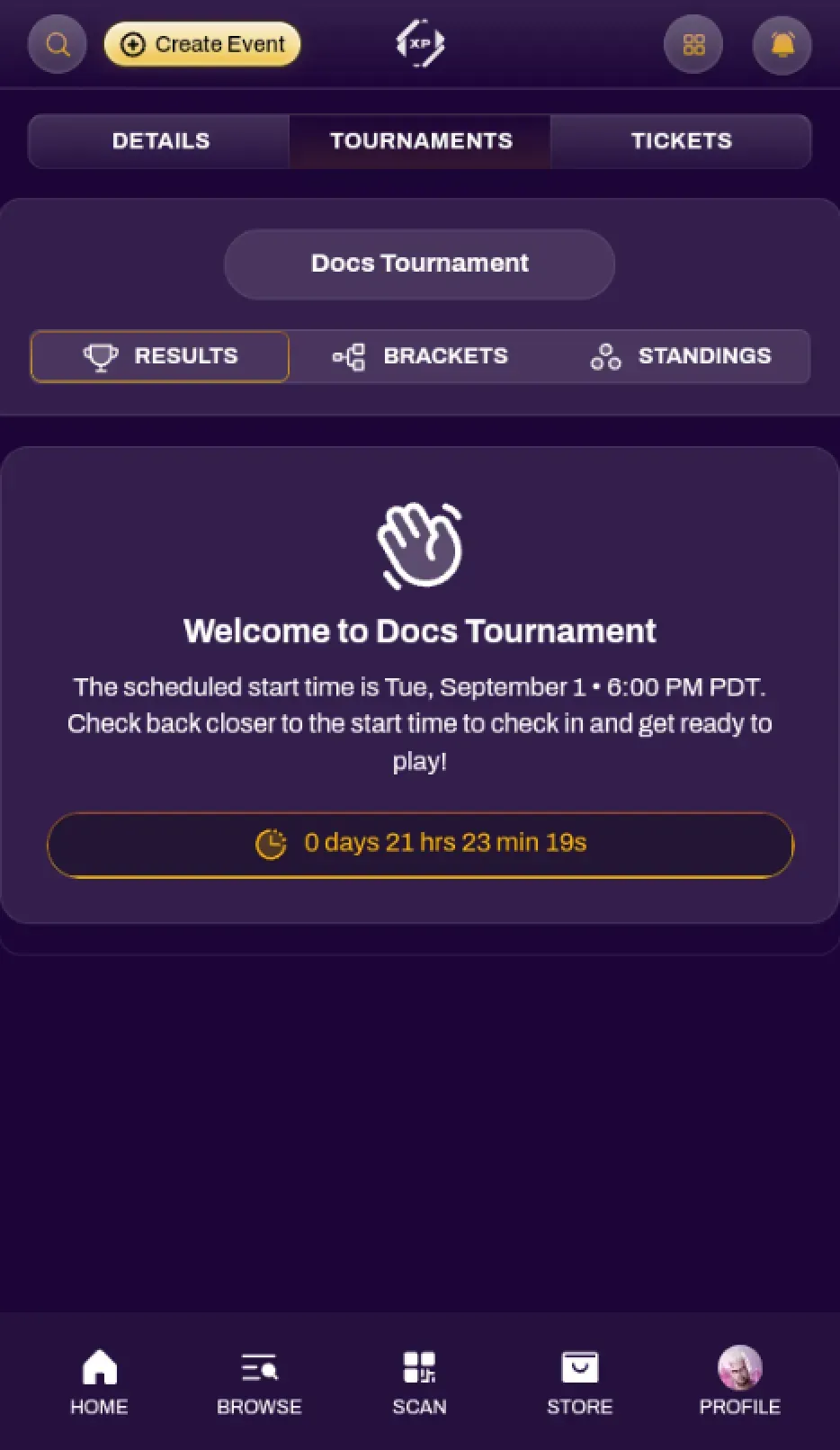
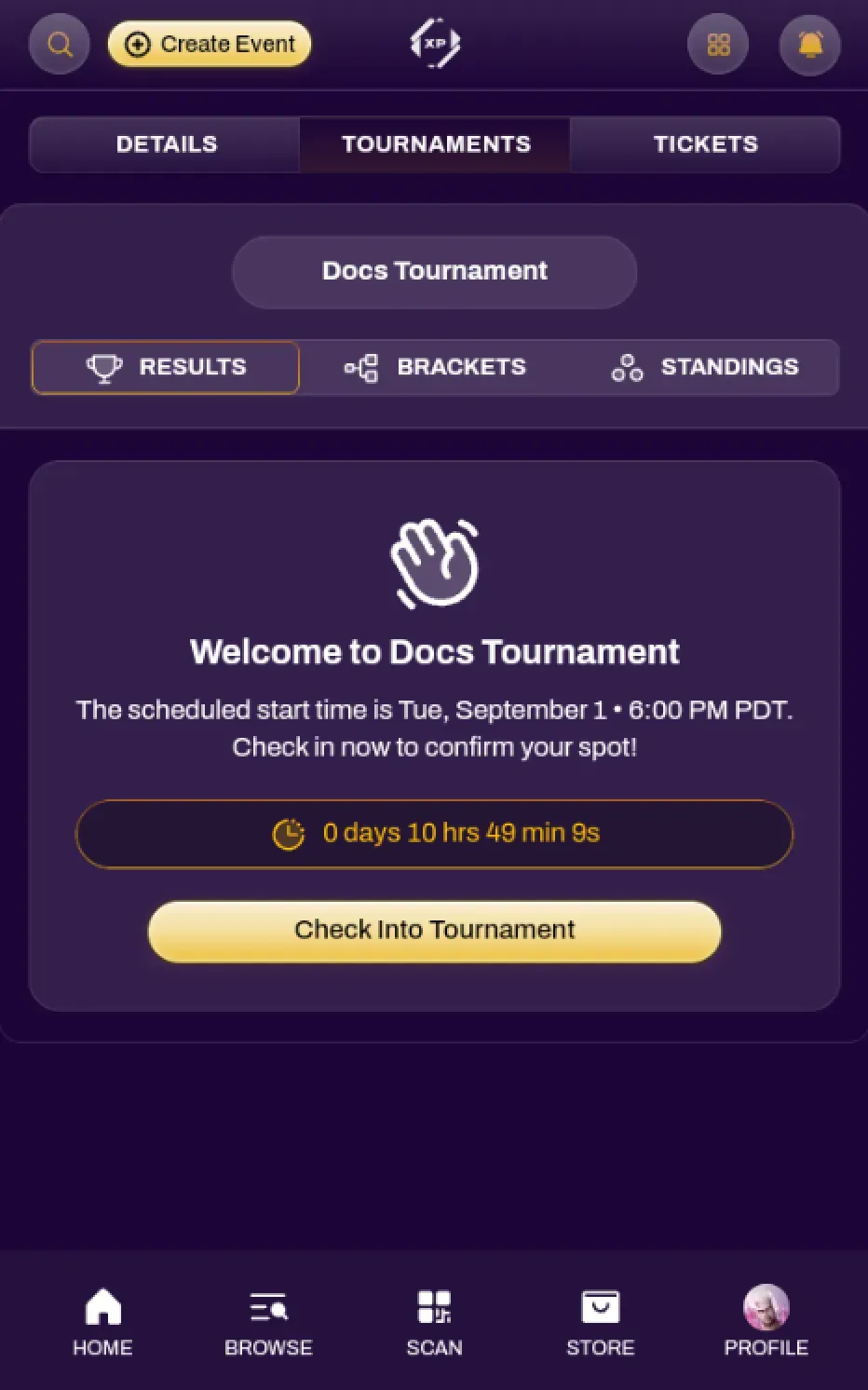
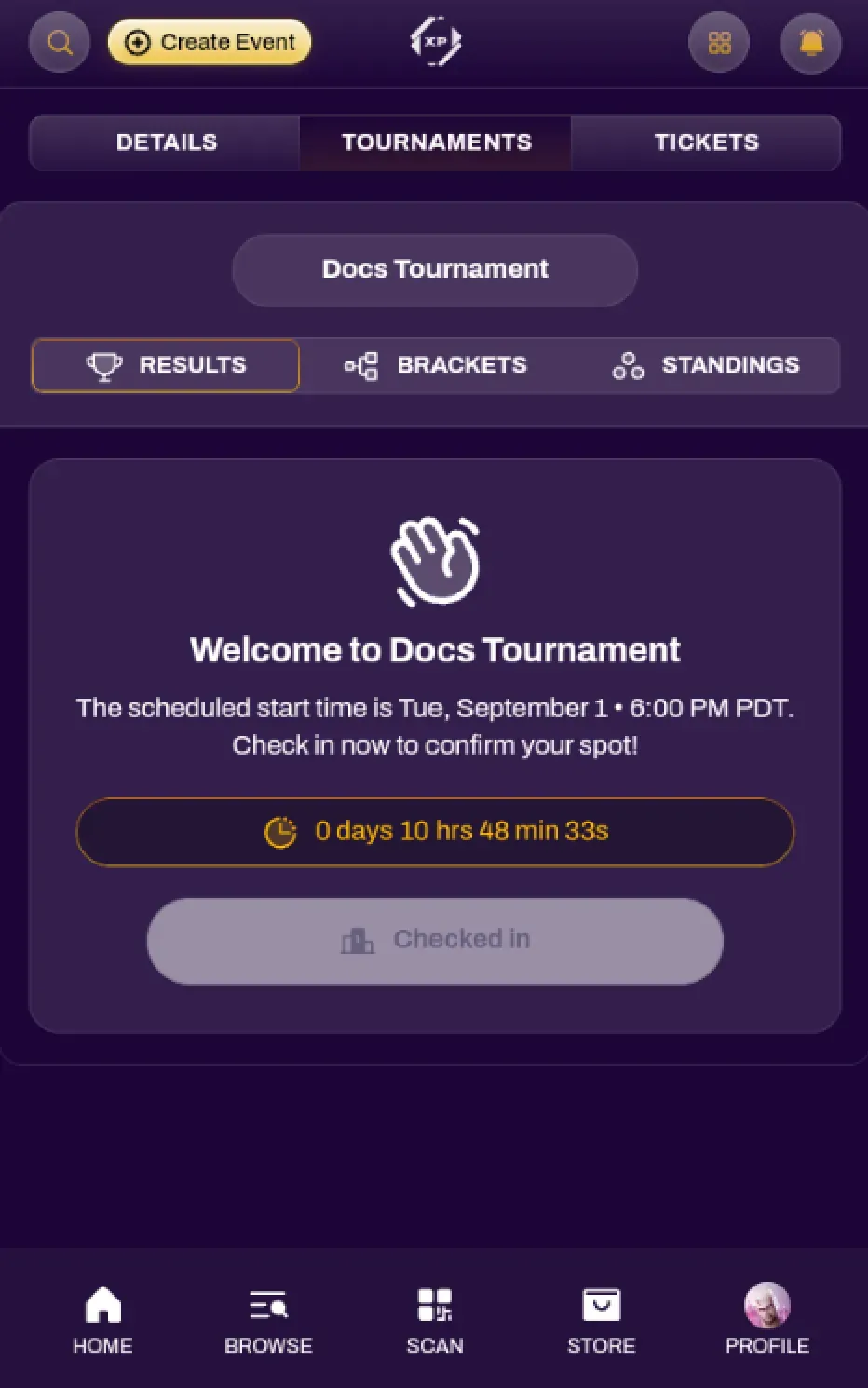
Section titled “Checking In”Be sure to Check In upon arrival so that you are included in the tournament. An event organizer can also manually check you in from their dashboard, and your check-in status should update after they check you in.
Viewing Rounds
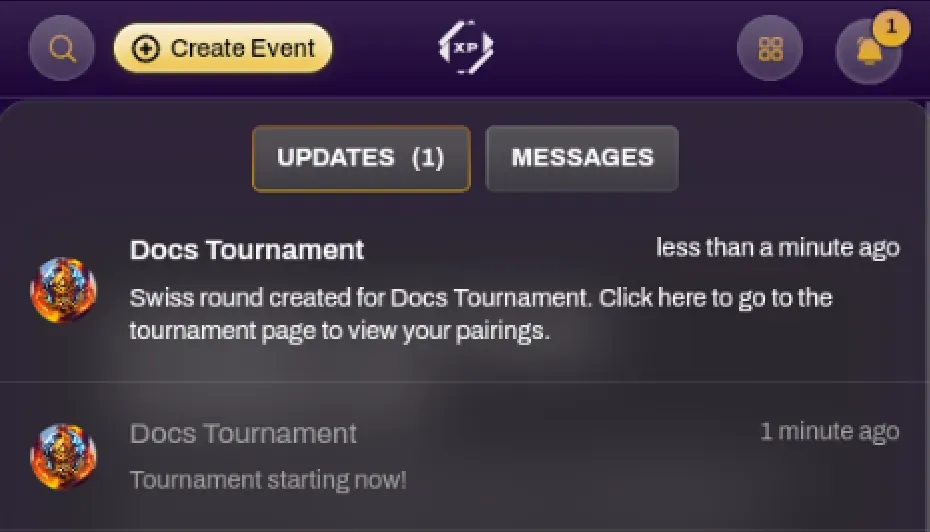
Section titled “Viewing Rounds”When the tournament starts and when pairings are created for each round, you will receive a notification update. Selecting that notification will take you to the Tournament tab of that respective tournament.
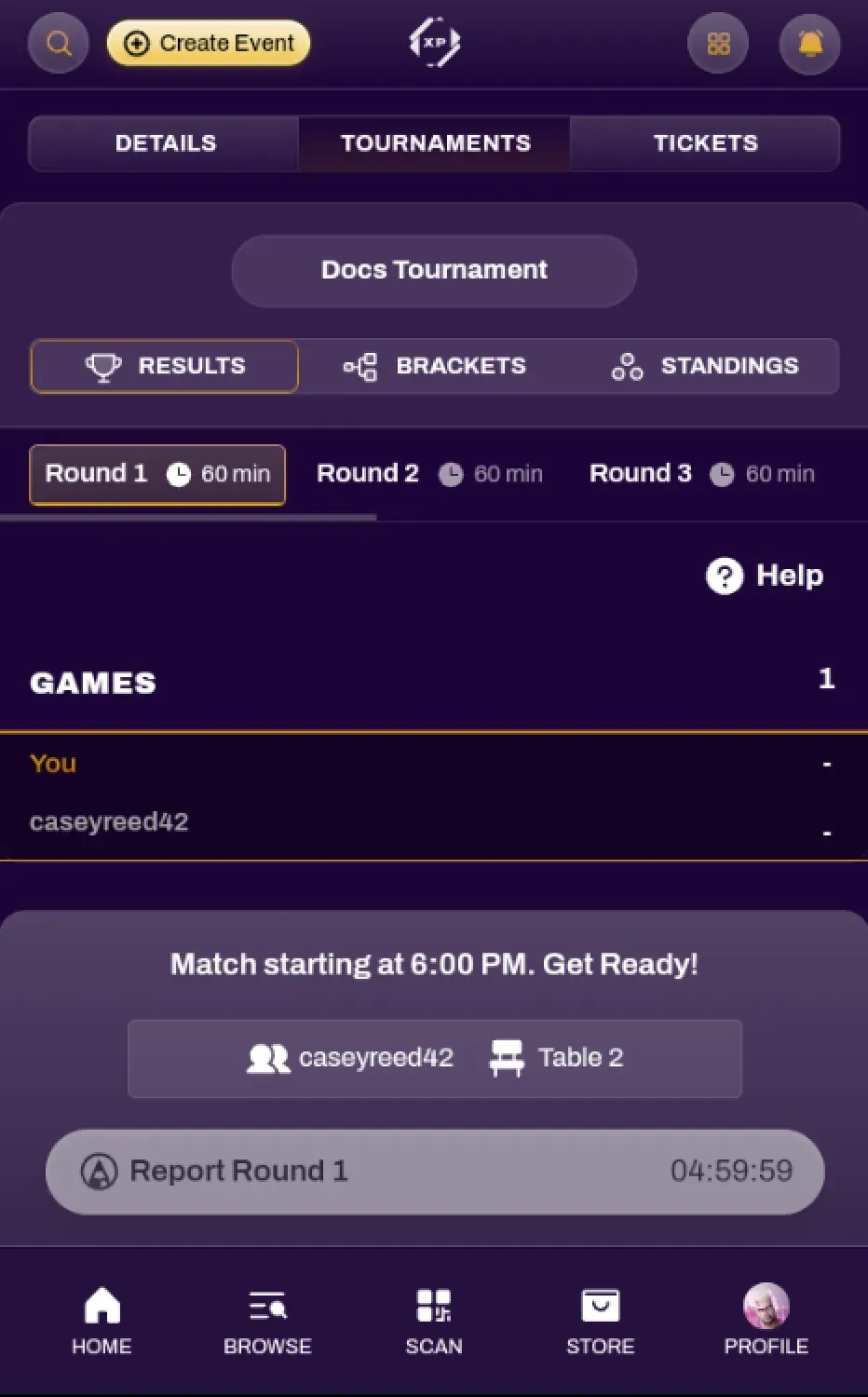
Inside the tournament view, you are able to see your Table/Station Number and opponent for each round, or if you have a Bye. You are also able to view the Standings at any time for each round that was completed. For Elimination style tournaments, or Swiss top cuts, you can use the Brackets tab to see the Bracket view.
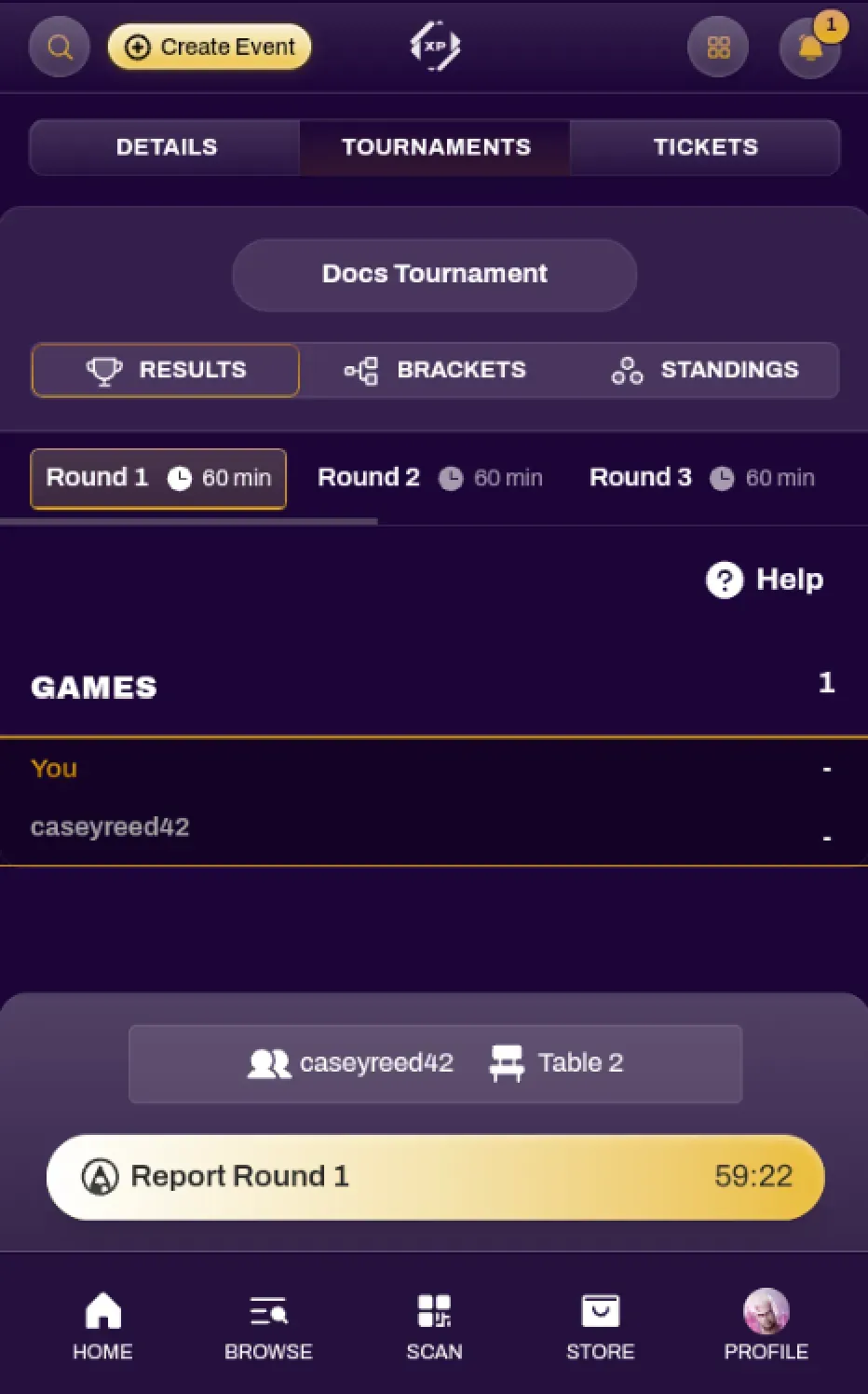
When the tournament organizer starts the round, the view will switch where you can see the Round Timer. You and your opponent will be able to submit your match results when you are finished with your match.
Submitting Match Results
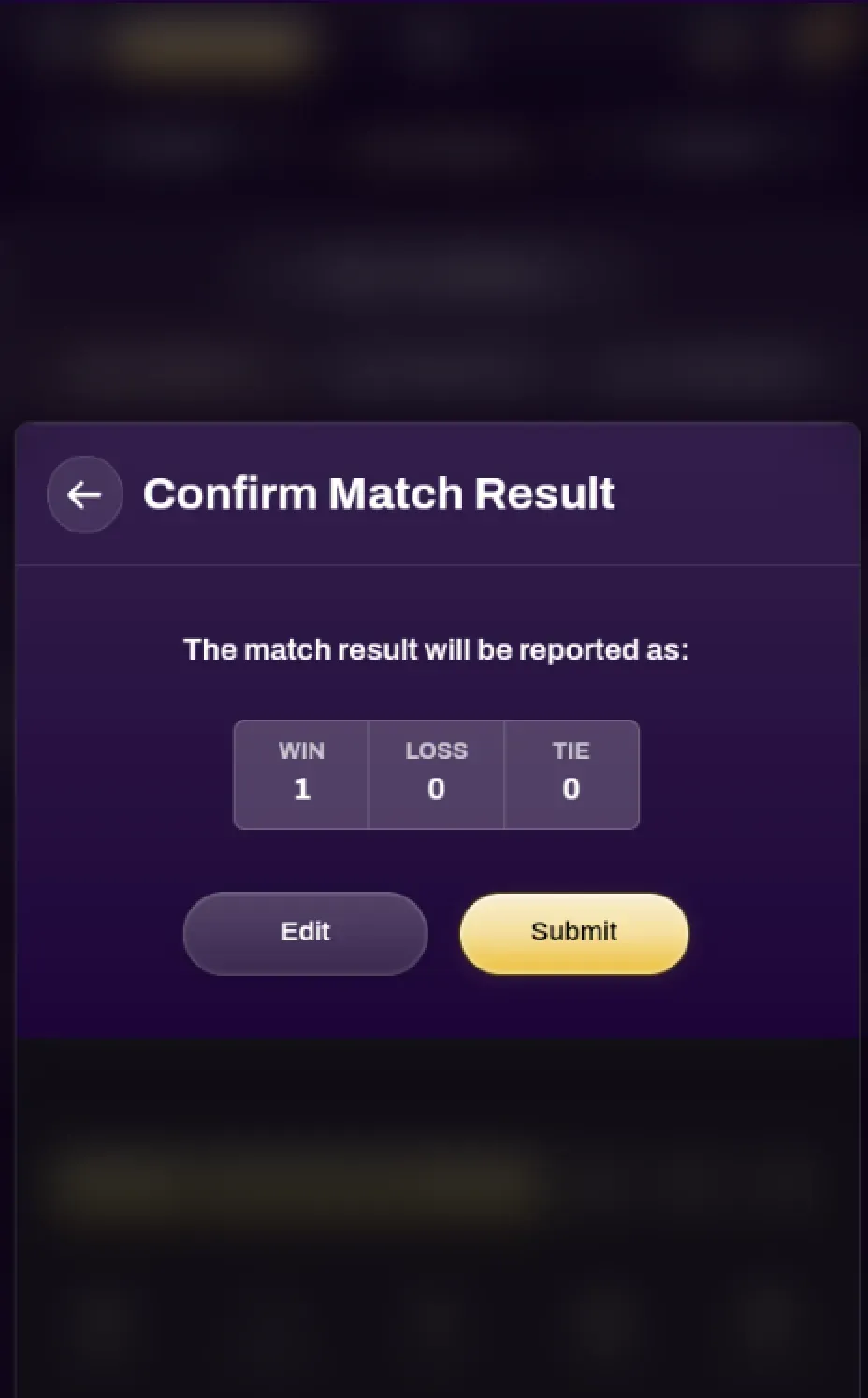
Section titled “Submitting Match Results”After you are done with your match, selecting the Report Round button will bring up a Confirm Results window. Select the games you won/lost and confirm the result.
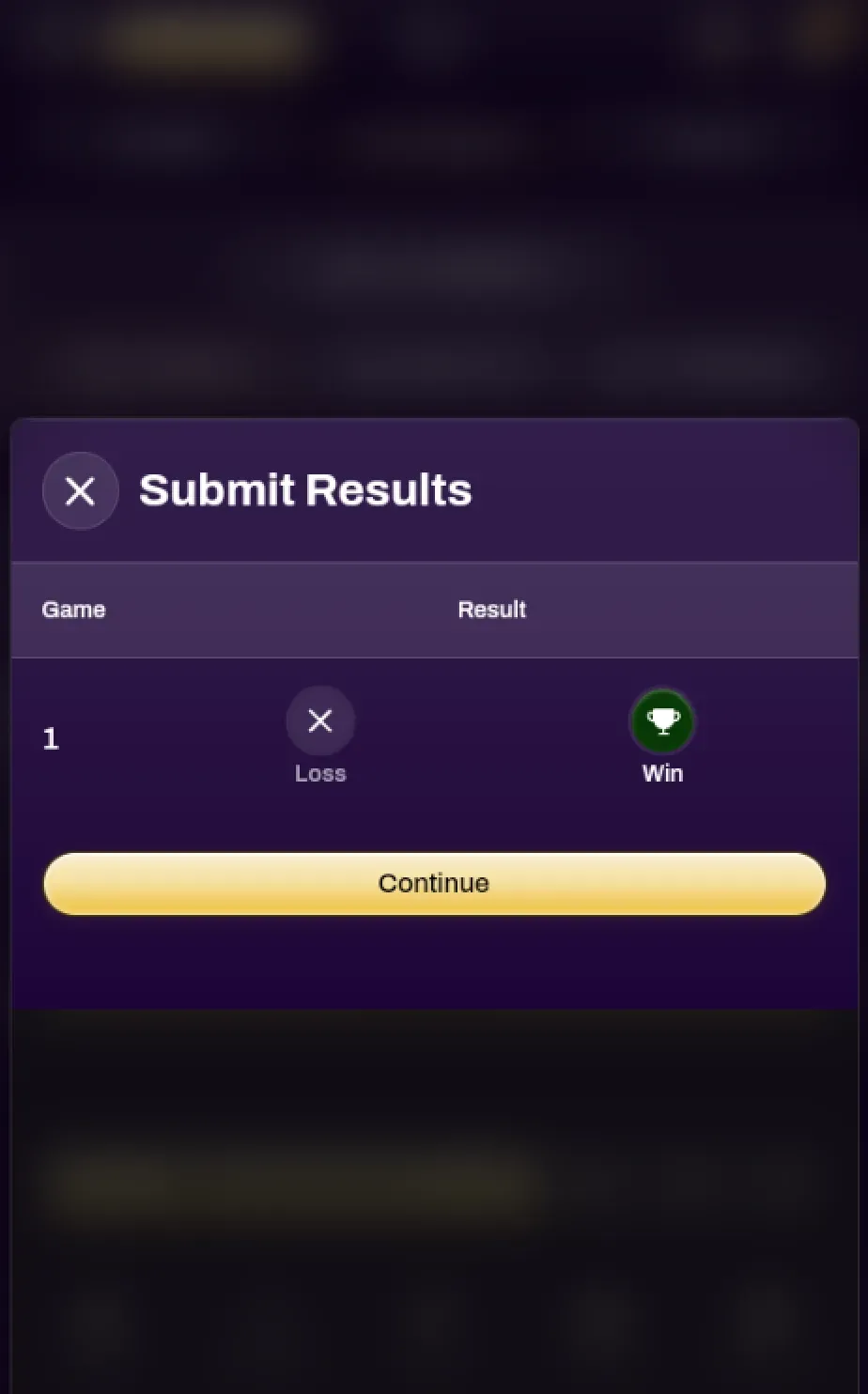
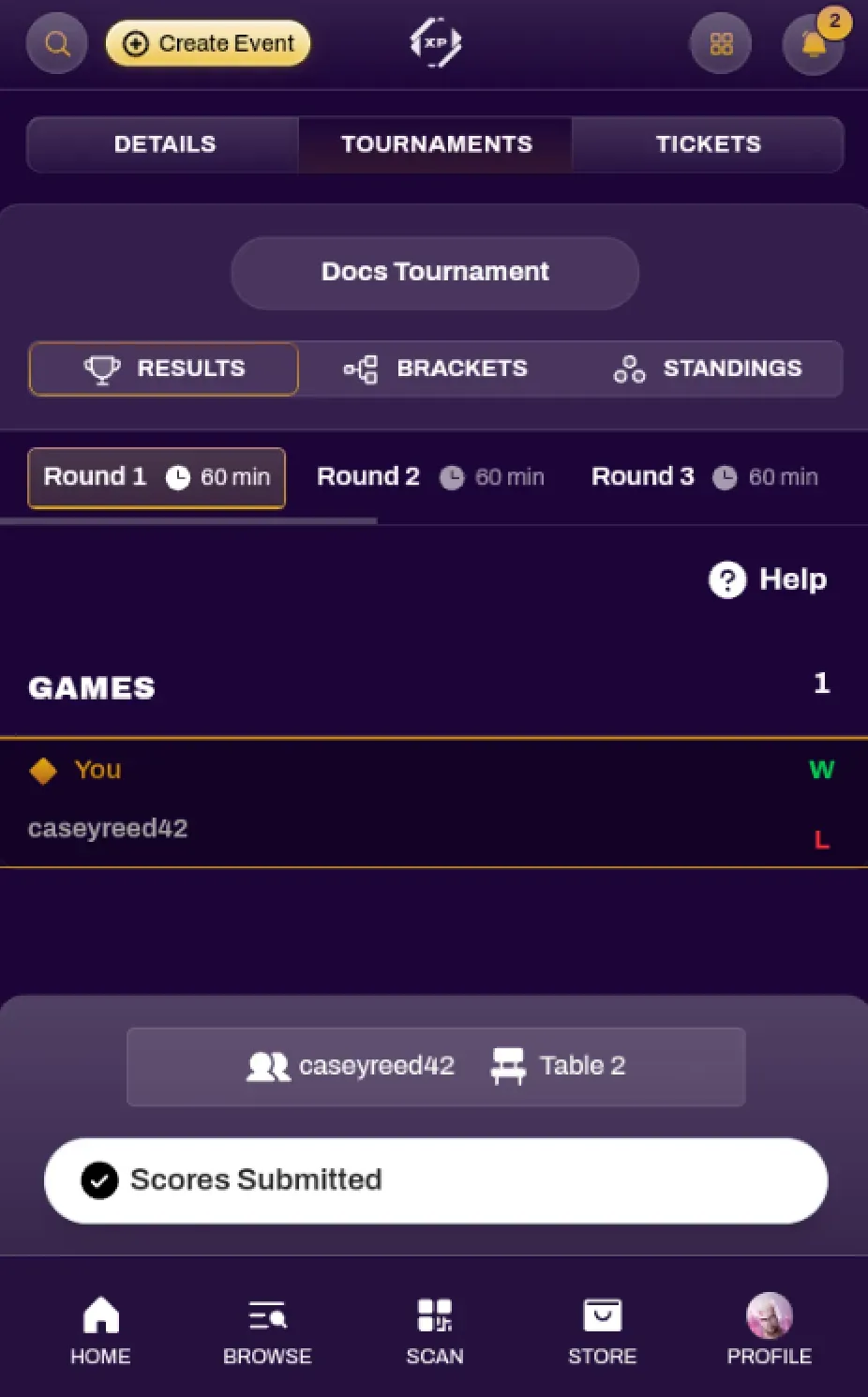
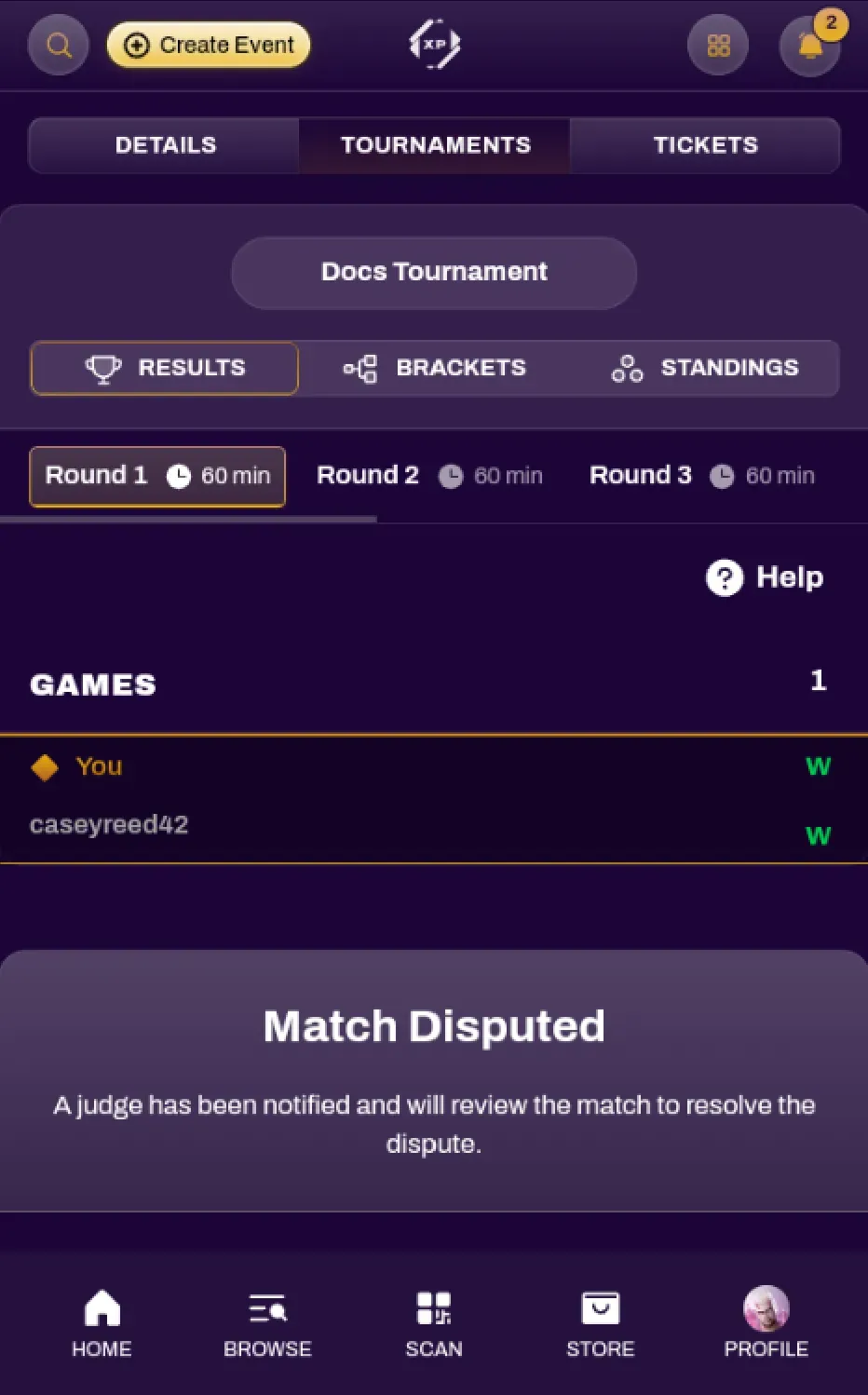
Your opponent should also report their scores for full match accountability. You can see the scores they submitted on your view as well. In a case where incorrect scores are reported, the match status will be changed to Disputed, and any tournament judges or organizers will be alerted.
Viewing Standings
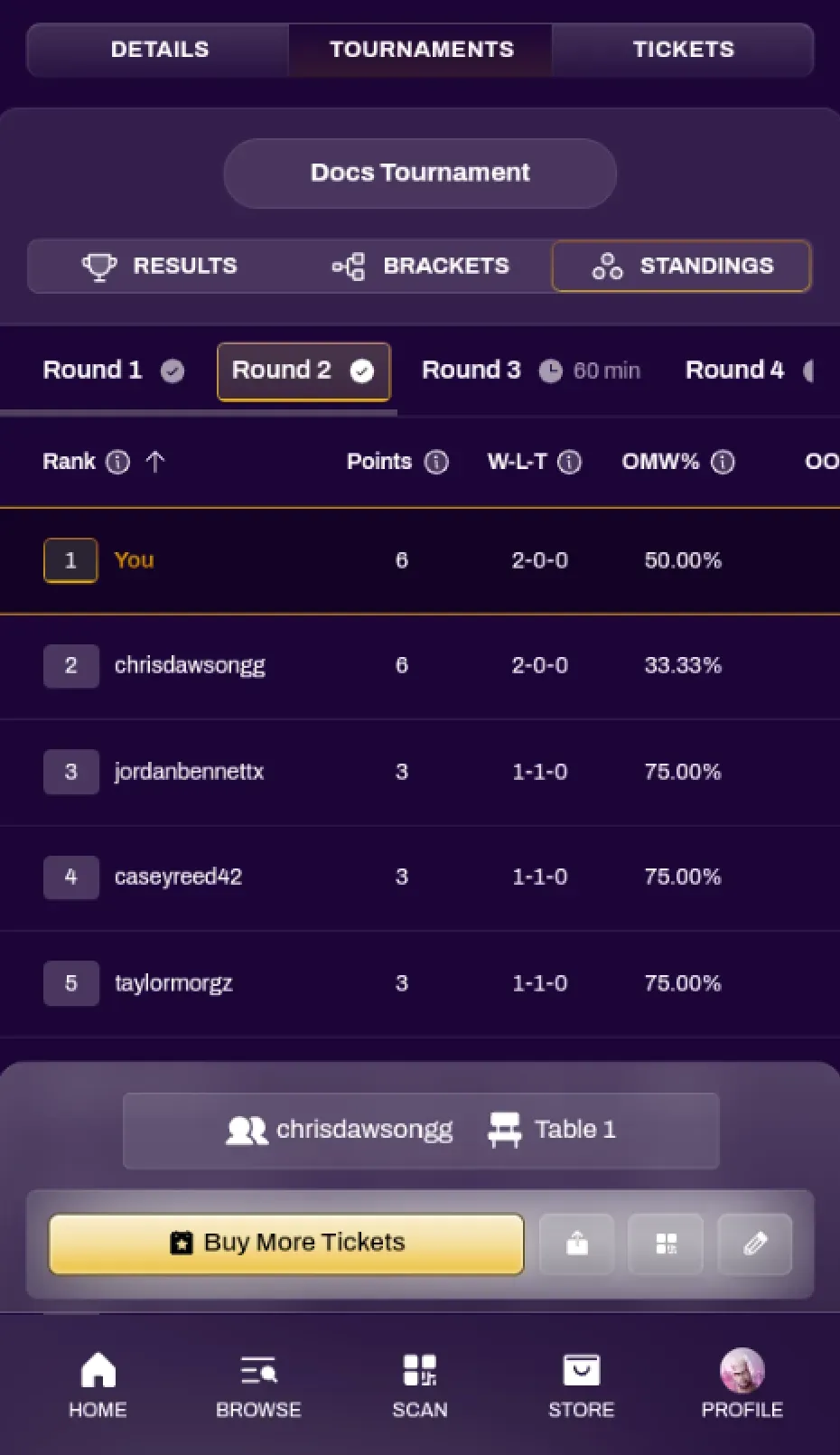
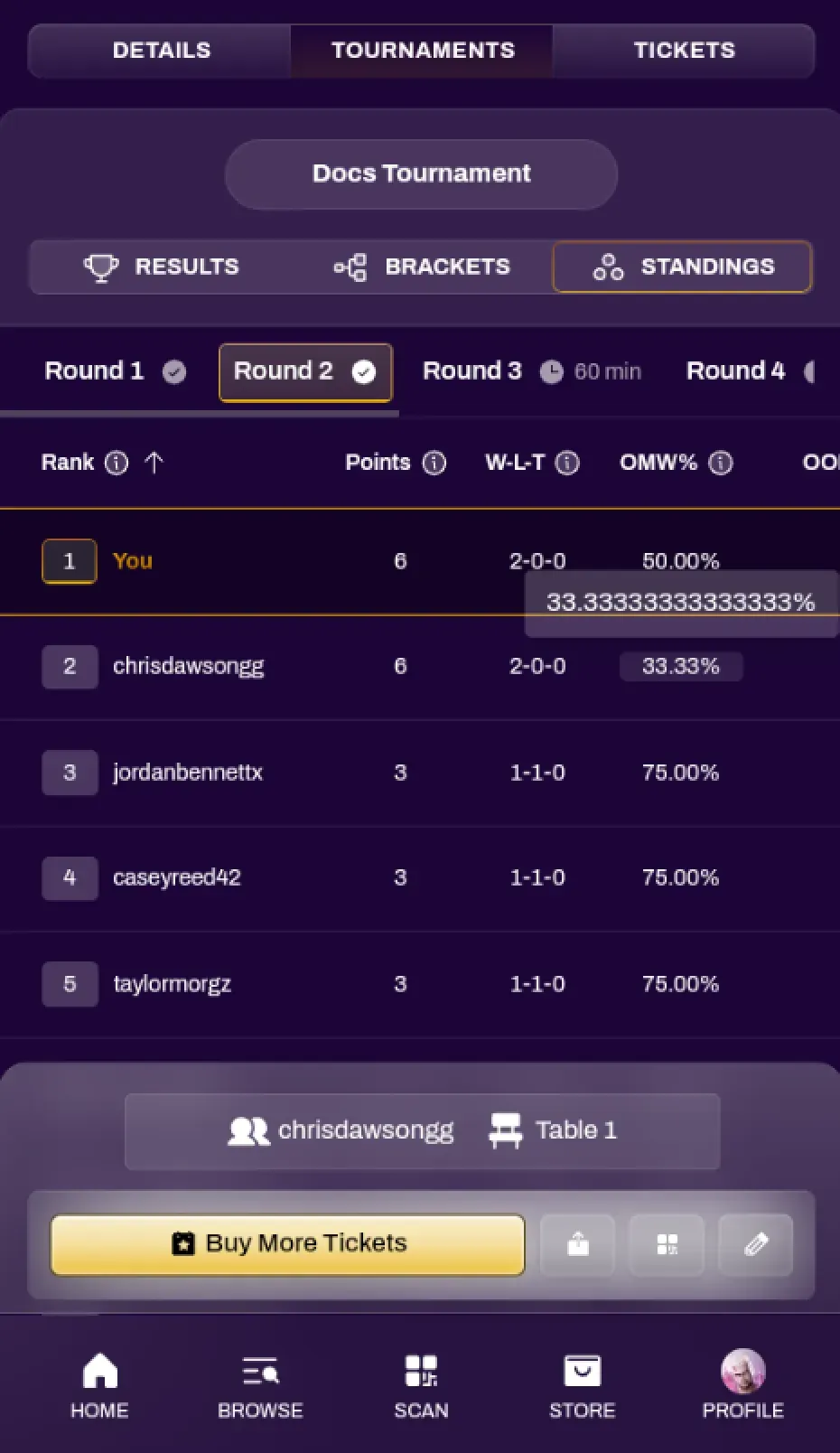
Section titled “Viewing Standings”You can view the standings for any completed rounds. Simply navigate to the Tournament tab and select the Standings subtab. You can view extended tiebreaker numbers by selecting the individual tiebreaker itself.
Calling a Judge
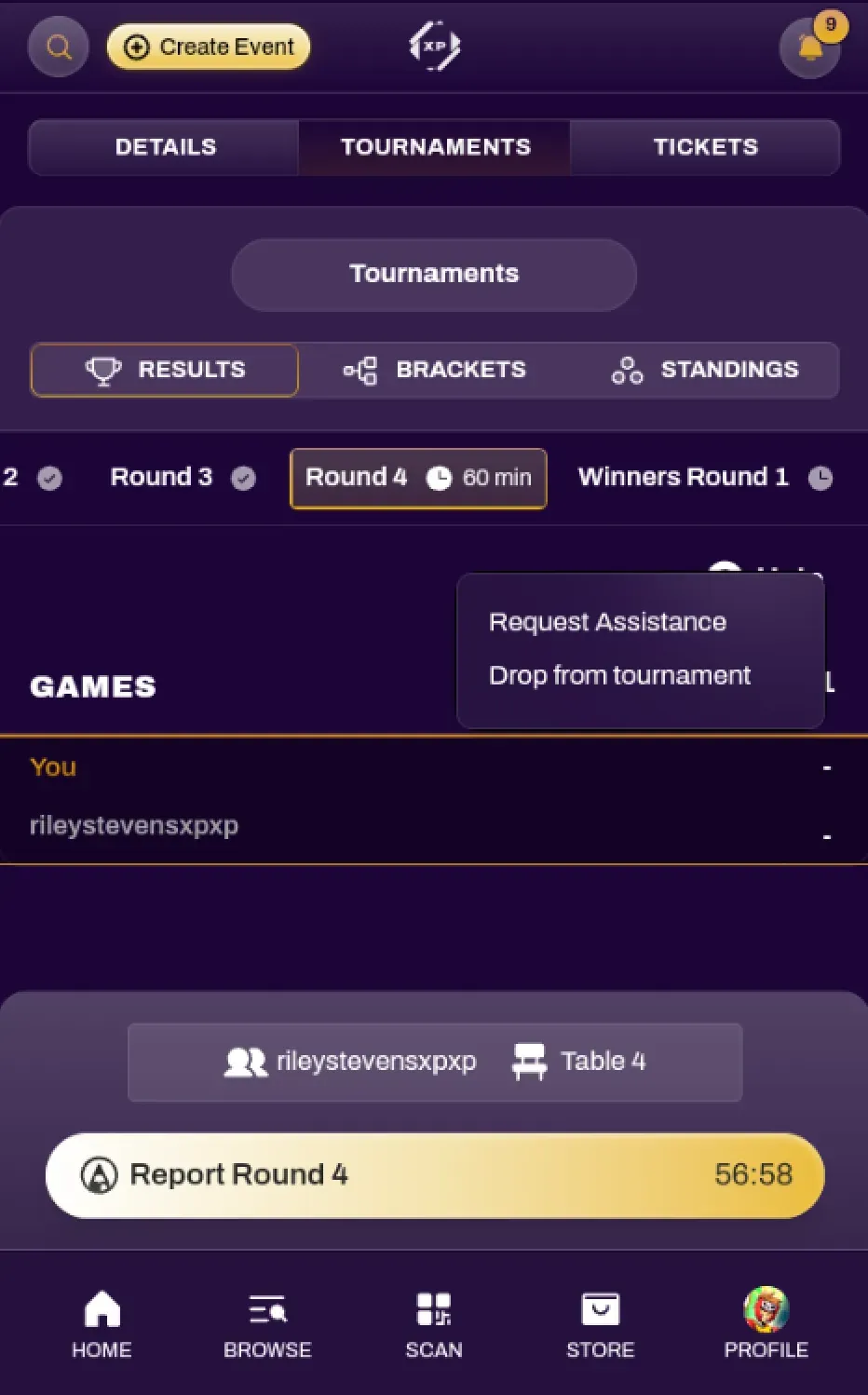
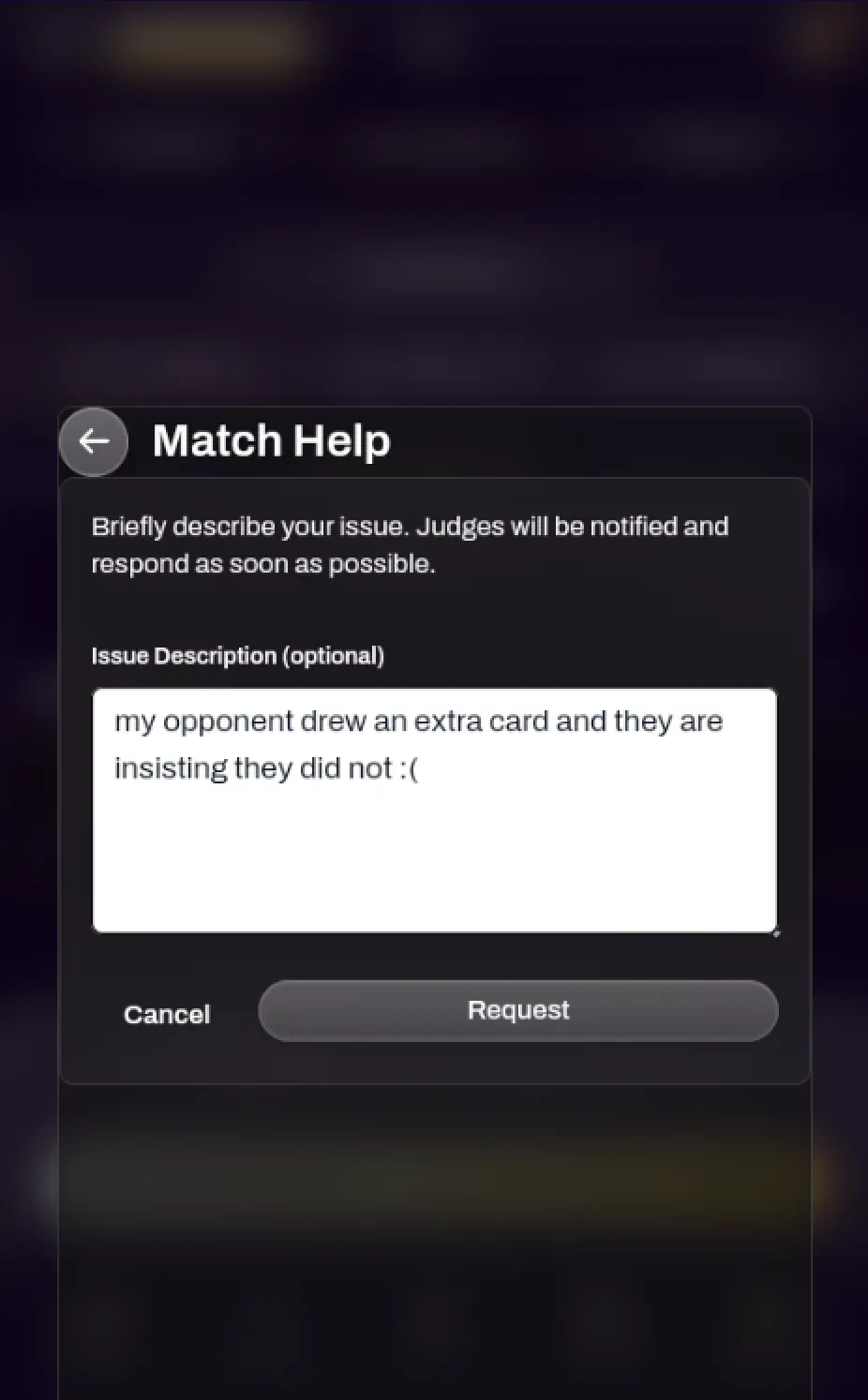
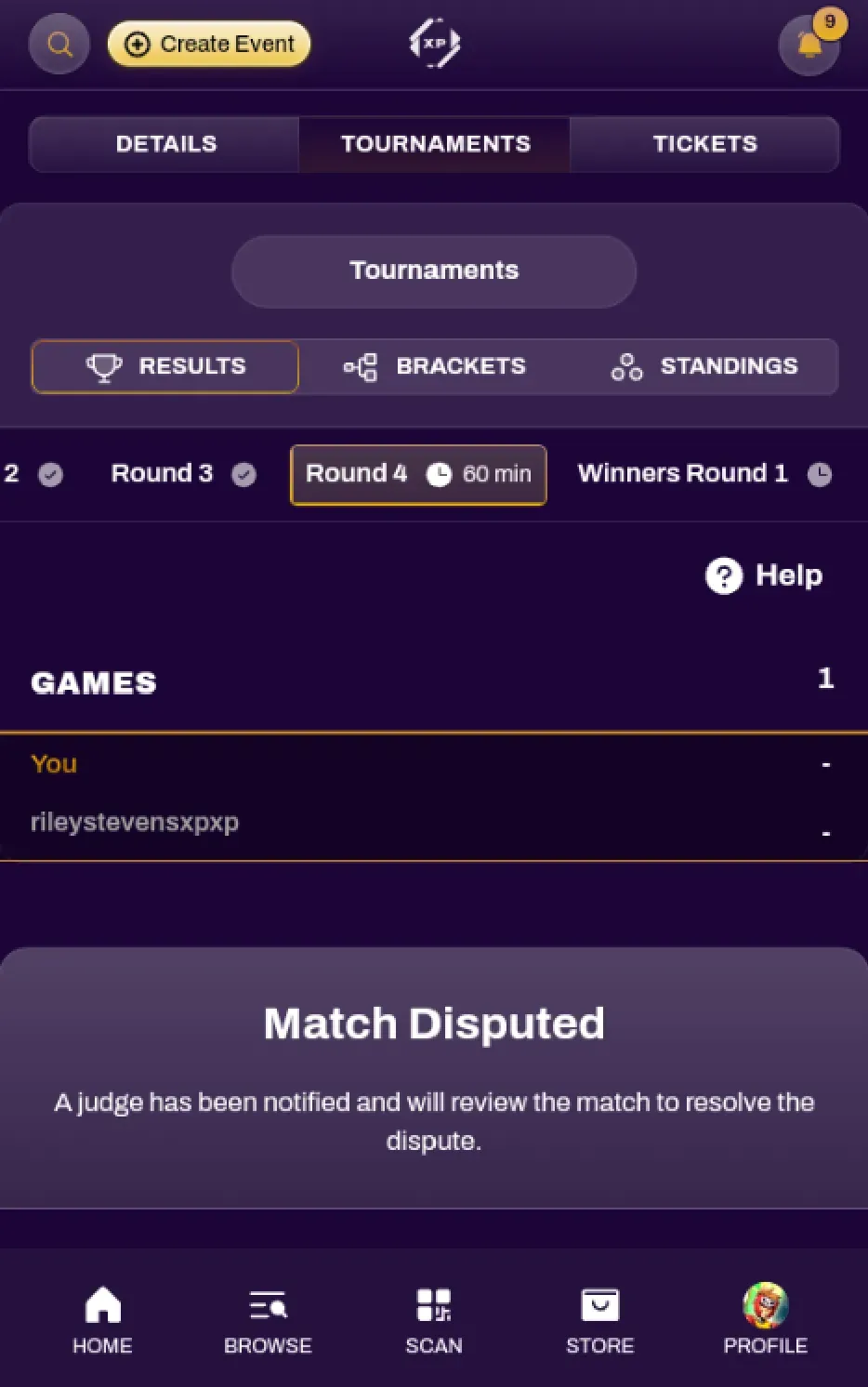
Section titled “Calling a Judge”You are able to call a judge directly from the Round view. Select the Help button and select Request Assistance. You are able to type any notes you would like to pre-emptively give to the judges. This will put your match into a Dispute and will pause your individual round timer. Once a judge resolves your dispute, your match timer will resume, giving you an accurate time extension for your match.
Drop From Tournament
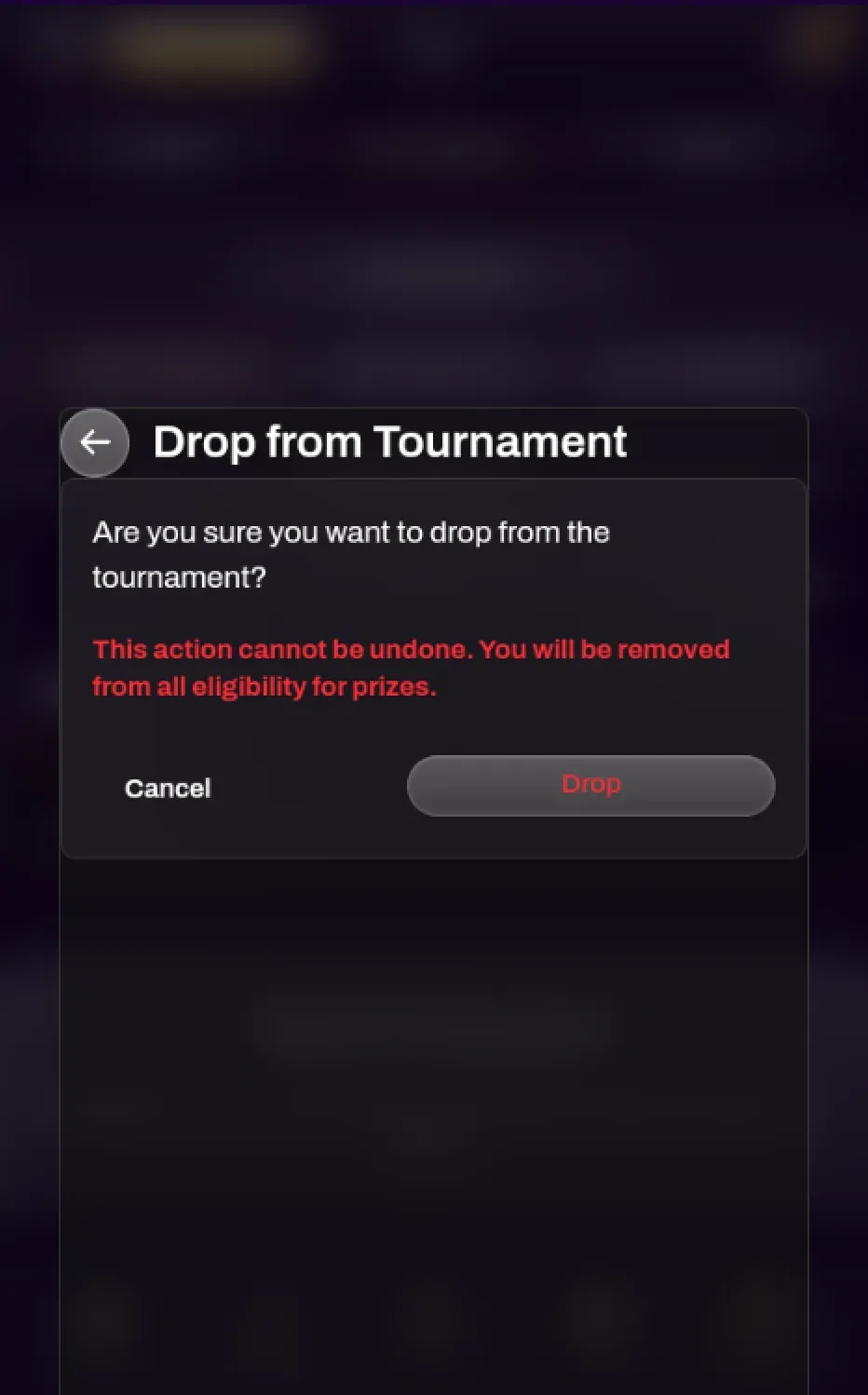
Section titled “Drop From Tournament”You are able to drop from a tournament at any time without having to notify a tournament organizer or judge. Select the Help button and press Drop from tournament.