How to Use Your XP
XP can be obtained through participation in events on XP Network. XP is primarily awarded through achievements, but organizations can also grant XP to users without using the achievement system.
Shopify Online
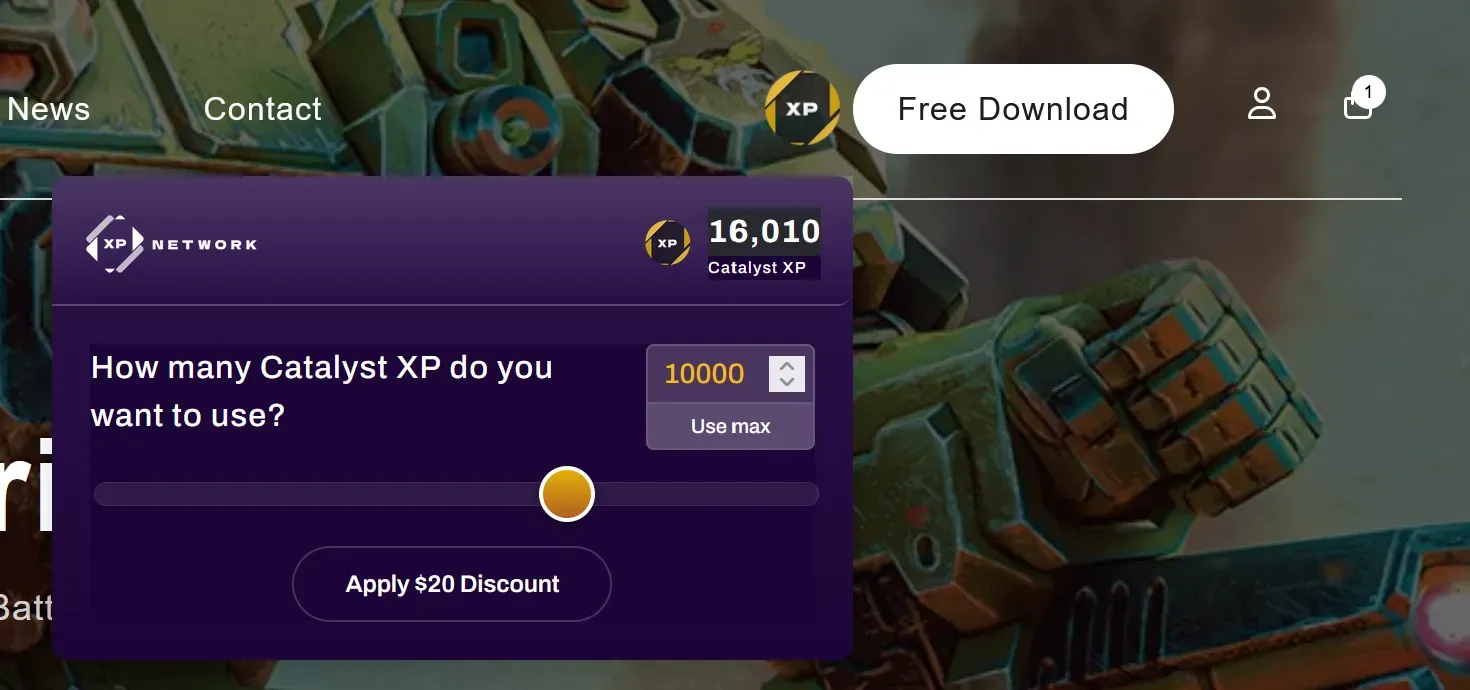
Section titled “Shopify Online”XP earned from an organization can be spent on their Shopify store. Look for the XP Login button in the store’s header. Selecting it will display a welcome message and prompt you to log in with your XP Network account.

After entering your XP Network credentials, it will pull over the associated XP total you have with that organization. You can then choose how much XP you wish to spend, resulting in a custom discount. This discount will carry into the checkout process. Once payment is complete, the total organization associated XP you used will be deducted from your XP Network account.
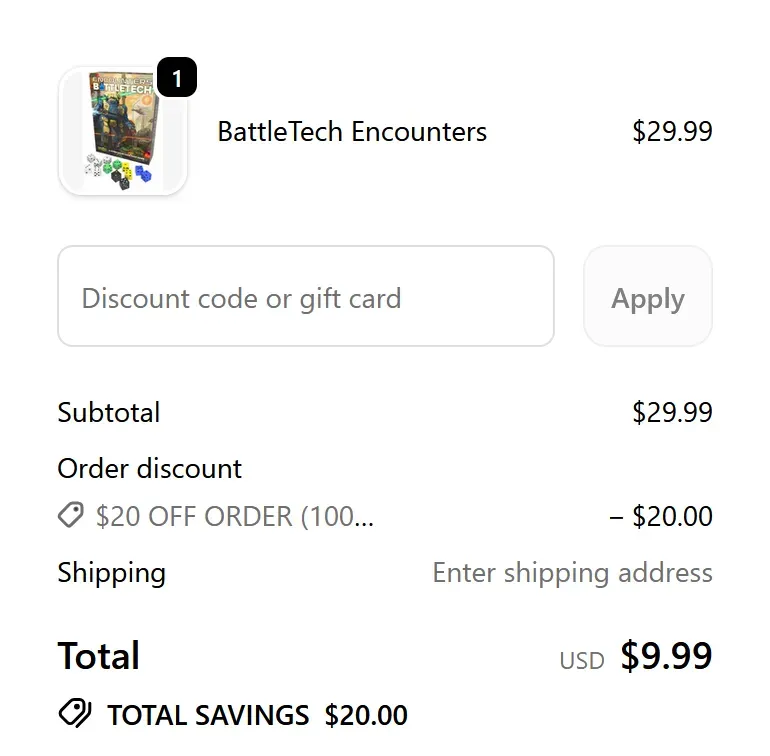
Organization owners are allowed to choose which products in their stores apply for the XP Discount and which products do not. If the XP Discount is not applying, one or more products in the cart may not be eligible for the XP Discount.
Partners may also choose to have the XP Discount combine or not combine with other discounts, such as coupon codes.
Shopify POS
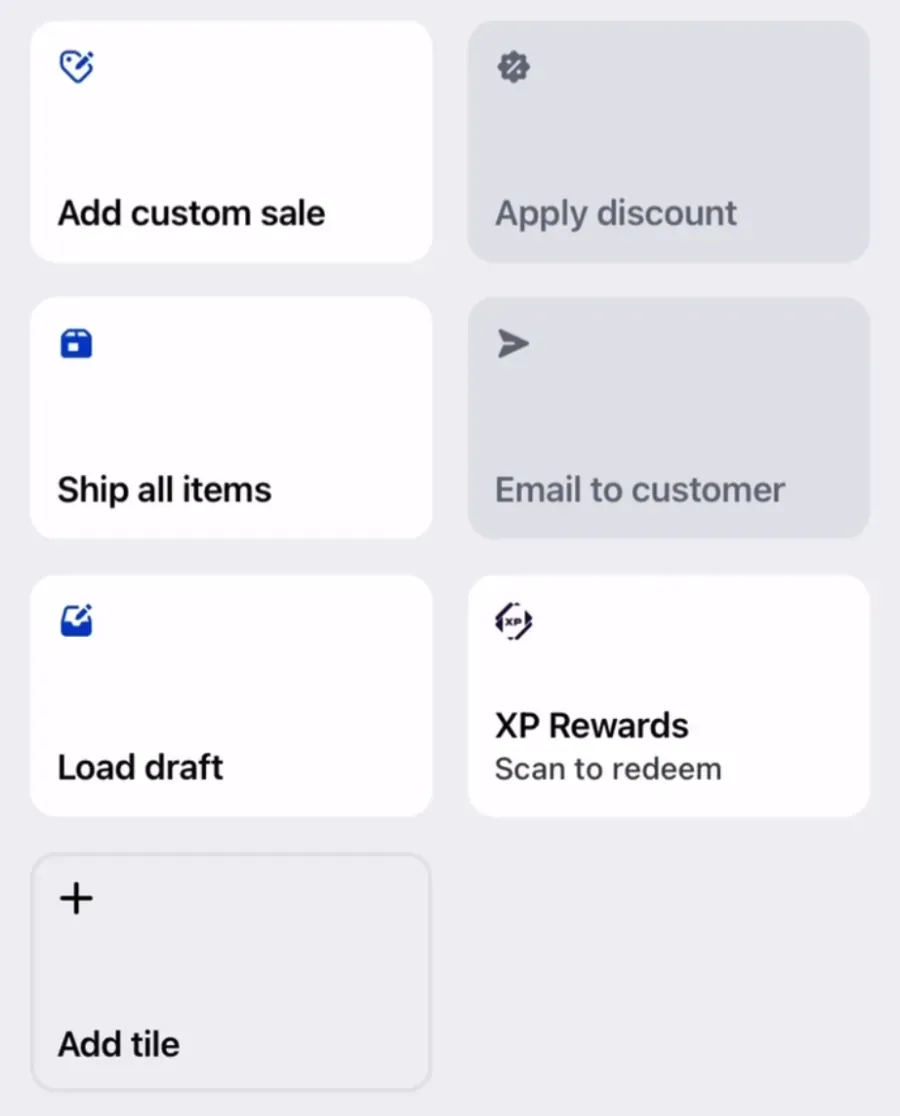
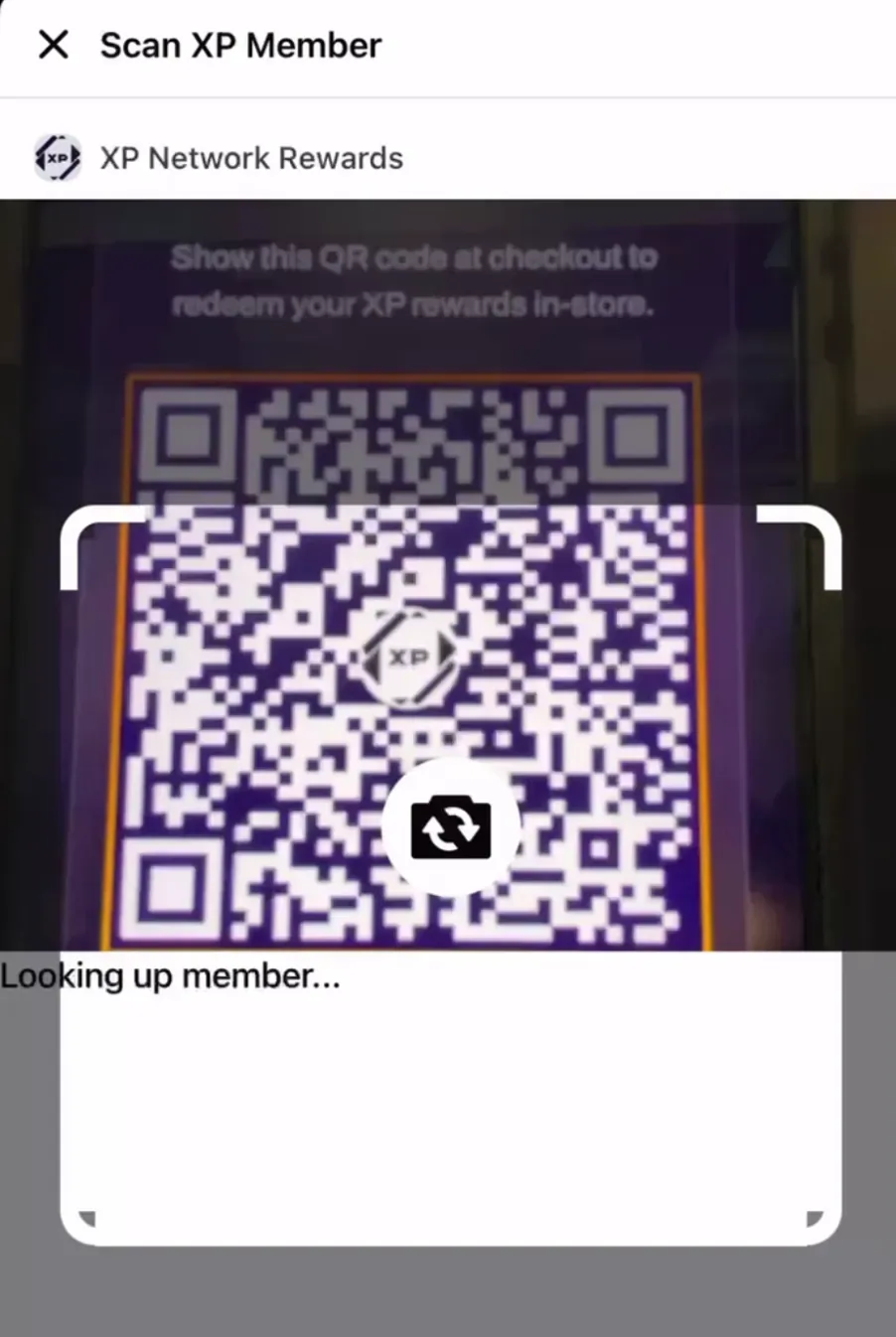
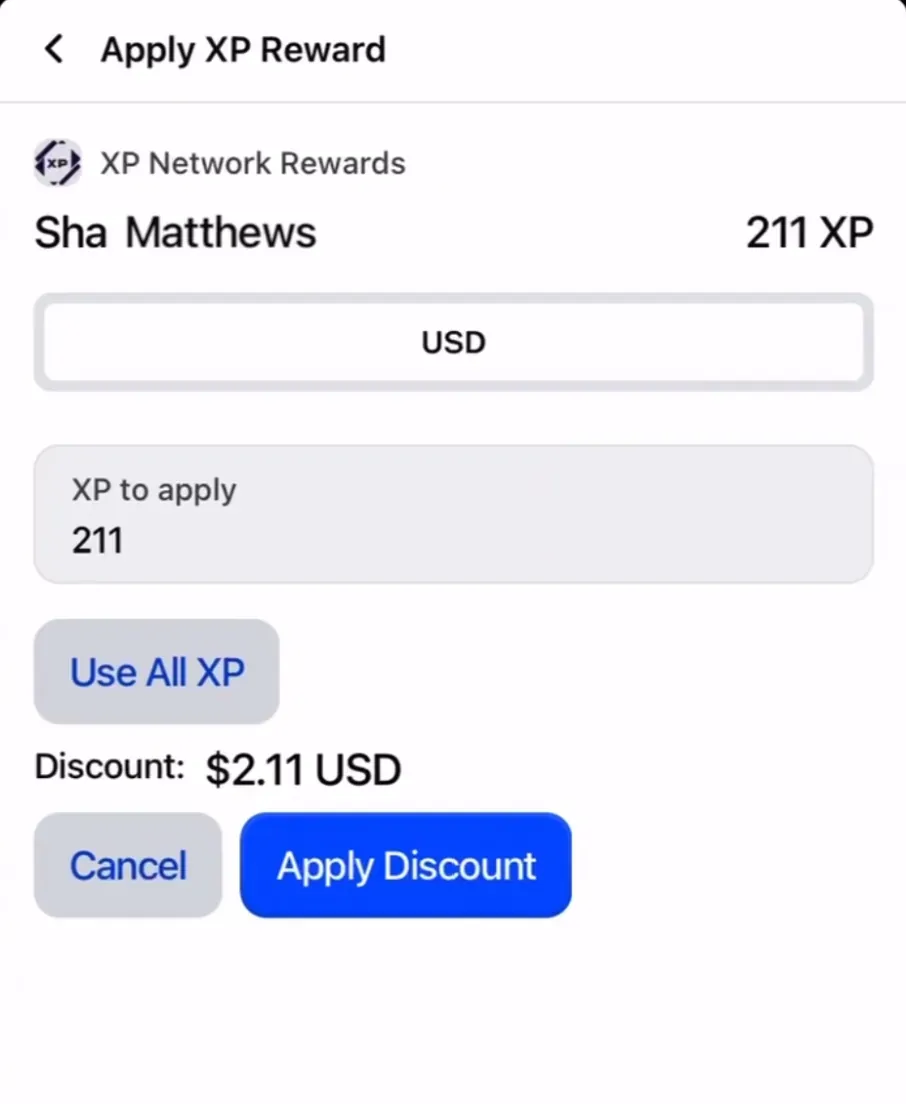
Section titled “Shopify POS”Stores using Shopify can install the XP Rewards tile on their POS. Scanning a user’s XP card will bring up their XP balance with that store, and ask how much XP they would like to use toward their purchase.
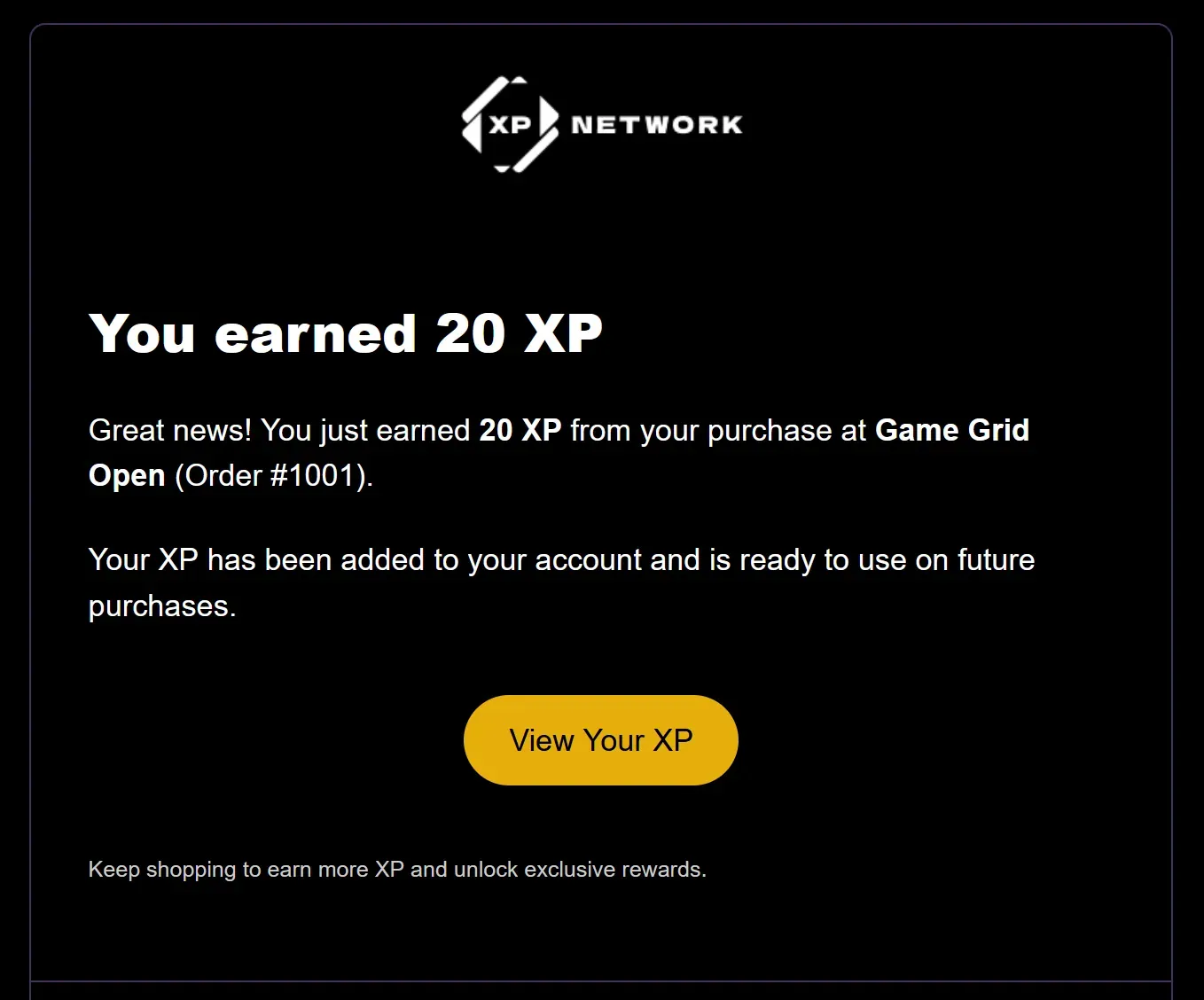
If the store is participating in the XP Network Loyalty Program, you may receive XP based on the amount of your purchase.
Square
Section titled “Square”If a store has Square enabled, you can redeem your XP for a store gift card. Since Square identifies customers by phone number, you’ll need to link and verify your phone number in your XP Network profile first. This connects your account to the store’s Square customer directory.
Once linked, select Gift Card on the store’s page and choose how many points you’d like to redeem. Upon confirmation, the gift card will be saved to your Square customer profile and can be applied at checkout.
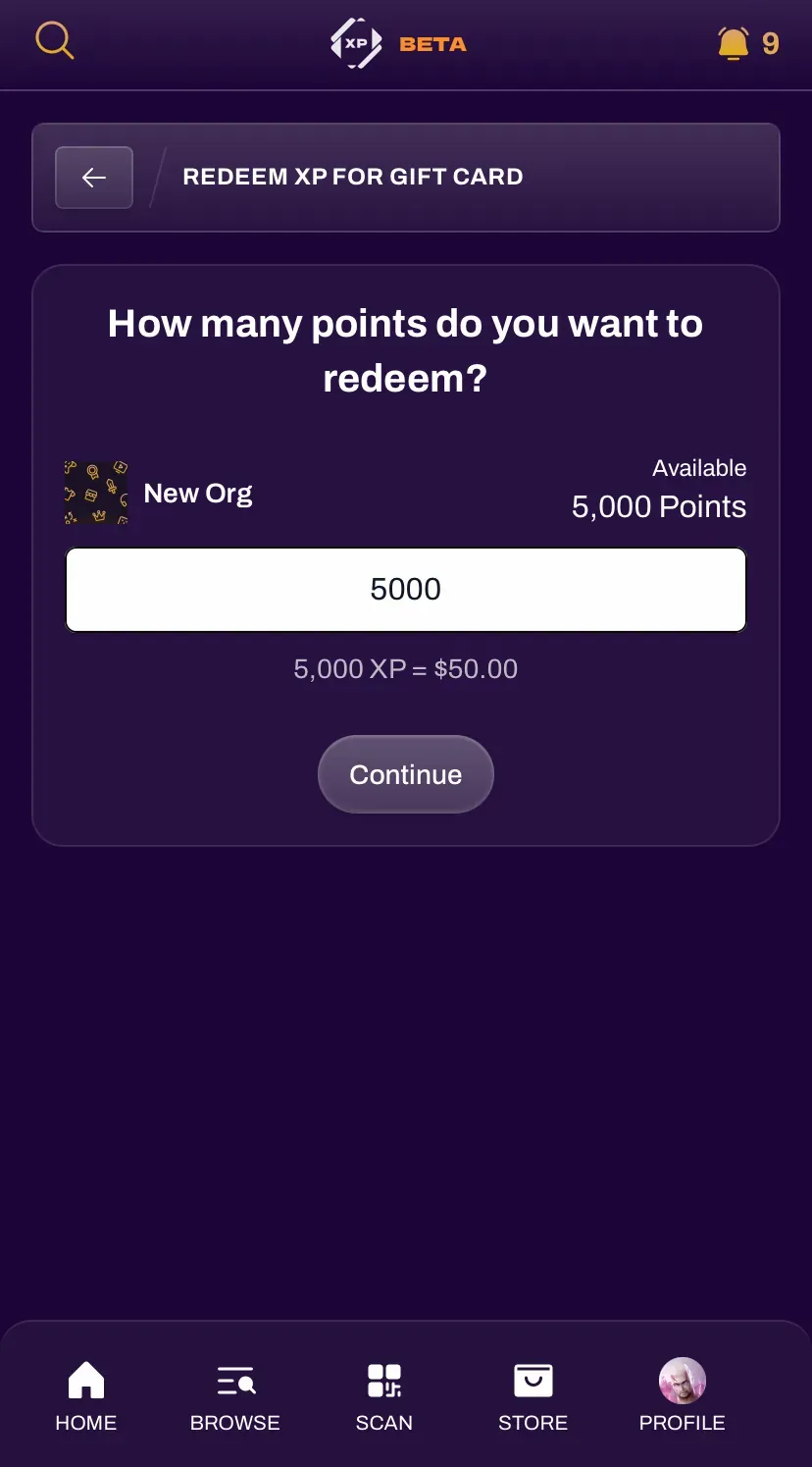
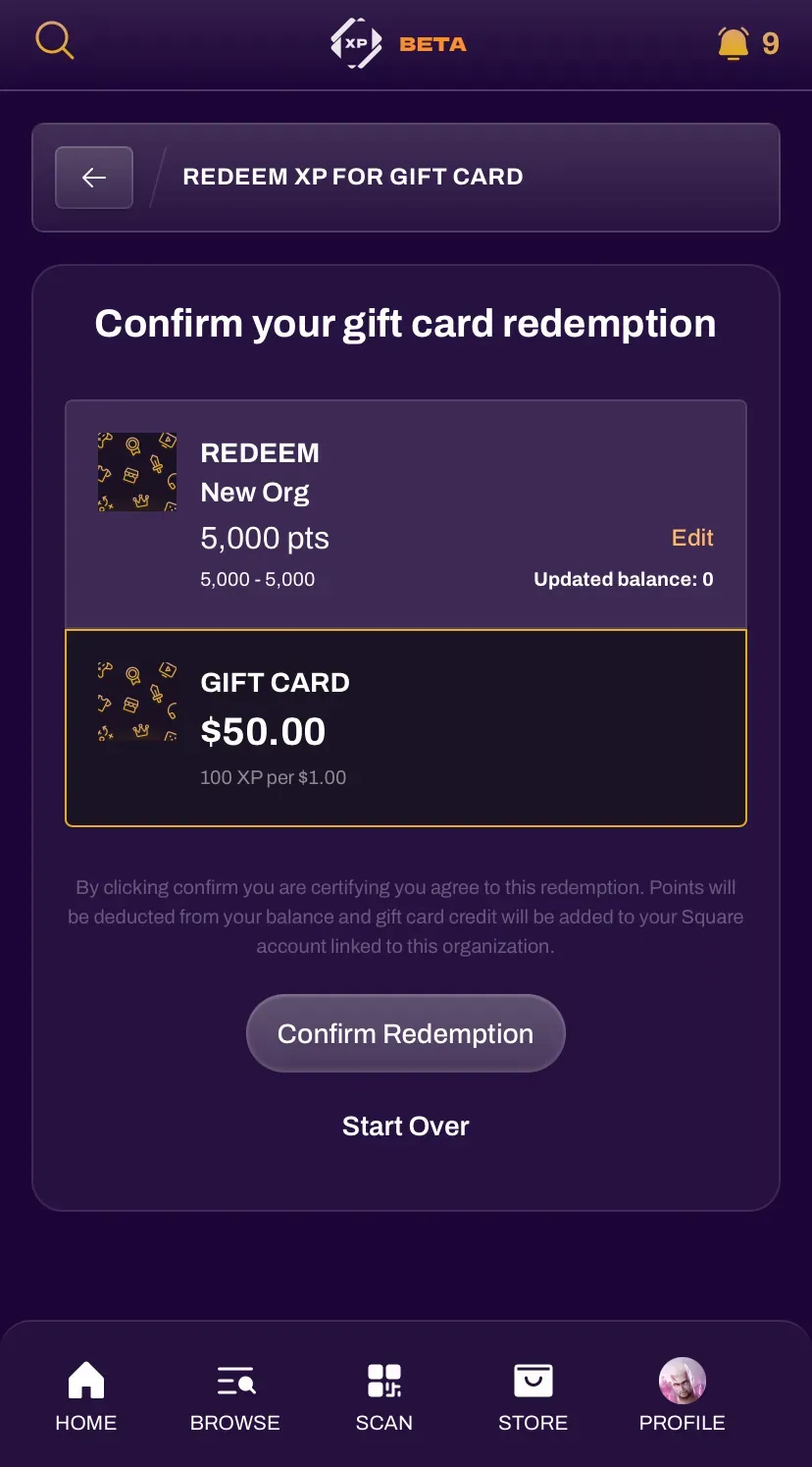
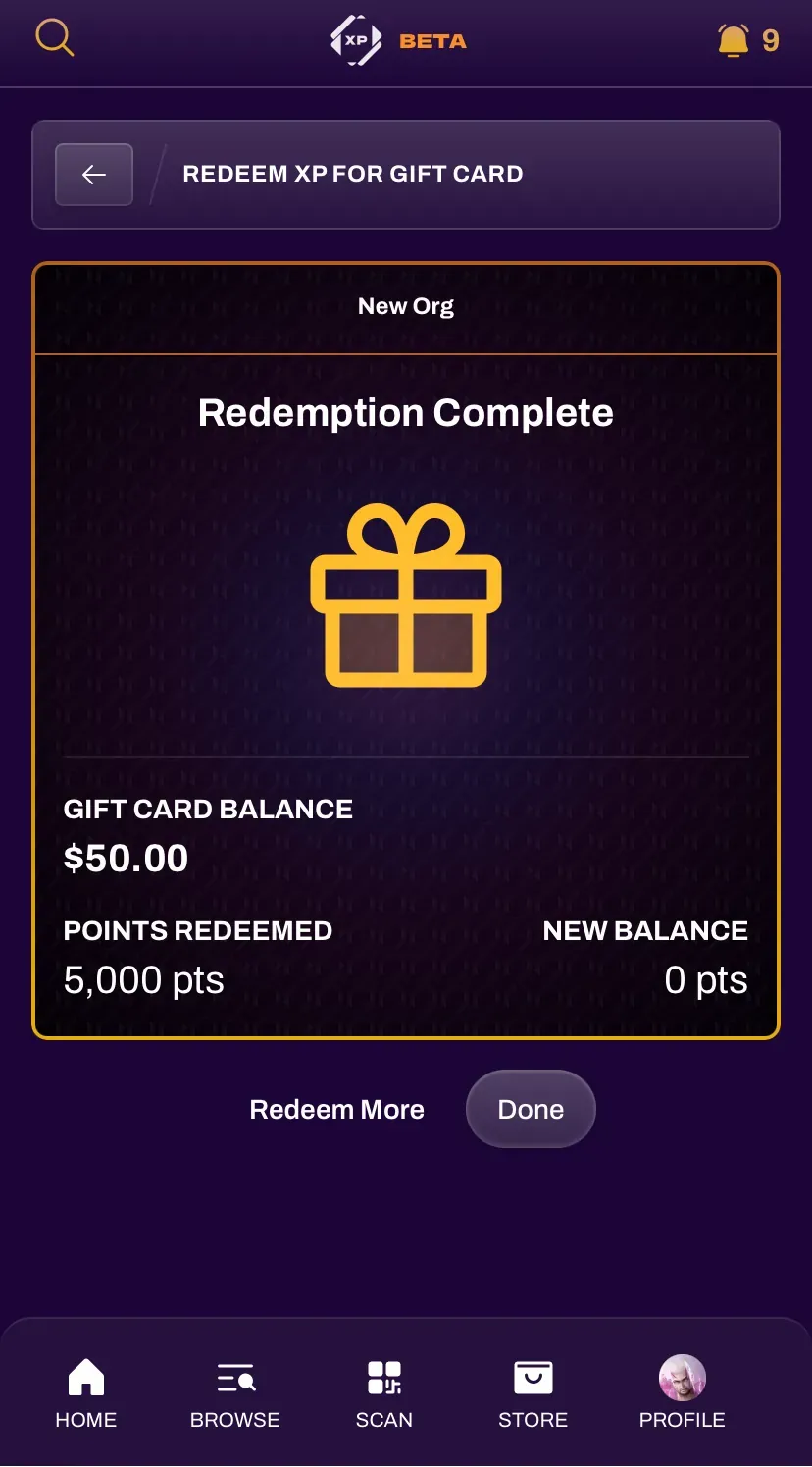
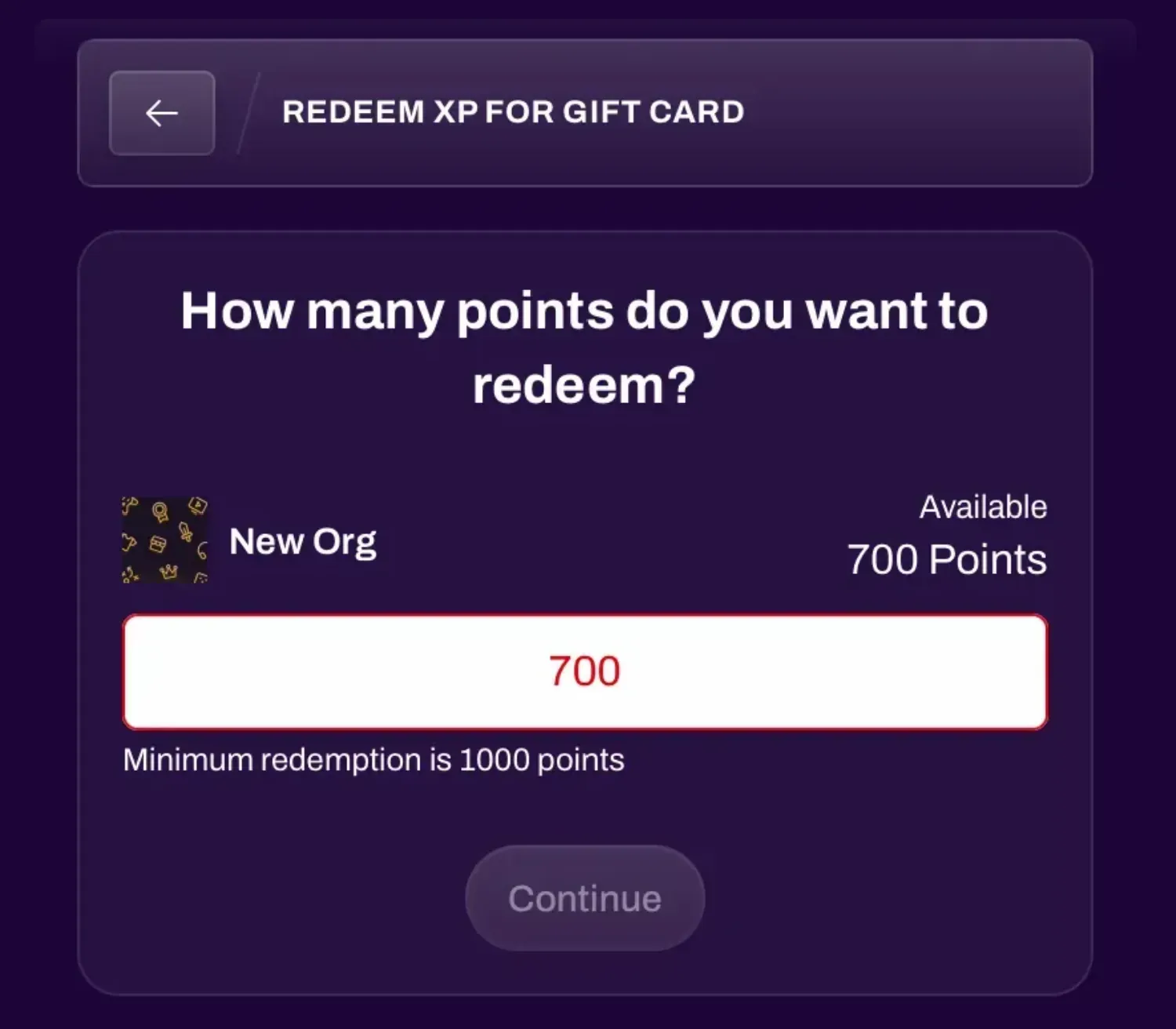
A store using the Square integration may set a minimum XP required to redeem for a gift card.
Transferring Points
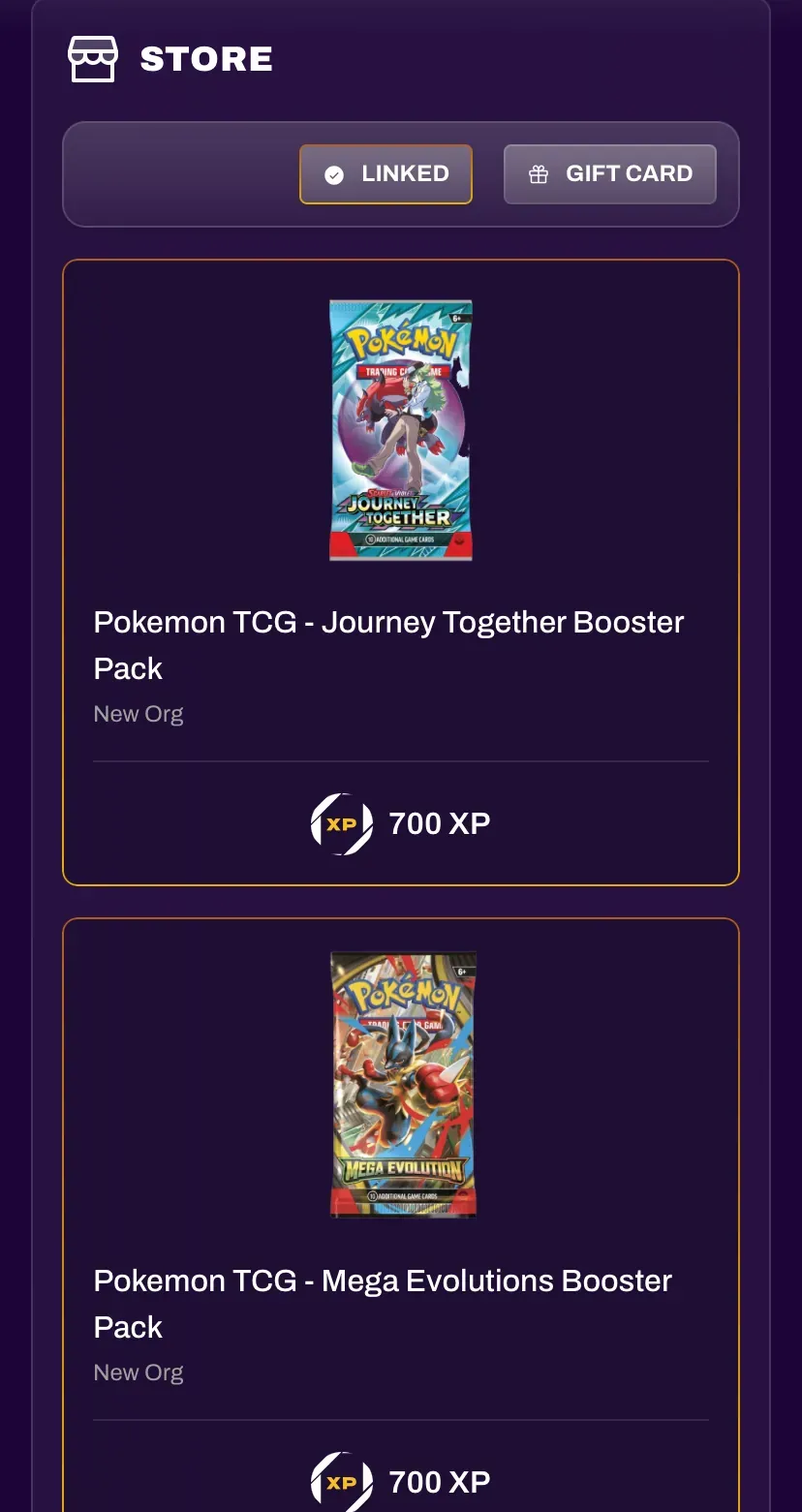
Section titled “Transferring Points”All XP can be used on the universal XP Network store, regardless of the organization it came from. Products on this store may be affiliate items, or limited edition items that require much higher point totals, ideally encouraging XP to be spent with its own organization instead.
You can transfer points to the XP Network store by navigating to the store and selecting Transfer Points.
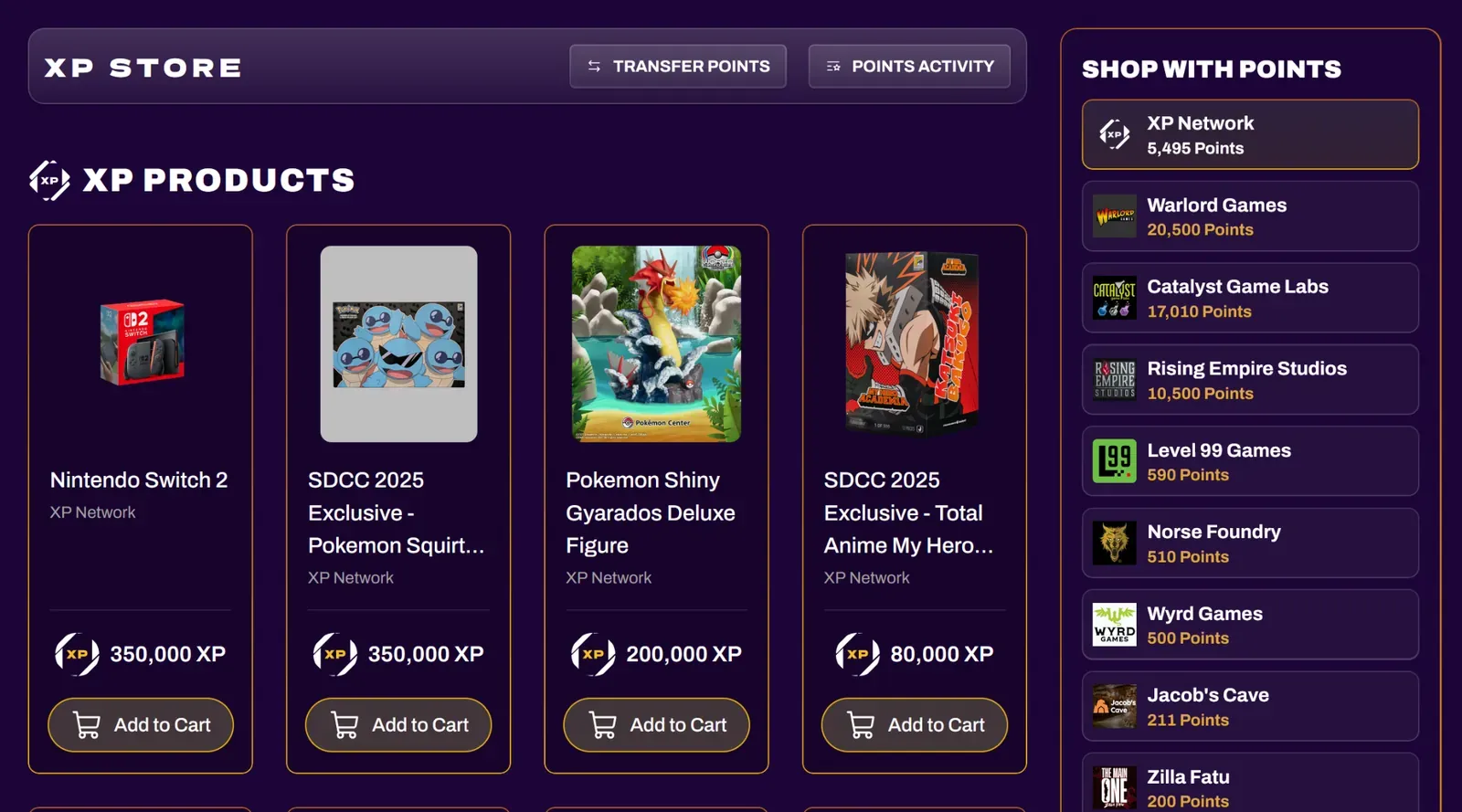
From there, you can select points from any organization and transfer them to your XP Network store balance.
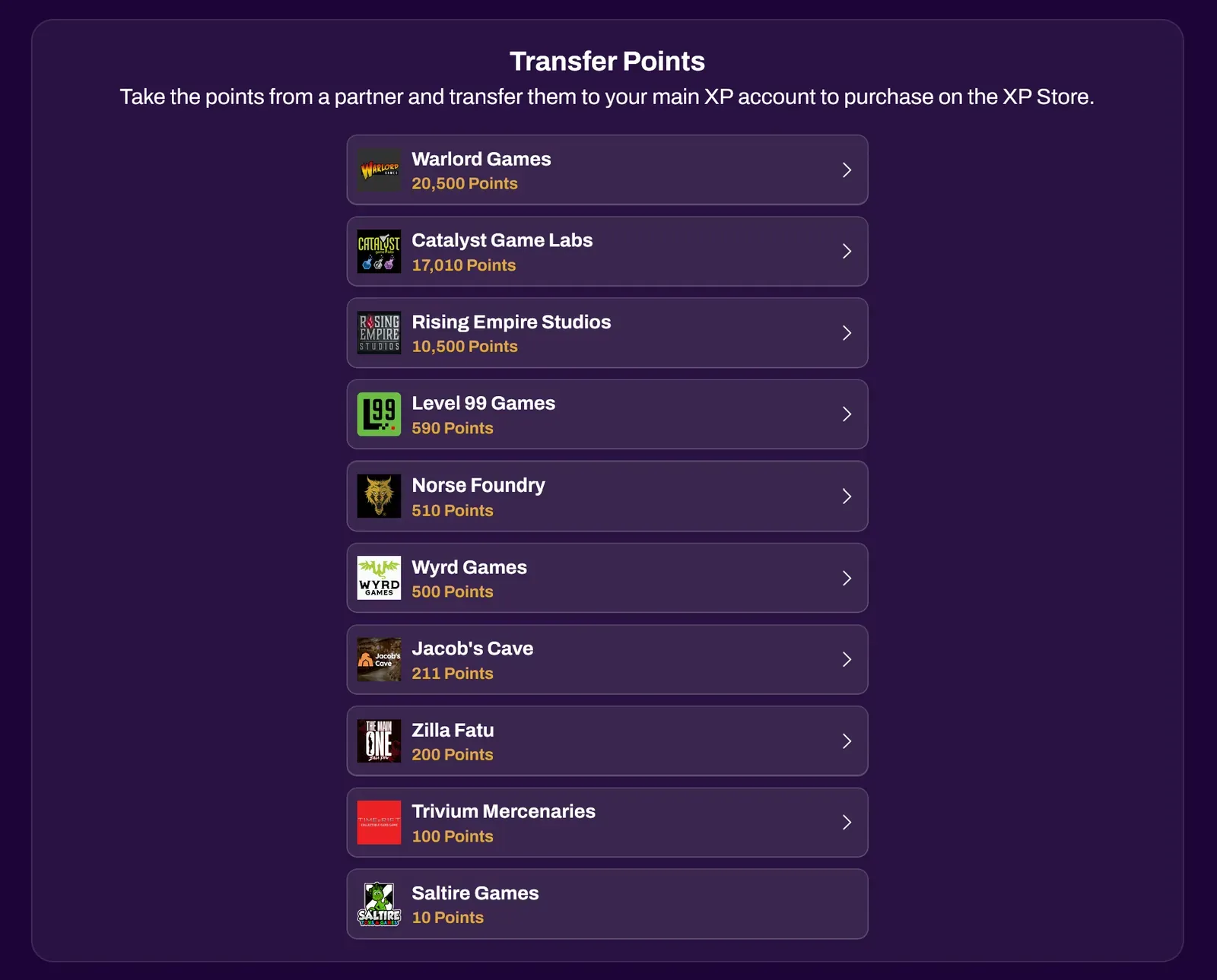
Transfer requires a minimum of 100 points.

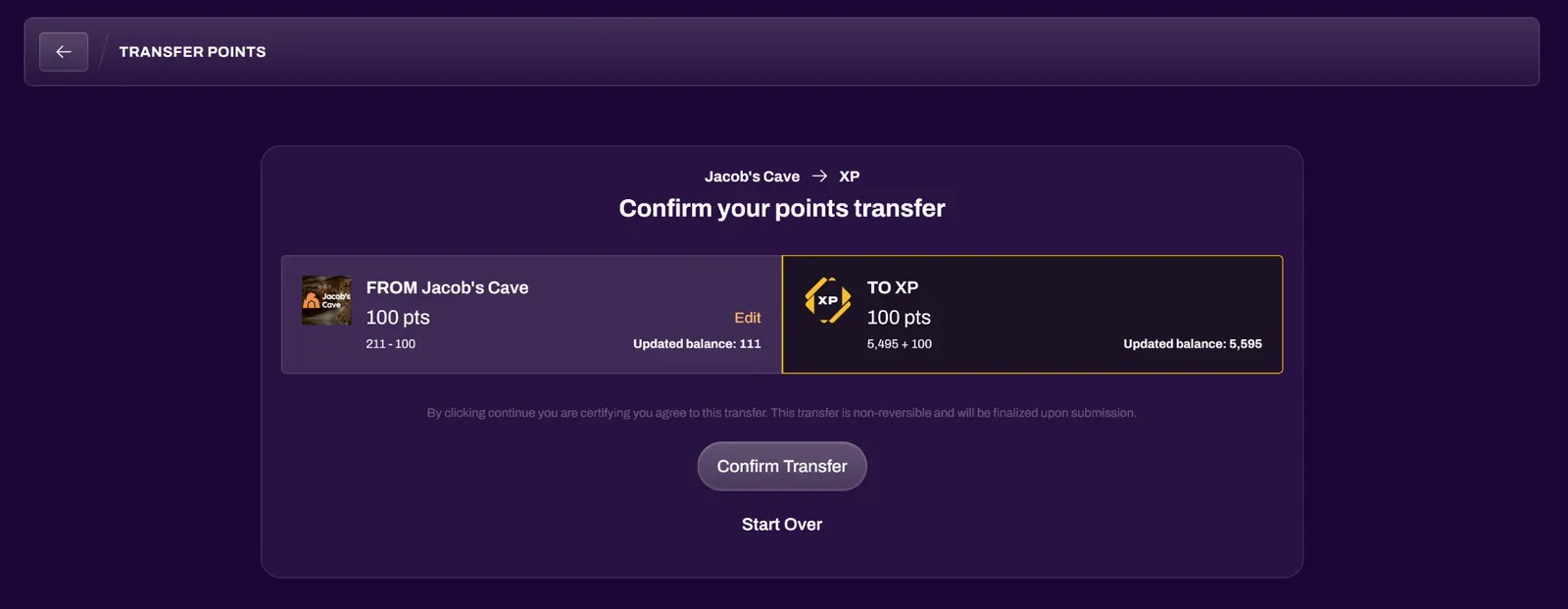
Review the points transfer and select Confirm Transfer. Transfers are non-reversible and will be finalized upon submission.