Setting Up Payments
Setting up Stripe allows you to accept payments for paid events quickly and securely through your organization. While connecting Stripe is optional, it is required if you plan to sell tickets or charge for registrations. If you are only hosting free events, you can get started right away without completing this step.
Linking Your Stripe Account
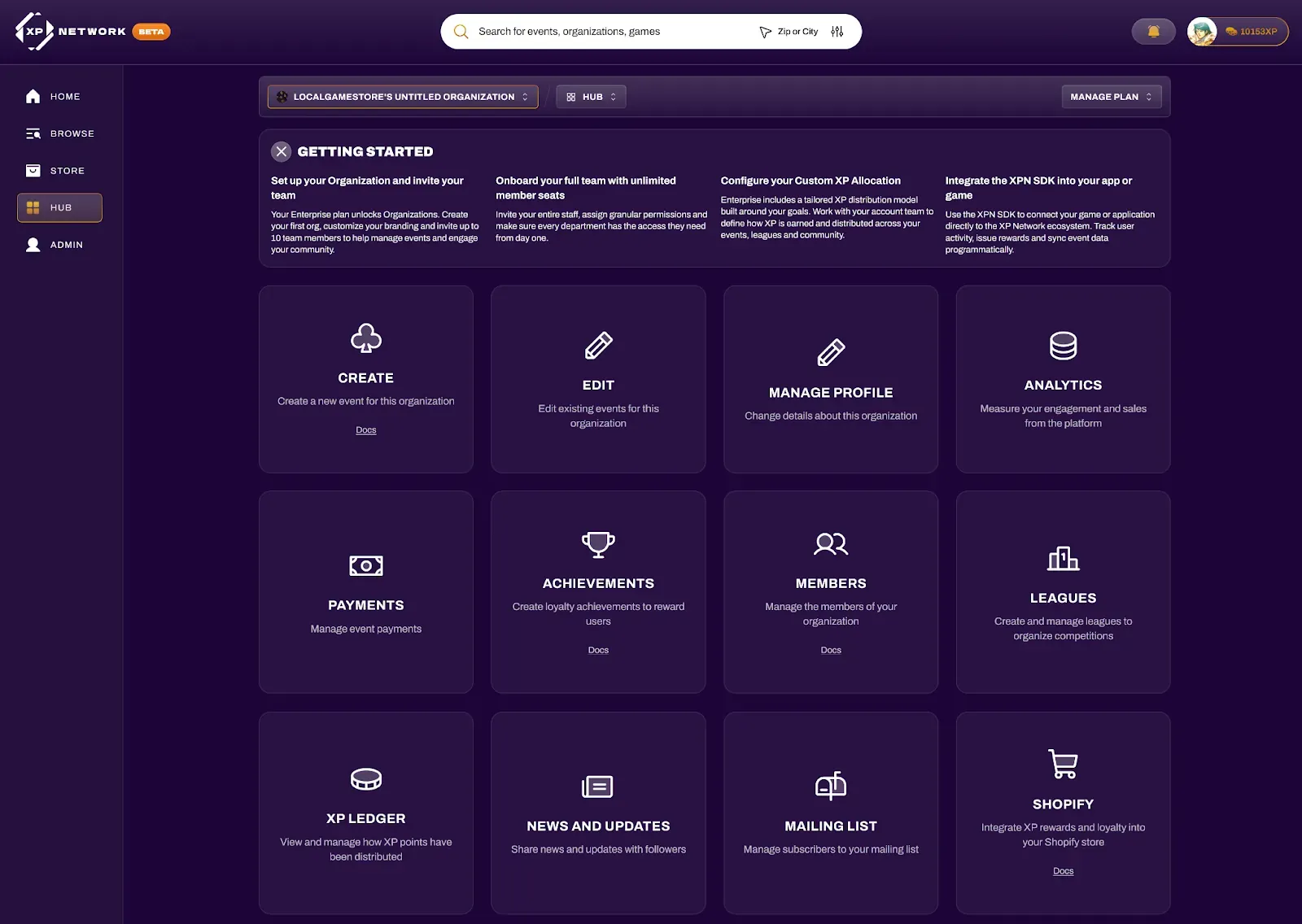
Section titled “Linking Your Stripe Account”Link your Stripe account from your Hub by selecting your organization from the dropdown and navigating to Payments.
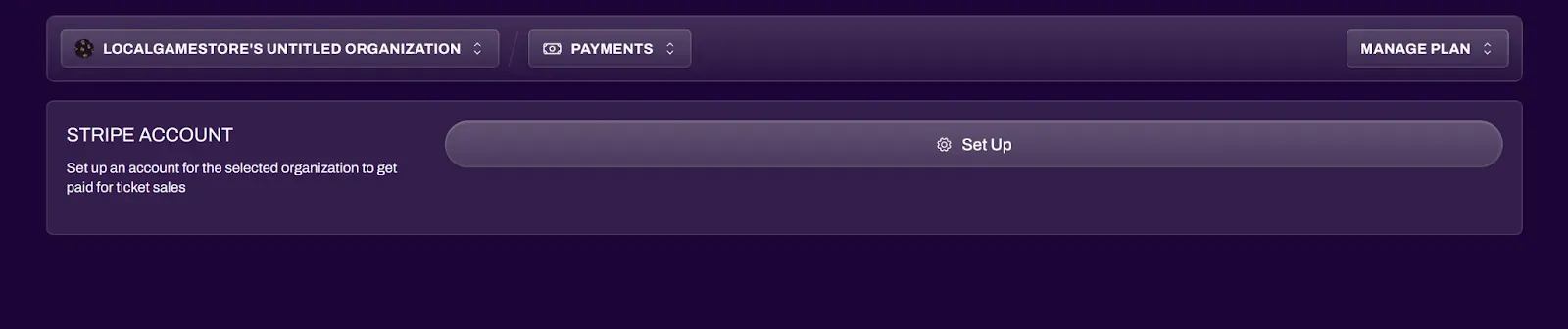
Select the Set Up button to start the setup process. This will redirect you to Stripe where you can finish linking your Stripe account.
After Linking
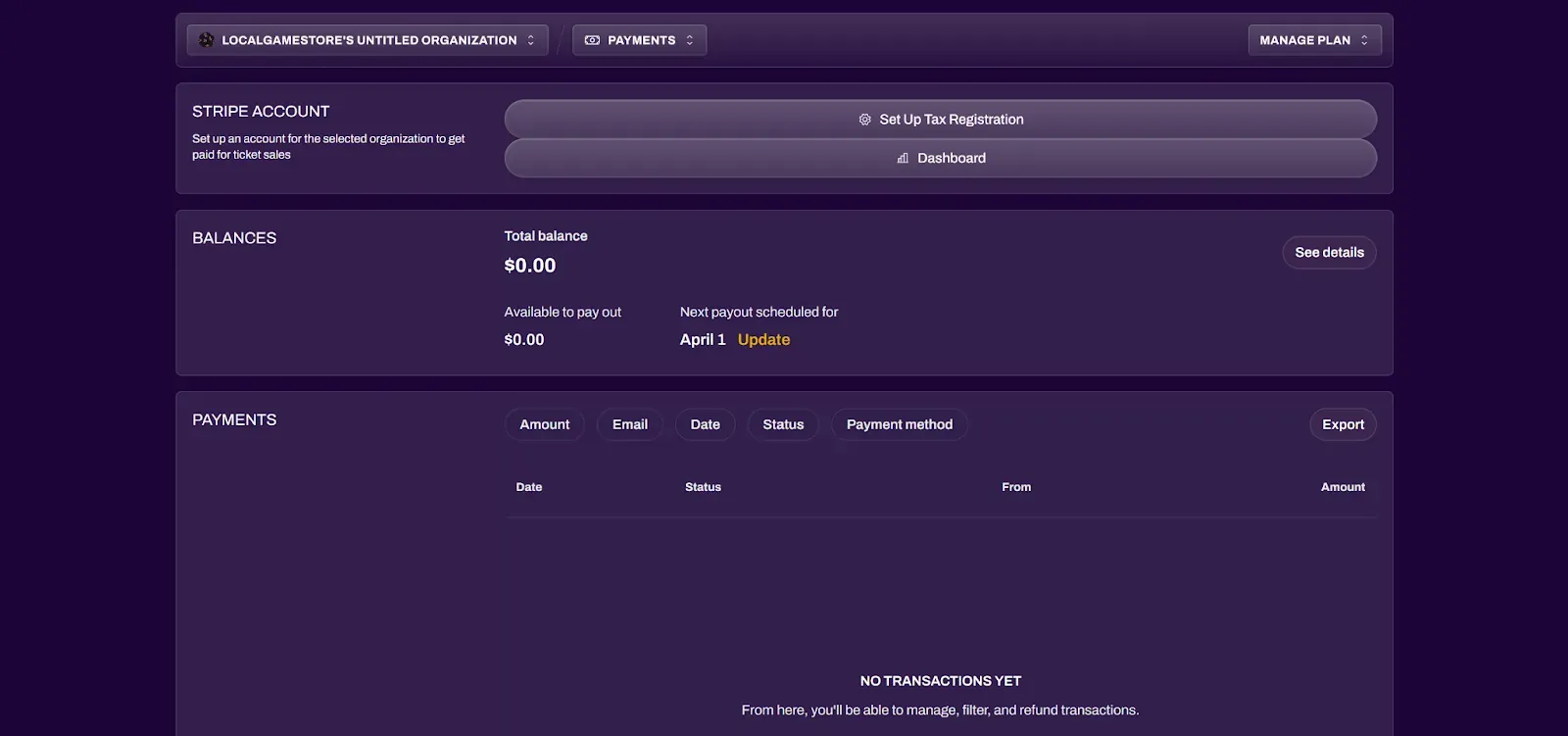
Section titled “After Linking”After successfully linking your Stripe account, your Payments section will reflect and mirror some information from Stripe. Full details should still be accessed through your account on Stripe.com.
Free Events Supported
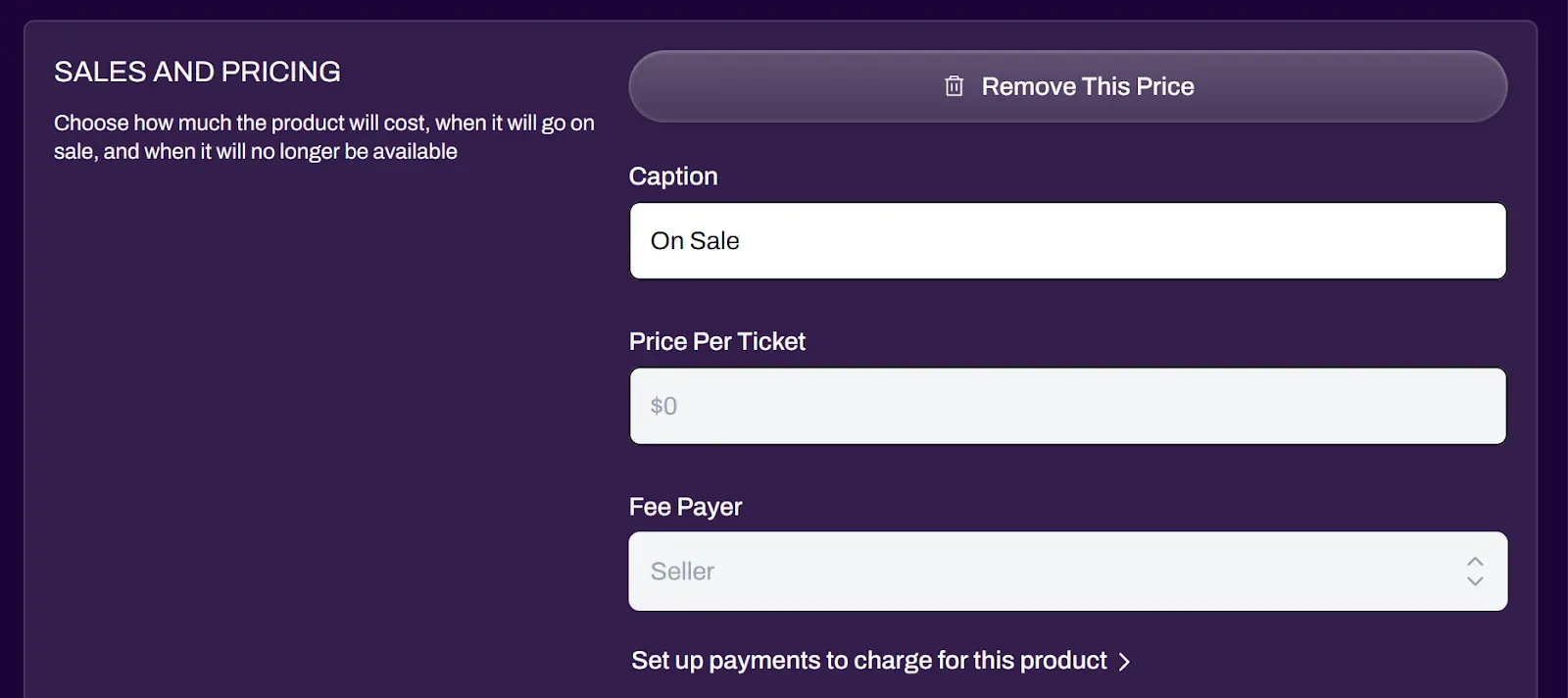
Section titled “Free Events Supported”Linking Stripe is optional. However, your ticket prices for your events will be locked to $0 until you link your Stripe account. You can still host free events with free ticketing without linking Stripe.