Achievements and XP
Organizations have the ability to create custom achievements and award them to users across the platform.
Creating Achievements
Section titled “Creating Achievements”-
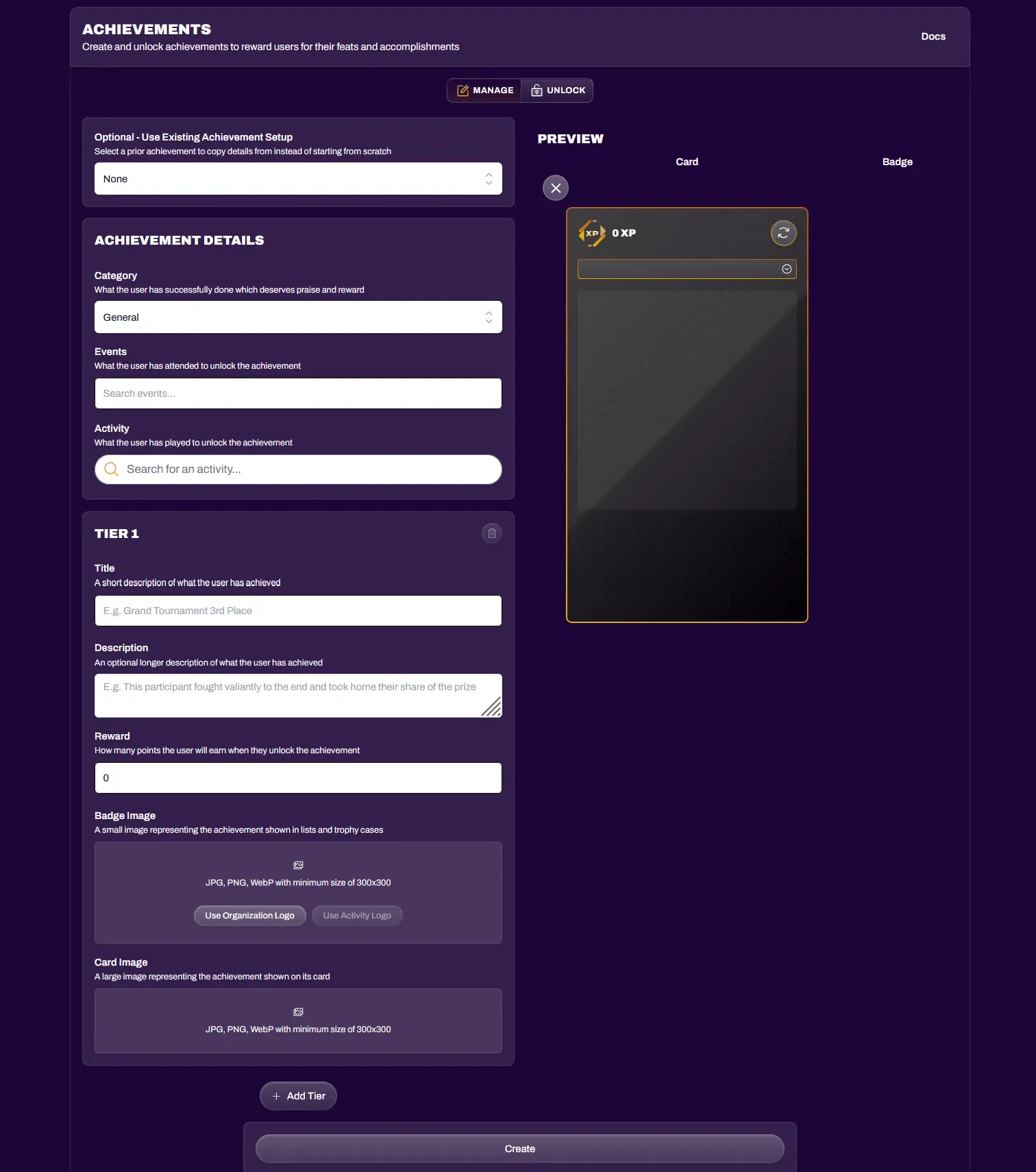
Navigate to your Hub and select the Achievements tab.
-
Select Create to start the achievement creation process.
-
You can name the achievement and assign an XP value.
-
You can attach an achievement to any of your existing published events, which will create an Achievements tab next to the Event Details, showcasing the achievements associated with that event.
-
Achievement image dimensions are 1:1 (square). The Badge image is what shows up on linked event pages and in a user’s Trophy Case. The Card image is what shows up when the achievement is viewed in full size and detail.
-
If your organization has the Tiered Achievements permission enabled (Pro plan or higher), you can add multiple tiers to the achievement, representing the ability to level up the achievement. You can customize each tier with its own image and XP value.
Editing Achievements
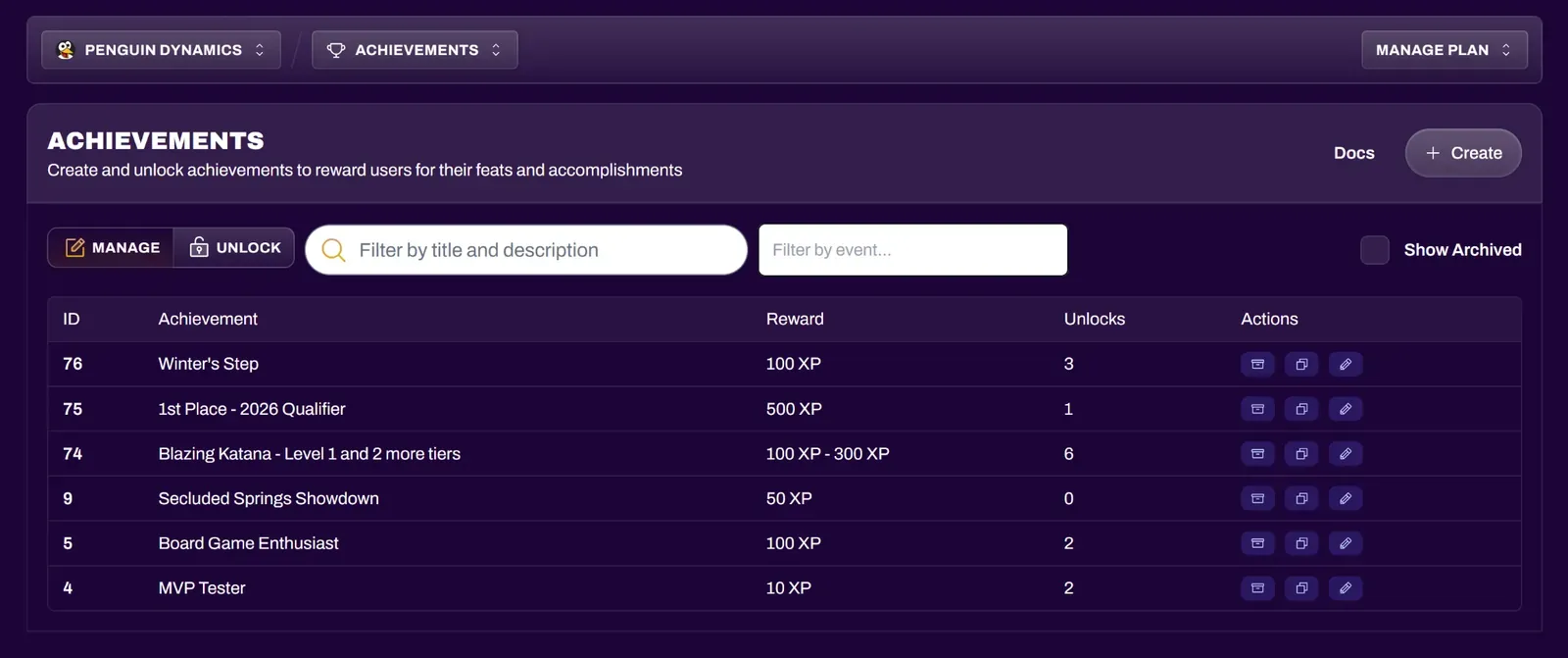
Section titled “Editing Achievements”You are able to edit achievements after creating them. Changing their XP value will not add or take away XP from users who have already unlocked that achievement. You can also search your achievements through title, description, or by event.
Changing the achievement badge or card images will update the image(s) for that achievement in existing events and trophy cases.
Unlocking Achievements
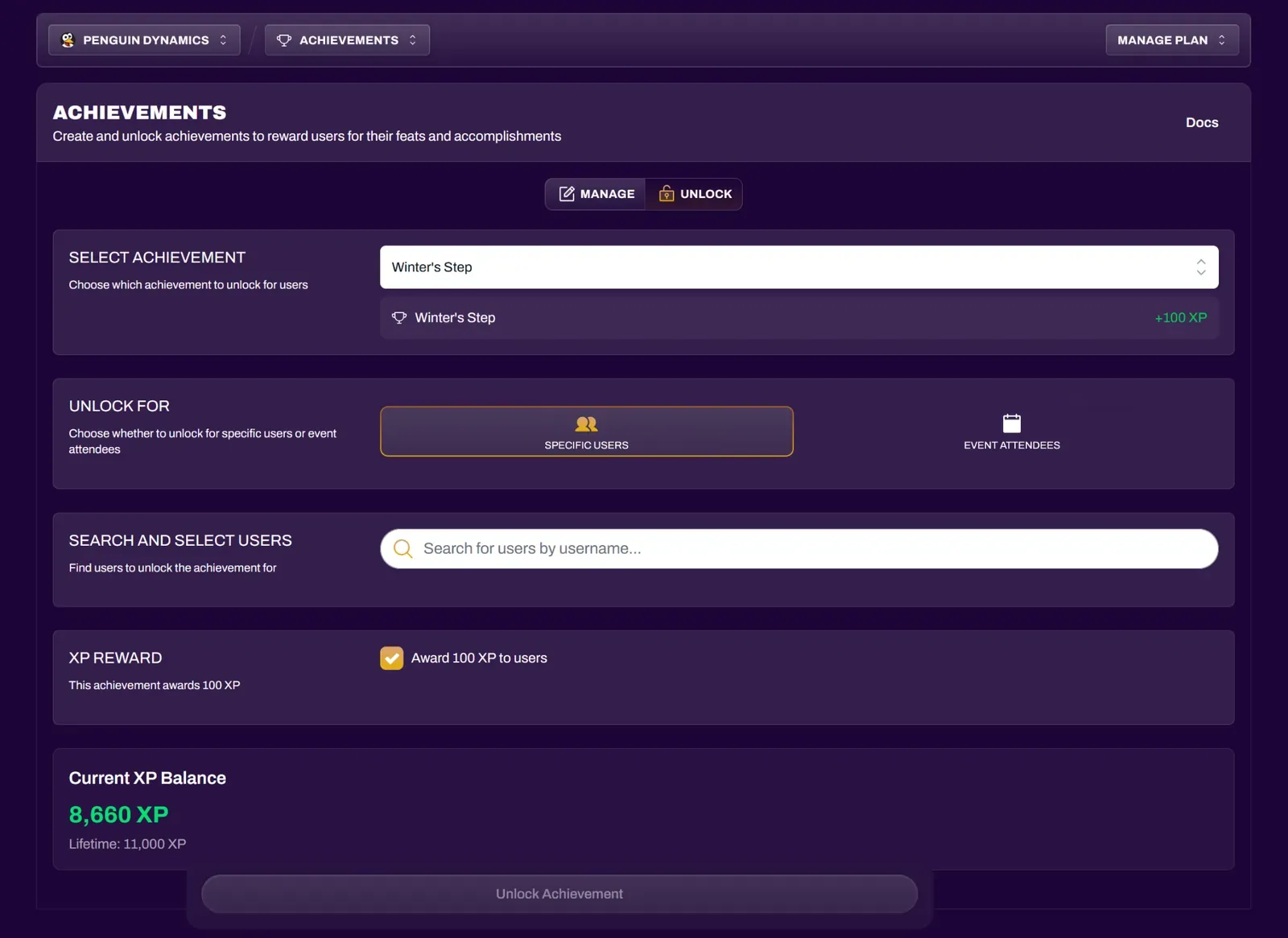
Section titled “Unlocking Achievements”Org Owners and Treasurers can manually unlock achievements for individual users, or batch unlock them for all event attendees in one of their events. You also have the option to toggle off the XP when awarding the achievement, if you wish to award an achievement without the XP.
Archiving Achievements
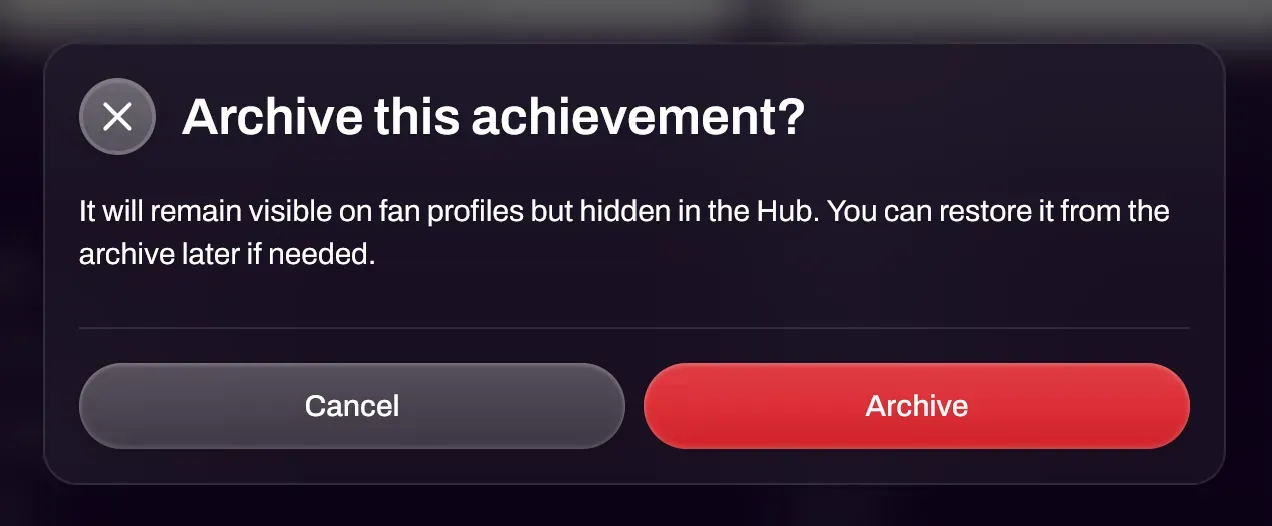
Section titled “Archiving Achievements”You can archive achievements you no longer use to help clean up your achievement interface. Simply select the Archive button to hide the achievement from your default achievement manager view. Archiving an achievement will prevent it from showing up in the Unlock tab.
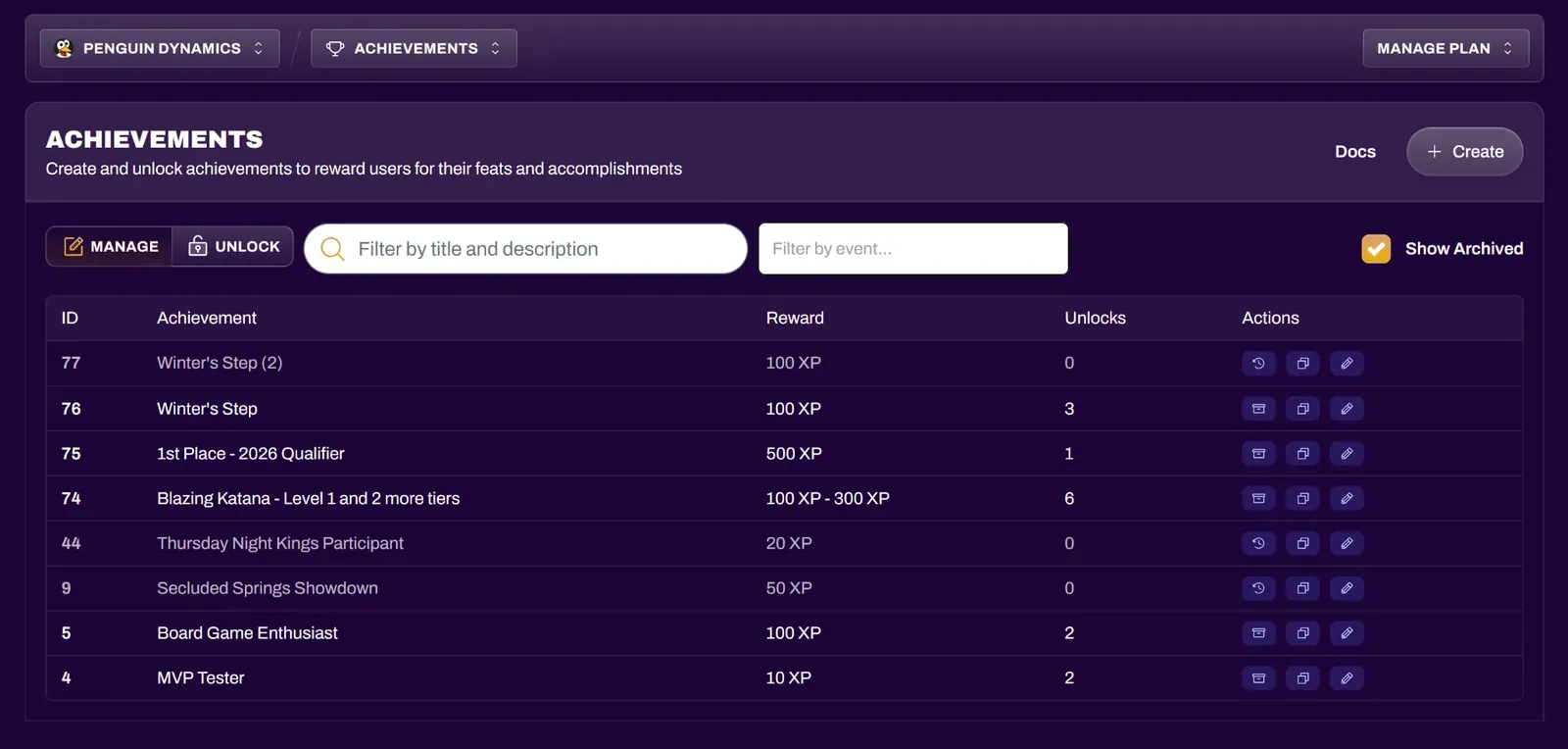
If you wish to unarchive an achievement, select Show Archived and then select the Restore button on the desired achievement to unarchive it.